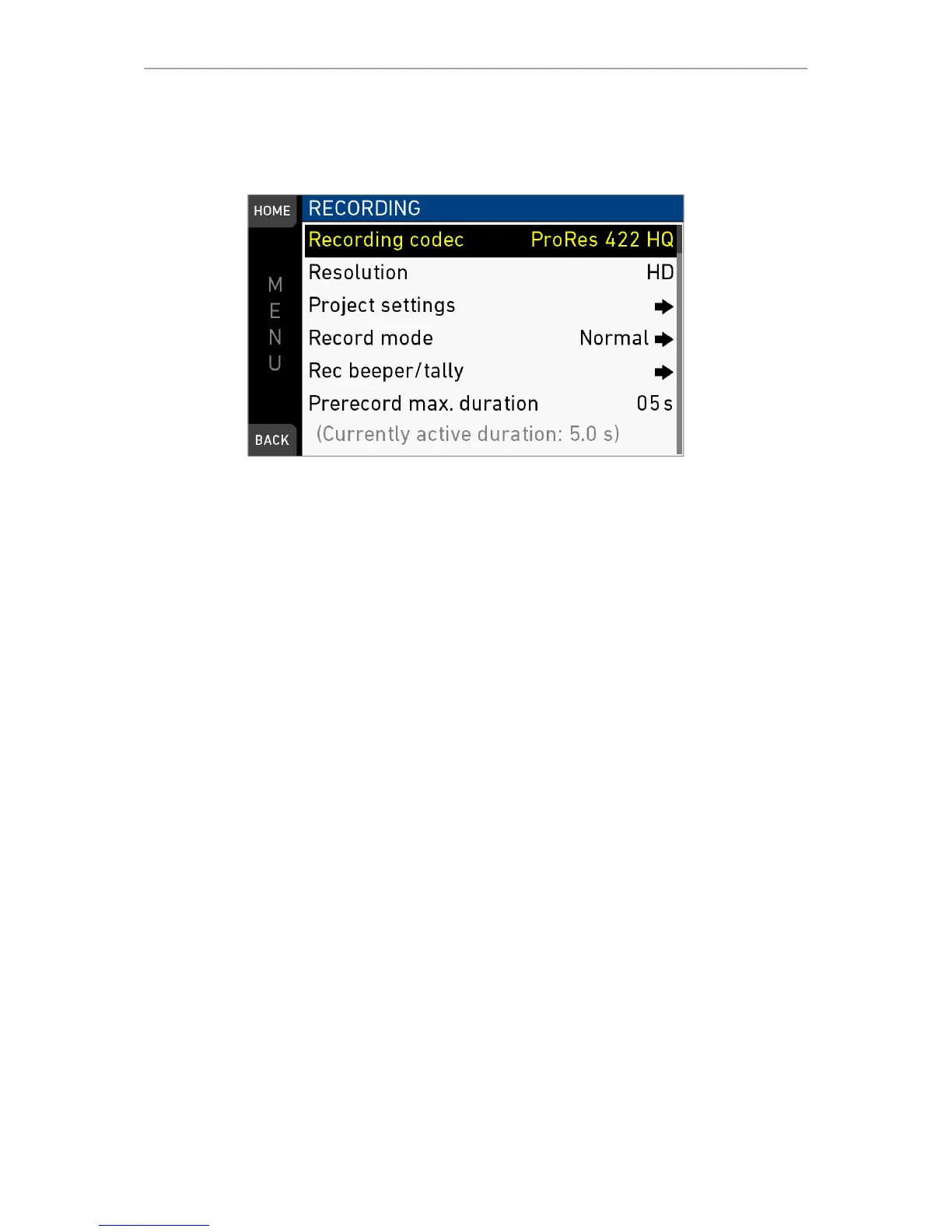
102 MENU > Recording
15 MENU > Recording
15.1 Recording Codec
MENU > Recording > Recording codec
Allows you to select one of the following recording codecs:
Recording codec
ProRes 422 LT
ProRes 422
ProRes 422 HQ
ProRes 4444
ProRes 4444 XQ
Color coding
10 bit YCbCr
10 bit YCbCr
10 bit YCbCr
12 bit RGB
12 bit RGB
Bit rate *
90 Mb/s
125 Mb/s
185 Mb/s
280 Mb/s
420 Mb/s
*24 fps, 1920x1080
15.2 Resolution
MENU > Recording > Resolution.
Toggles between the following recording resolutions:
HD: records images in 1920x1080 resolution.
2K: records images in 2048x1152 resolution.
3.2K: records images in 3200x1800 resolution.
4K UHD: records images in 3840x2160 resolution.
Note: Changing between HD/2K and 3.2K/4K UHD or vice versa requires a SW
reload. The reload must be confirmed by the user before it is performed. A popup
informs the user about camera settings that must be changed when relaoding. The
monitor shows the homescreen when the reboot is finished.



 To Next Page