Home screen 67
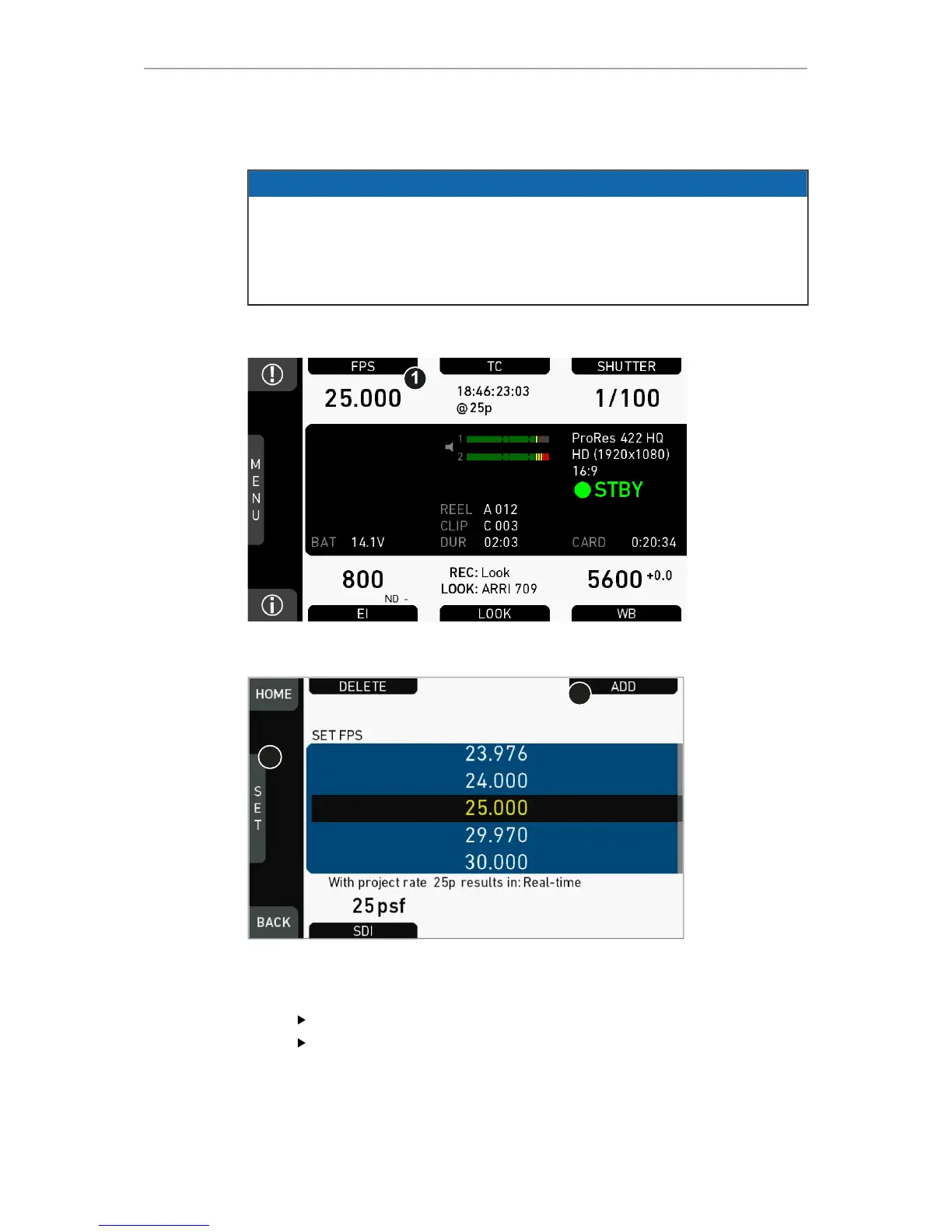
13.4 FPS settings
NOTICE
Always use CFast 2.0 cards with maximum write rates. 60-GB cards are slower
than 120-GB cards and may limit the fps (depending on the currently set codec).
The maximum possible frame rate may be limited by the set recording codec,
recording resolution and CFAST card model. See user manual appendix for a
detailed list of fps limits.
13.4.1 Setting/adding an FPS value
FPS list
1. Via jogwheel (1), scroll to the required value.
2. Press the wheel (1) to activate the value.
If the value is not listed: Press ADD (2).
Note: ADD is disabled on reaching the maximum number of 16 list entries.



 To Next Page