MENU > Setup 137
19 MENU > Setup
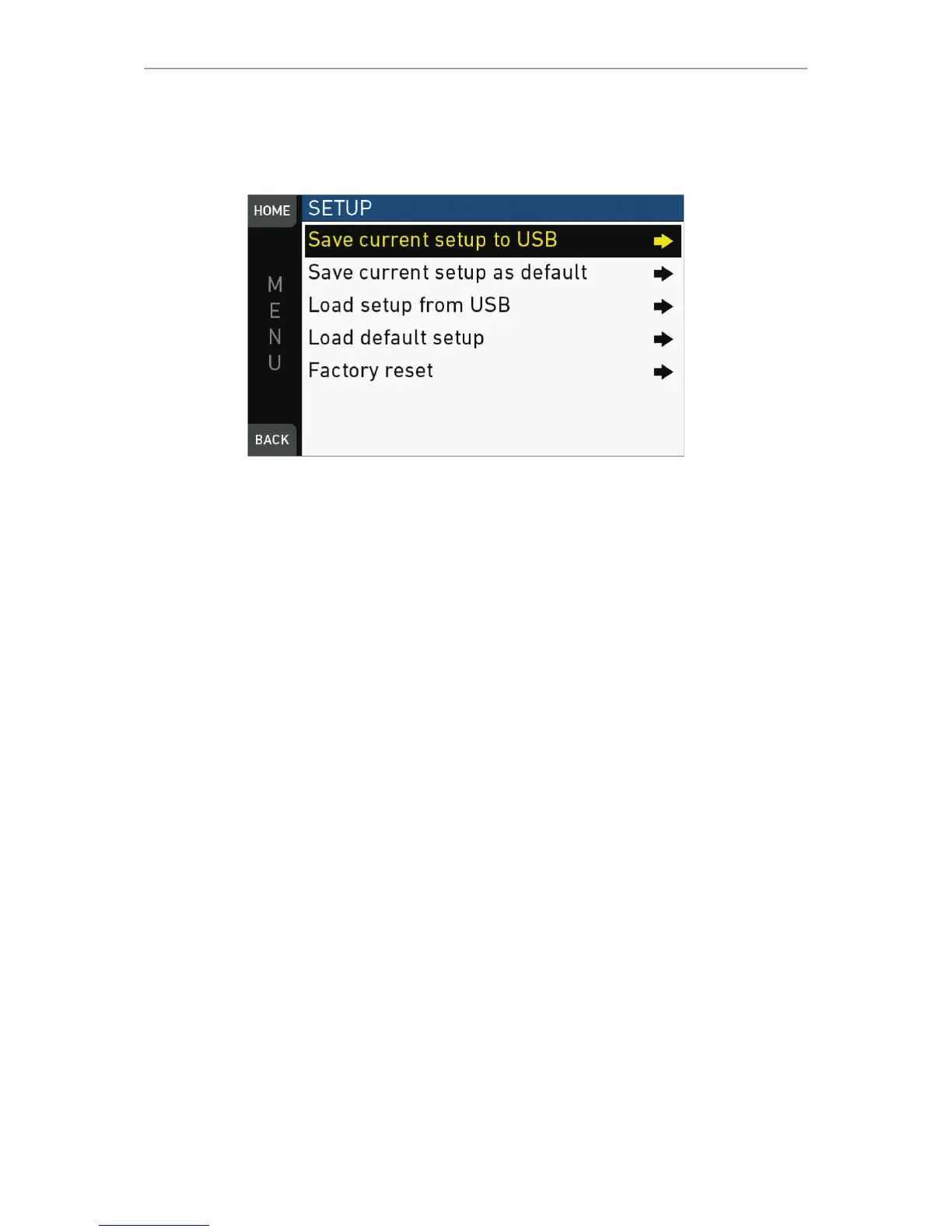
Setups allow you to store/load full camera configurations.
Save current setup to USB: Stores the configuration on the USB stick (ARRI/A-MINI/
SETUPS). You can rename this user setup file beforehand.
Save current setup as default: Stores the current configuration on the camera.
Survives a factory reset. Serves as an alternative to a factory reset if other settings are
required as default.
Load setup from USB: Loads a setup from the USB stick.
Load default setup: Loads the default setup from the camera.
Factory reset: Sets the camera to ARRI factory default values.



 To Next Page