82 Home screen
13.7.4 WB Options
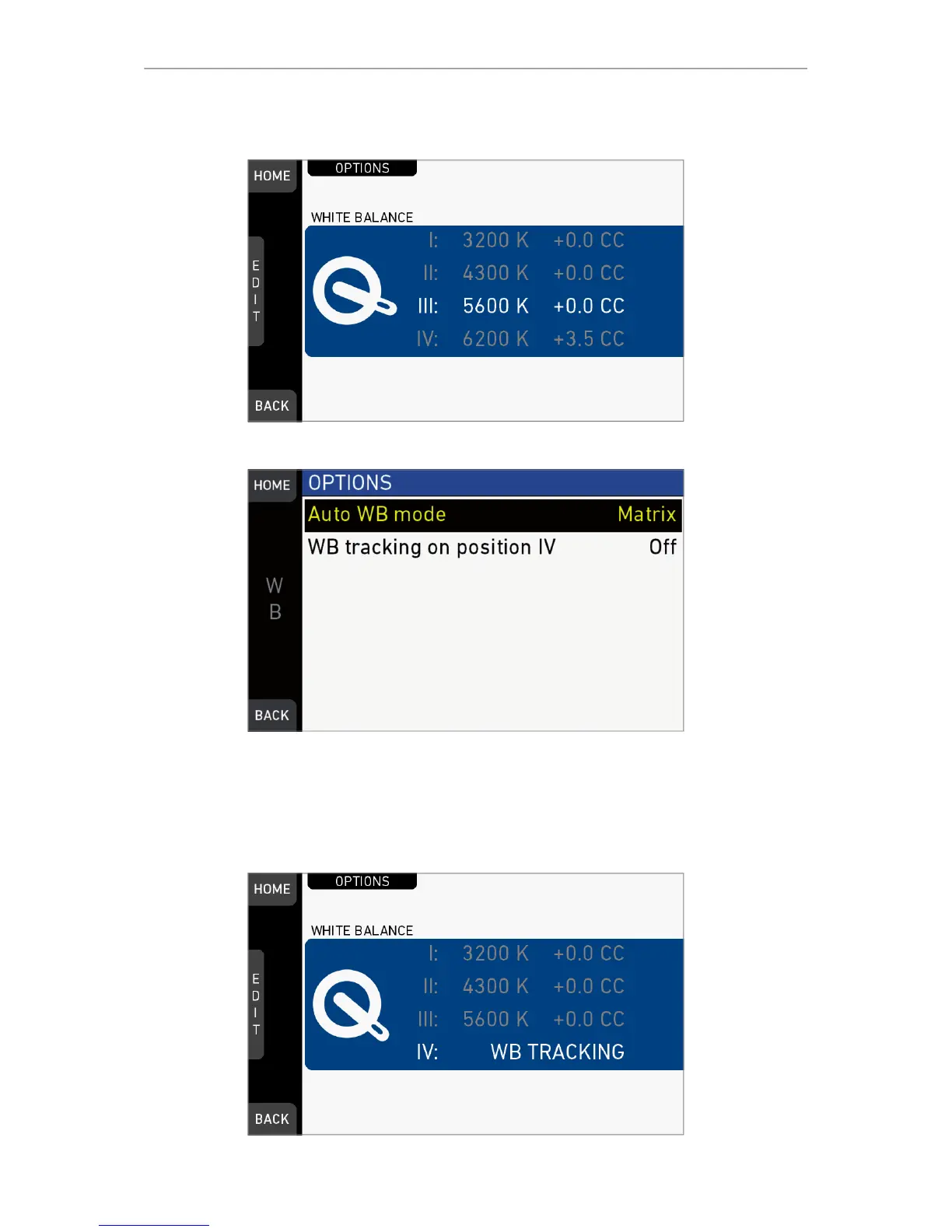
Press OPTIONS on the WB switch screen.
Auto WB mode: Sets the calculation method of auto white balance. "AW auto white
balance button". Matrix analyzes the full image and uses the image part best suited for
WB calculation, while Center uses the image center area only.
WB tracking on position IV: When set to On, moving the WB switch to position IV
activates automatic white balance tracking, where the white balance value is
continuously updatet based on the image scene.
Note: WB tracking always uses Matrix mode for WB calculation.



 To Next Page