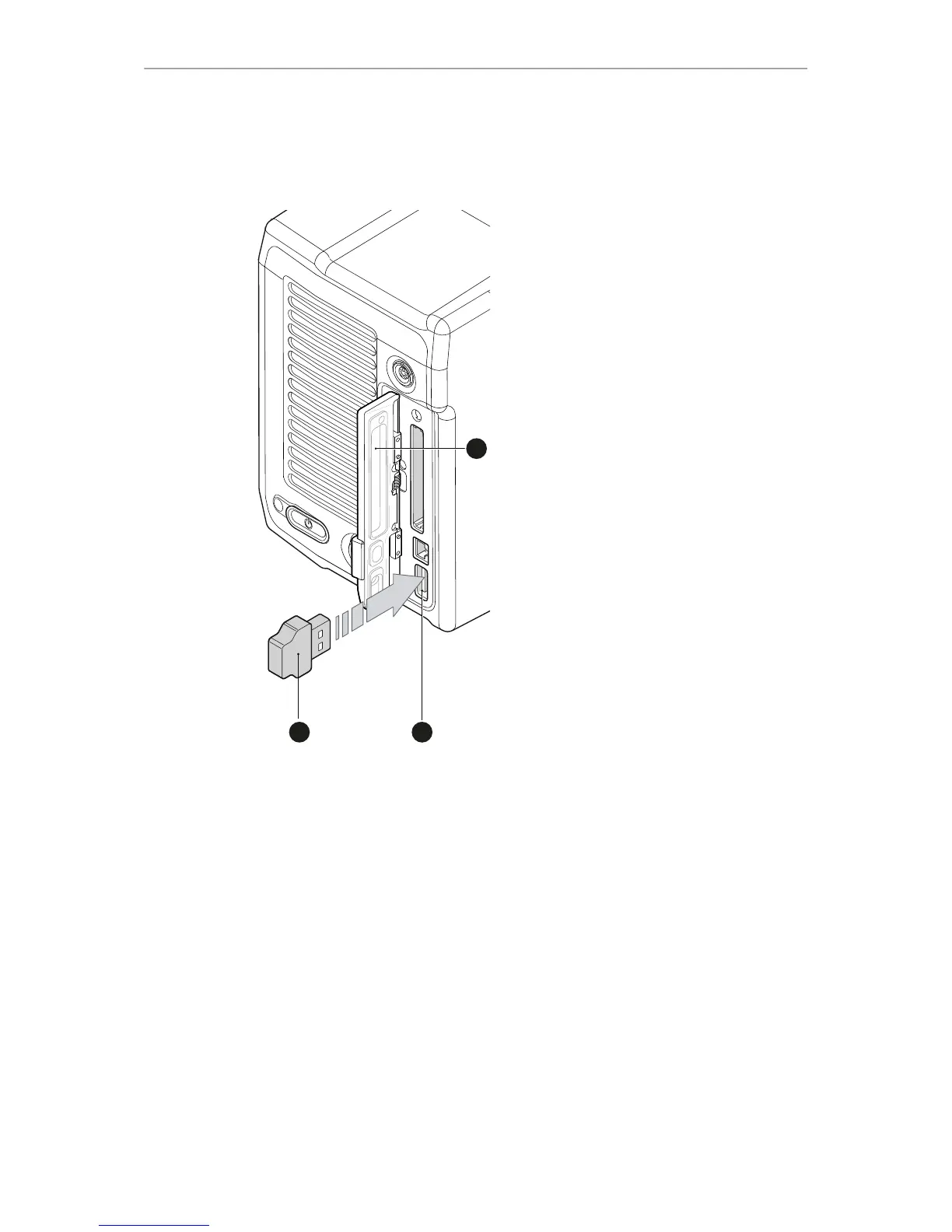
USB memory sticks for the ALEXA Mini must have a specific folder structure which
can be created with the camera.
1. To prepare a USB memory stick: Open the media lid (1).
2. Connect a FAT-formatted USB stick (3) to the camera (2).
3. Note: To avoid file corruption, never remove the USB stick during write access.
4. Via jogwheel, open MENU > Media > Prepare USB medium.



 To Next Page