MENU > Media 109
16 MENU > Media
In the media menu, you can erase the CFast card, delete footage, and prepare correct
ALEXA folders on USB memory sticks.
16.1 Erase CARD
NOTICE
Irreversibly erases all data from the CFast 2.0 card. Requires prior confirmation.
Card ejection during erasure, or interrupting the camera power supply, may render
the card unusable.
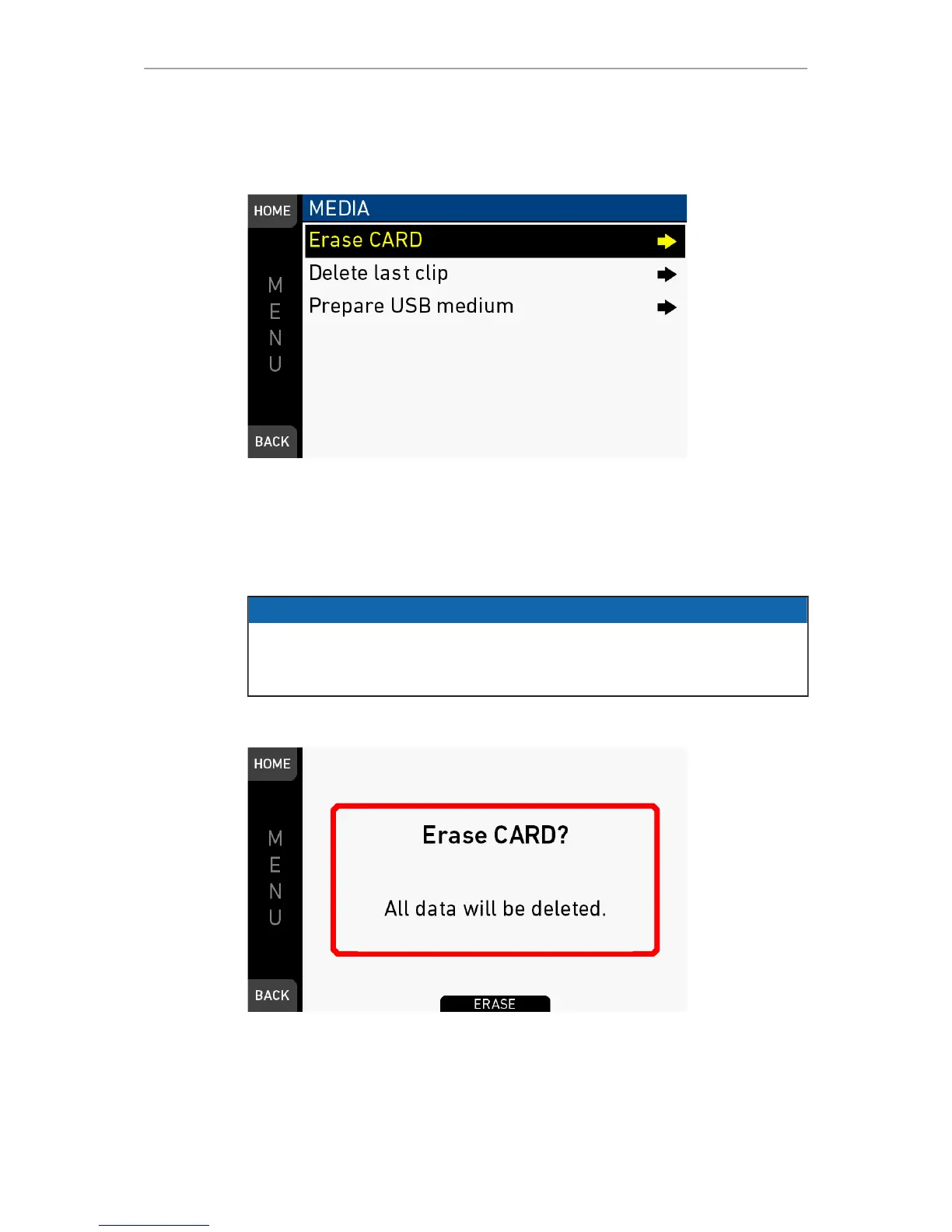
MENU > Media > Erase CARD
1. Via jogwheel, open MENU > Erase CARD.
2. A message asks for your confirmation.
3. Press ERASE (1).



 To Next Page