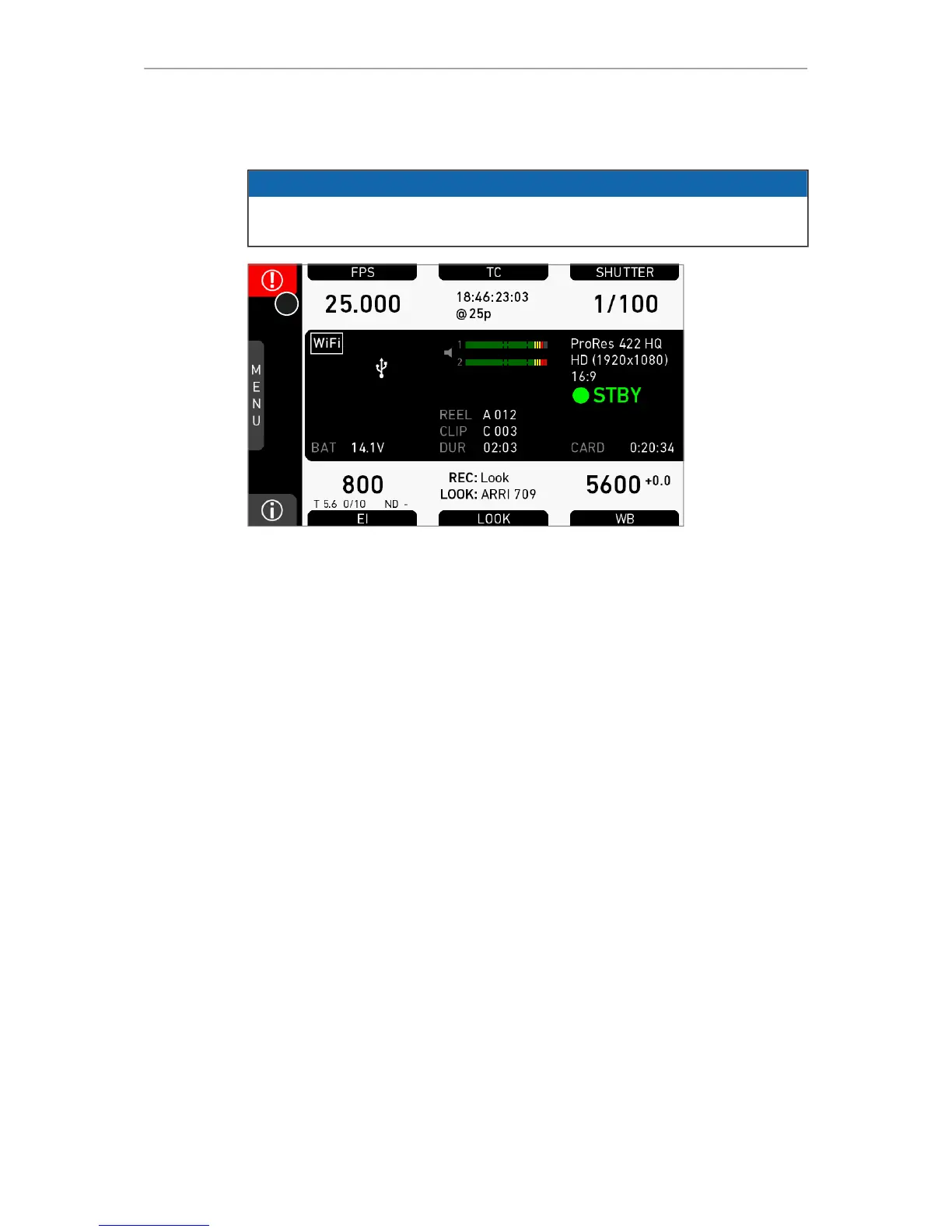
Home screen 61
13.2 ALERT messages
NOTICE
ALERT messages communicate critical system states to the user. They require
immediate action and remain active until the critical state changes back to normal.
1. A red exclamation mark, visible on the homescreen, the monitor, EVF or SDI
overlays (if active), indicates available alert state messages.
2. On the homescreen, press the button with the exclamation mark (1) to access the
pending messages.
3. The icon will turn grey when the alert state is no longer valid.



 To Next Page