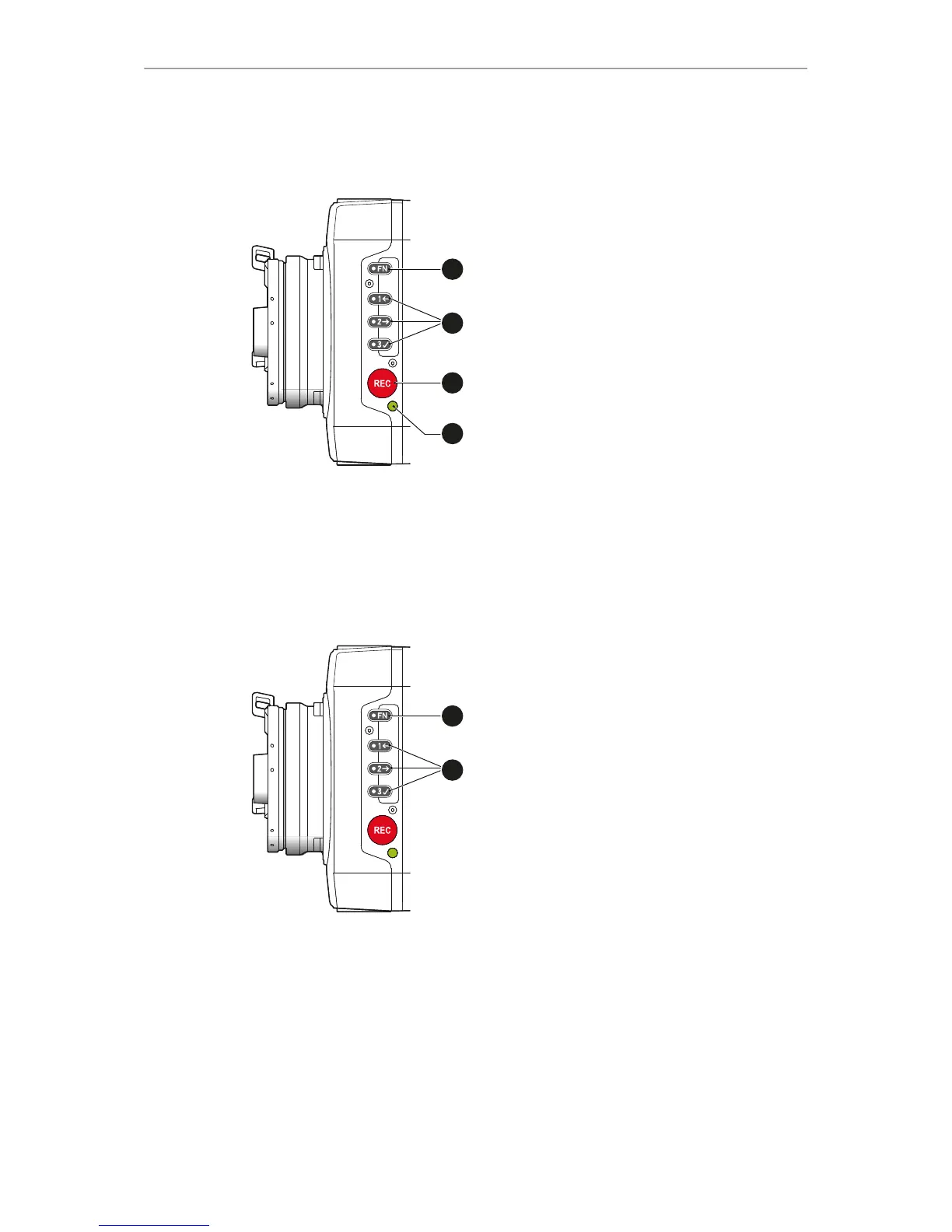
1 Function button with status LED
2 Camera buttons 1-3 with status LEDs
3 Recording button
4 Recording status LED
9.1 Function button FN and camera buttons 1-3
Camera buttons as user buttons:
By default, the camera buttons 1-3 function as user buttons.
1. In the camera menu (MENU > Camera user buttons), set the desired functions to
the user buttons.
The functions are assigned to the user buttons.
2. Press a user button (2) to trigger its function.
Depending on the assigned user button function, the LED reflects the function
state.



 To Next Page