38 Camera controls
Camera buttons to control standard camera functions:
► Press and hold the function button (1); then press a camera button (2). If a
simultaneous press cannot be performed, the FN button can be pressed twice
within 0.5 seconds to bring the camera buttons into function selection mode for 2
seconds. During these two seconds, pressing a camera button will de-/activate its
assigned function.
The LED of the FN button reflects that a standard function is active. An LED on
each button reflects the functional status.
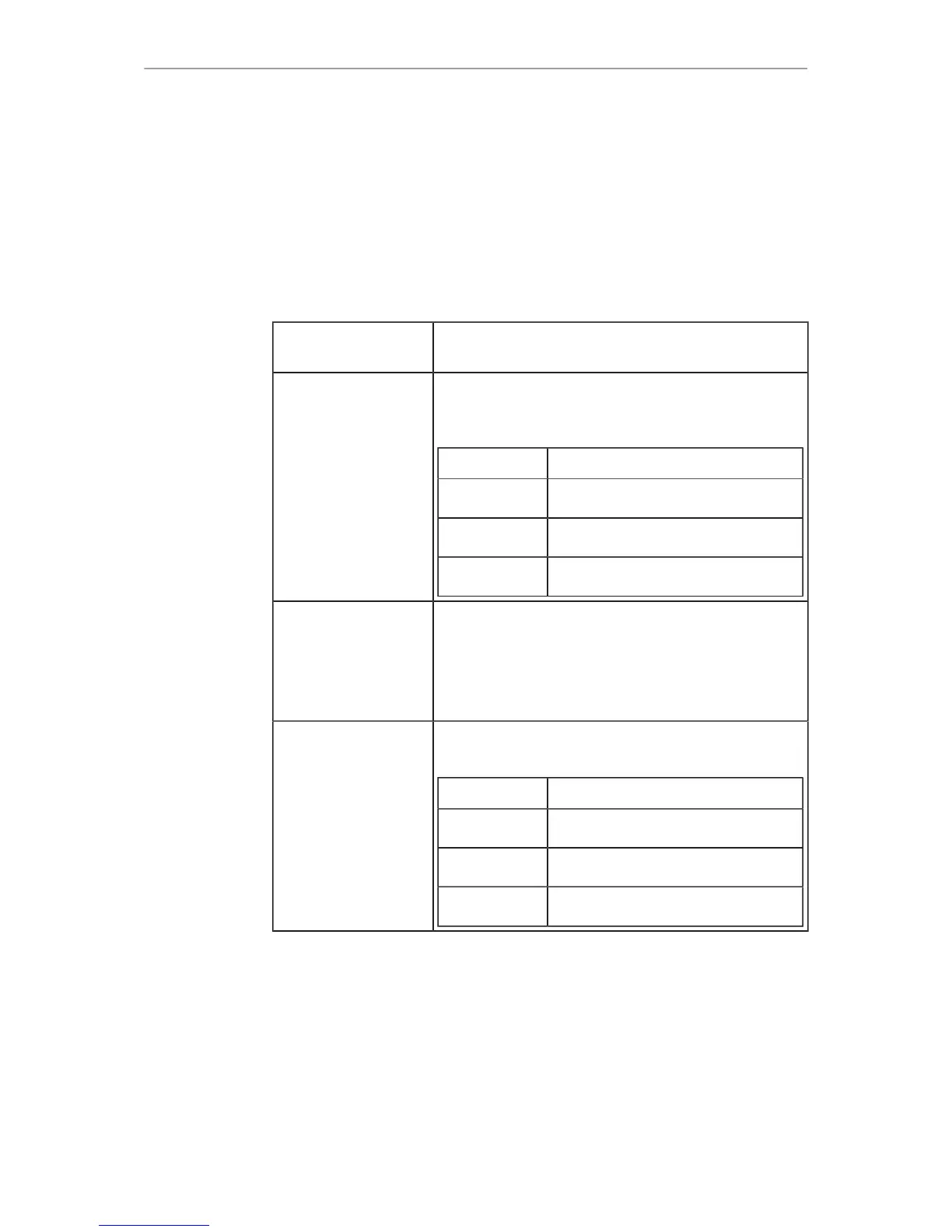
The following standard functions can be triggered:
Function button &
camera button
Function
1 Toggles the overlay menu of the Live view. In the
overlay menu, the camera buttons control the follow-
ing functions:
User button Function
1 Select Backward
2 Select Forward
3 Confirm
2 Arms the card erase. To trigger the card erase, press
user button 3 twice.
Any other button can be pressed to cancel the action.
After the erase, the overlay can be reset by pressing
any button.
3 Starts/stops the playback. During playback, the cam-
era buttons control the following functions:
User button Function
1 Skip Backward
2 Skip Forward
3 Play/Pause



 To Next Page