120 MENU > Monitoring
17.2 SDI
MENU > Monitoring > SDI
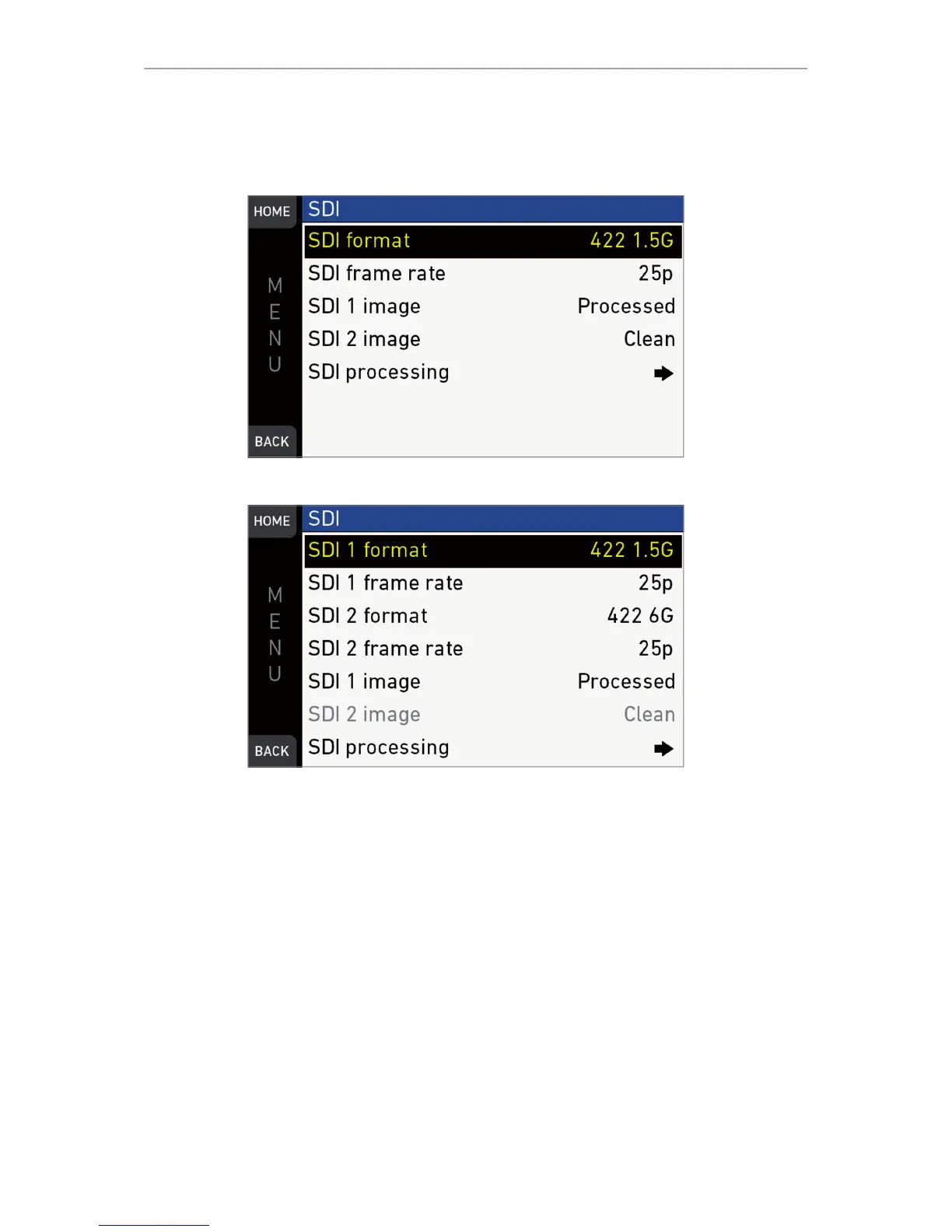
UHD mode: MENU > Monitoring > SDI *
Configures the SDI outputs (based on 1920x1080 image raster).
In 4K UHD and 3.2K modes, SDI 1 and 2 can be configured independently.
SDI format: Toggles the SDI signal between different formats, sampling structures and
color modes:
•
422 1.5G: 4:2:2, YCbCR, 1920x1080
•
422 3G: 4:2:2, YCbCR, 1920x1080
•
444 3G: 4:4:4, RGB, 1920x1080
•
422 6G: 4:2:2, YCbCr, 3840x2160*
*only in 4K UHD mode on SDI 2.
SDI frame rate: Sets the frame rate together with the scan format on the SDI output.
If the frame rate is lower than the sensor fps, frame drops will occur. If it is higher,
duplicate frames will be output.
The possible scan formats are:



 To Next Page