MENU > Monitoring 121
•
Progressive (p): Transmits images line by line starting at the top-left pixel
•
Progessive segmented frame (psf): Splits progressive images into fields (odd
lines and even lines). Transmits these (all odd before all even) line by line
•
Interlaced (i): Creates two fields from two adjacent progressive frames (odd
lines from the first; even lines from the second frame)
The following combinations of formats, frame rates and scan formats are available:
HD/2K
Format
422 1.5G
422 3G
444 3G
SDI
23.976p, 24p, 25p, 29.97p, 30p, 50i, 59.94i, 60i, 23.976 psf,
24 pfs, 25psf, 29.97psf, 30psf
48p***, 50p, 59.94p, 60p
24p, 25p, 29.97p, 30p
3.2K/4K UHD
Format
422 1.5G
422 3G
444 3G
422 6G**
SDI 1
24p, 25p, 30p, 50i, 60i,
24 psf, 25 psf, 30 psf
48p***, 50p, 60p
24p, 25p, 30p
-
SDI 2*
-
48p***, 50p, 59.94p, 60p
23.976p, 24p, 25p, 29.97p,
30p
23.976p, 24p, 25p, 29.97p,
30p
* SDI 2 is always clean in 3.2K/4K UHD modes.
** 422 6G is not available in 3.2K mode.
***48p may not be supported by some SDI devices, as this is not a defined frame rate
according to the SMPTE standard.
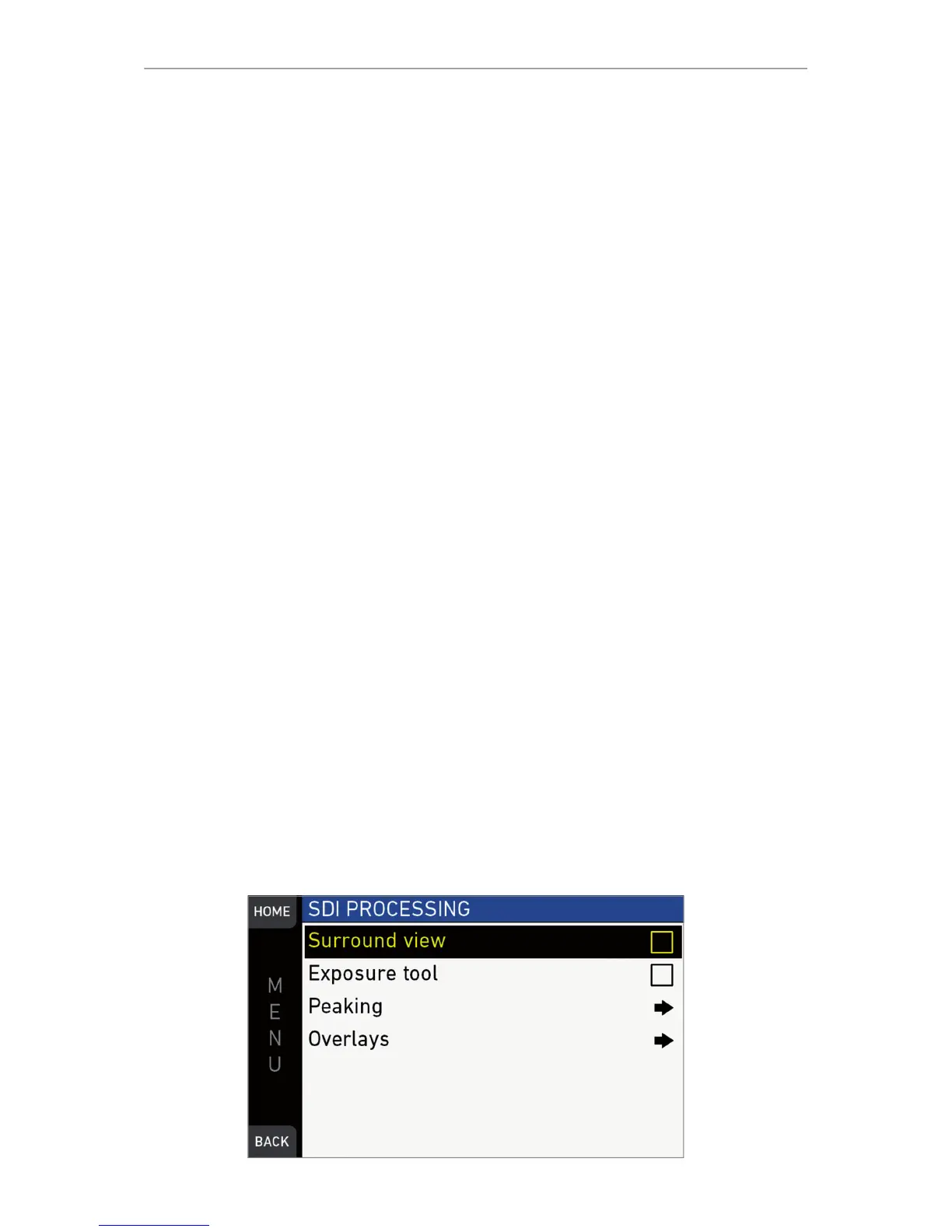
SDI 1/2 image: Sets SDI 1 image to Clean or Processed. Clean image is the recorded
image area without further processing. Processed image is enhanced according to
the settings of the submenu SDI processing. For SDI 2, the user can choose between
Clean and Clone SDI 1. When cloned, SDI has the same image setup as SDI 1.
MENU > Monitoring > SDI > SDI processing



 To Next Page