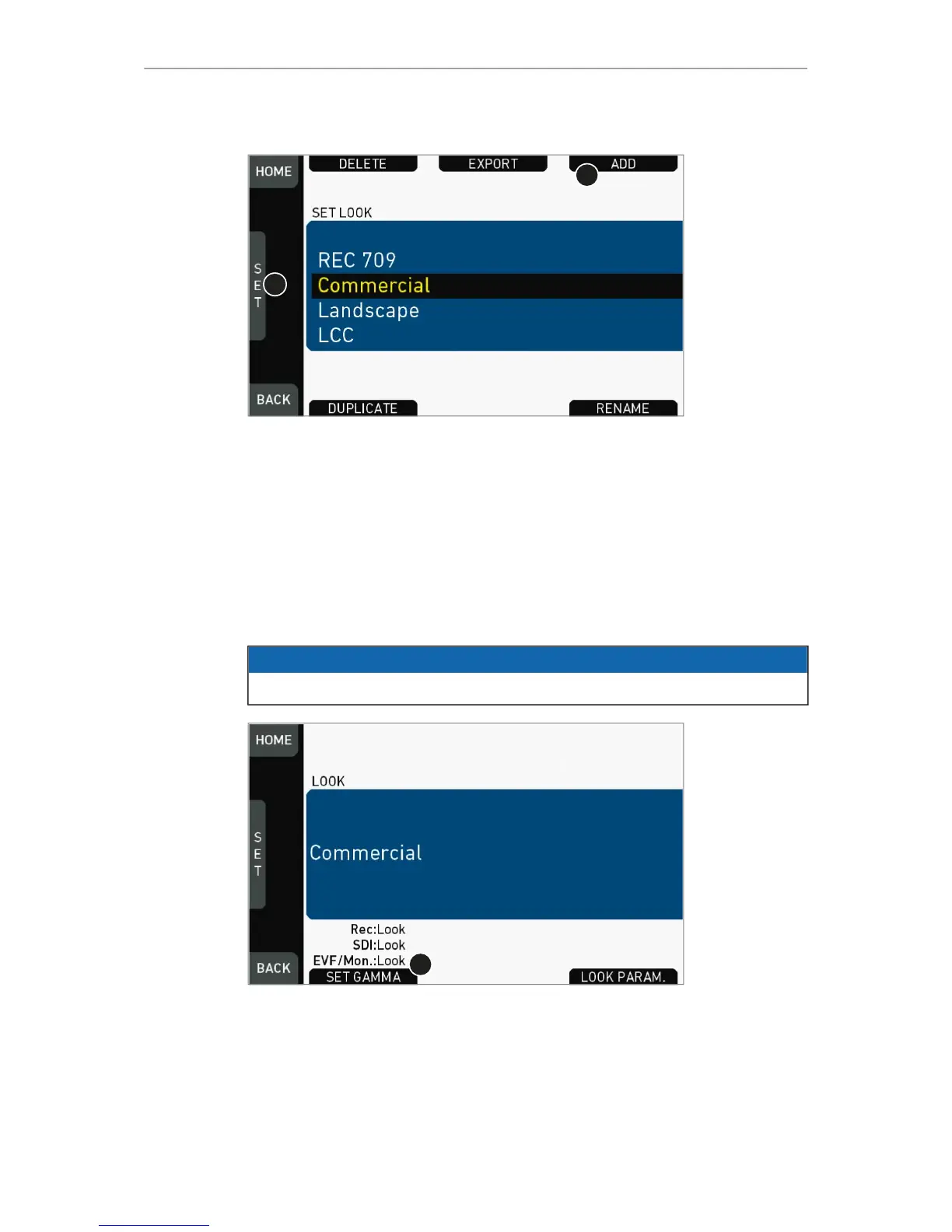
1. Via jogwheel (1), scroll to the required look.
2. Press the jogwheel (1) to activate the look.
°
If the look is not listed: Press ADD (2). For details, see page 87.
°
Note: ADD is disabled on reaching the maximum number of list entries.
°
Cancel with BACK.
3. The required look is now active.
13.8.2 Setting Gamma
NOTICE
Gamma sets the contrast curve of the image.



 To Next Page