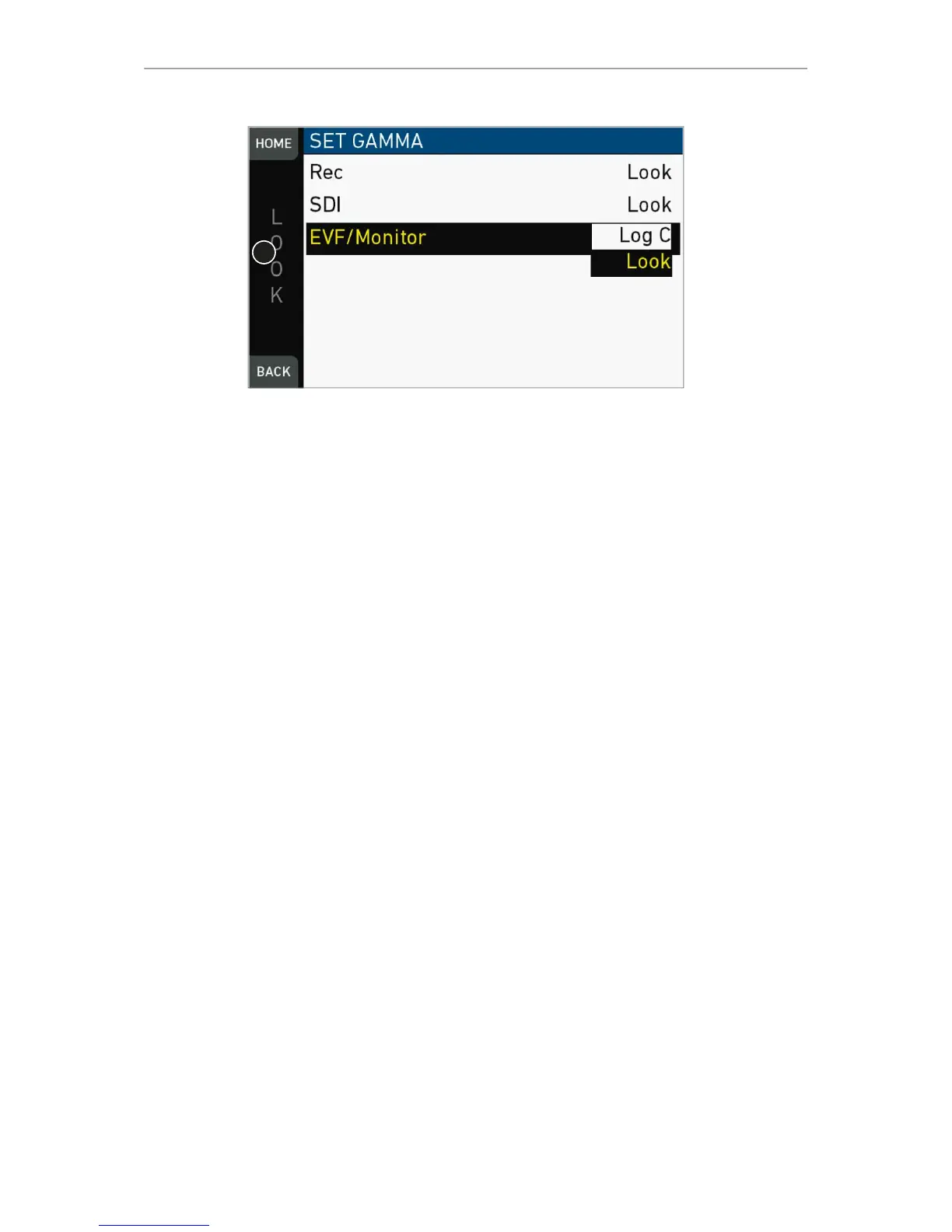
3. The gamma settings for the three different image paths appear.
4. Via jogwheel (1), select and confirm the required gamma for each image path.
Log C
Based on the Cineon format for output to film print or digital intermediate, this
logarithmic gamma requires color-grading in postproduction.
On standard broadcast monitors, LOG C images appear flat and desaturated. Proper
display, dailies and editing proxies require a conversion look-up table (LUT).
Create preview LUTs with the ARRI LUT Generator at www.arridigital.com.
LOOK
Applies a video display gamma to camera images. The default ARRI 709 look
complies with the ITU.R-BT709 standard for display on standard broadcast monitors.



 To Next Page