NOTICE
Before switching on, ensure that the camera is connected to an external power
source.
The power button background illumination is on when the power is in the valid
range.
To switch on the camera:
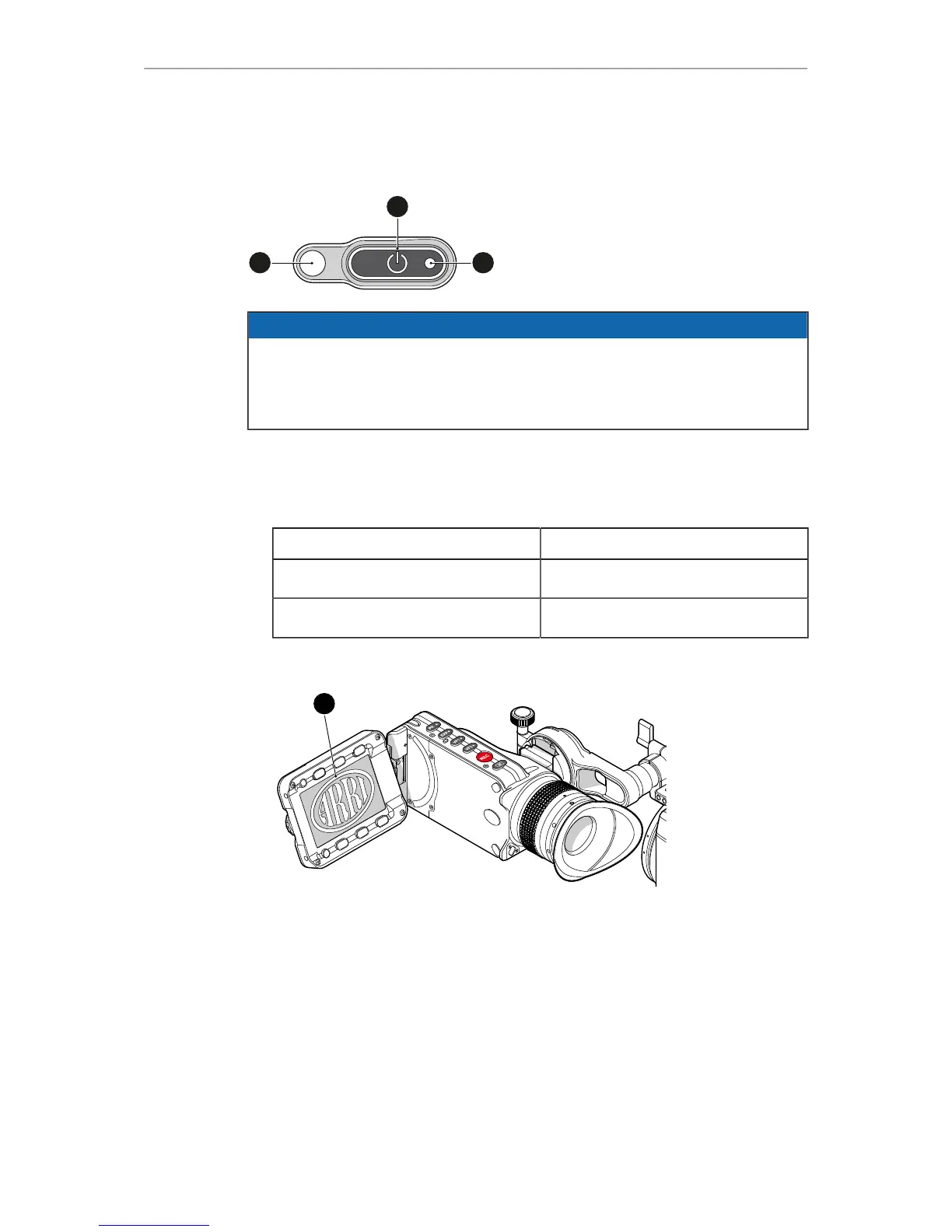
► Press the power button (1).
The camera starts booting. The boot status is indicated as follows:
Boot status LED (2) is... Camera
flashing blue is booting
solid blue has finished the boot process
For mounted MVF-1 only: During the boot process, the ARRI logo appears in the
monitor of the MVF-1 (4).
To switch off the camera:
► Press and hold the power button (1) until the camera has switched off and the boot
status LED (2) turns off.
For mounted MVF-1 only: On the monitor of the MVF-1, a countdown appears.
On reaching zero, the camera switches off.



 To Next Page