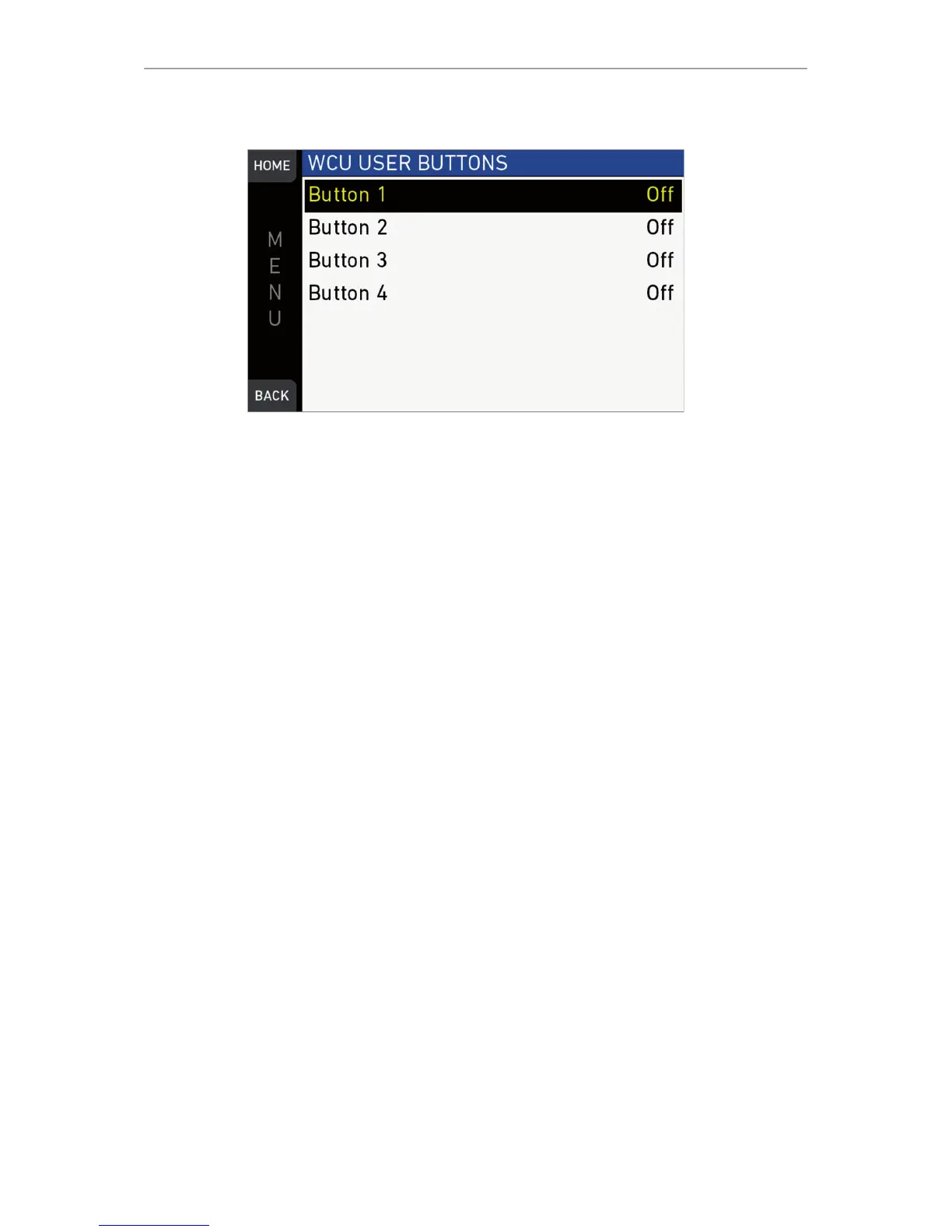
MENU > User buttons 139
MENU > User buttons > WCU user buttons
User/VF button functions
The following user and VF button functions are available:
•
Off: Disables the user button
•
EVF+Mon. Zoom: Switches the viewfinder zoom function on or off*. Supports
smart behavior.
Note: Zoom image is monochrome.
•
EVF+Mon. Frame Lines: Switches viewfinder frame lines on or off*. Supports
smart behavior.
•
EVF+Mon. Zebra/FC: Toggles the exposure tool between Zebra and False
Color*.
•
EVF+Mon. Gamma: Toggles the viewfinder gamma between Look and Log C*
**. Supports smart behavior.
•
EVF+Mon. Surround: Switches the surround view on or off*. Supports smart
behavior.
•
EVF+Mon. Peaking: Switches peaking on or off*. Supports smart behavior.
•
EVF+Mon. Exp. Tool: Switches the exposure tool on or off*. Supports smart
behavior.
•
EVF Status info: Switches the status info on or off.
•
EVF waveform: Switches the EVF waveform overlay on or off. Supports smart
behavior.
•
Monitor waveform: Switches the Monitor waveform overlay on or off. Supports
smart behavior.
•
Flip monitor: Switches the monitor flip function on or off.
•
SDI Frame Lines: Switches viewfinder frame lines on or off*. Supports smart
behavior.
•
SDI Zebra/FC: Toggles the exposure tool between Zebra and False Color*.
•
SDI Gamma: Toggles the SDI gamma between Look and Log C*. Supports
smart behavior.
•
SDI Surround: Switches the surround view on or off*. Supports smart behavior.
•
SDI Peaking: Switches peaking on or off*. Supports smart behavior.
•
SDI Exp. Tool: Switches the exposure tool on or off*. Supports smart behavior.
•
SDI Status info: Switches the status info on or off.



 To Next Page