MVF-1 controls 47
3. Additional information on the selected clip shows (3):
°
Codec: ProRes codec of clip recording.
°
HD/2K/3.2K/4K UHD: Clip format.
°
Duration: Clip duration at playback speed.
°
Rec FPS: Sensor frame rate of clip recording.
°
Project rate: Playback frame rate of clip.
°
TC: Timecode start value of clip.
4. To play the selected clip: Press the jogwheel (1).
5. To end playback: Press EXIT (2).
6. To return to the play screen without loading a new clip: Press BACK (4).
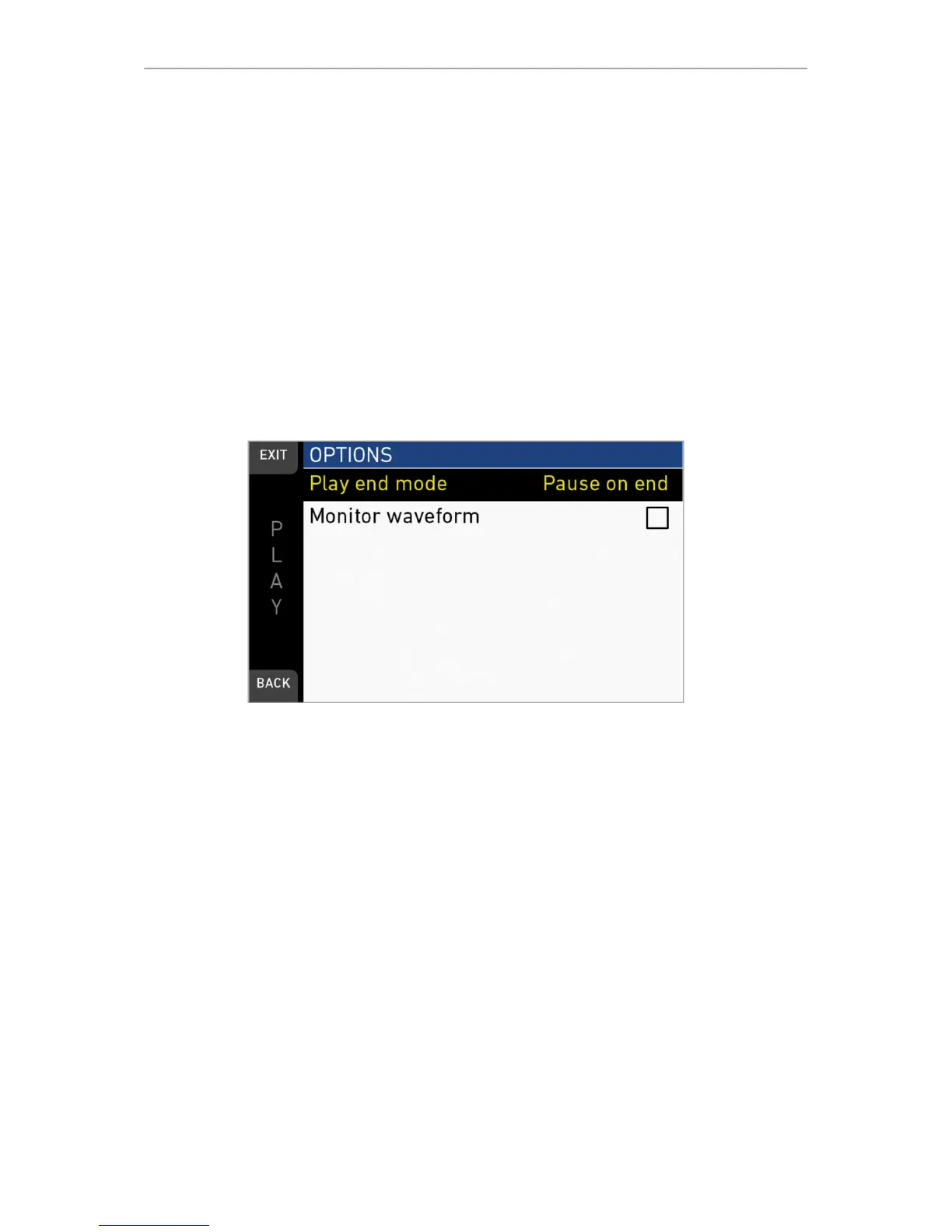
OPTIONS
Pressing OPTIONS on the play screen allows you to modify the playback behaviour.
Play end mode: Sets the playback behavior at the end of a clip:
•
Pause on end: Playback pauses at the end of this clip.
•
Pause on start: Playback pauses at the beginning of this clip.
•
Loop: Playback continues from the beginning of the same clip again.
•
Play next clip: Playback continues with the next clip in the cliplist.
•
Exit playback: Camera exits playback.
Monitor waveform: Sets the waveform overlay on monitor to On or Off.



 To Next Page