Home screen 65
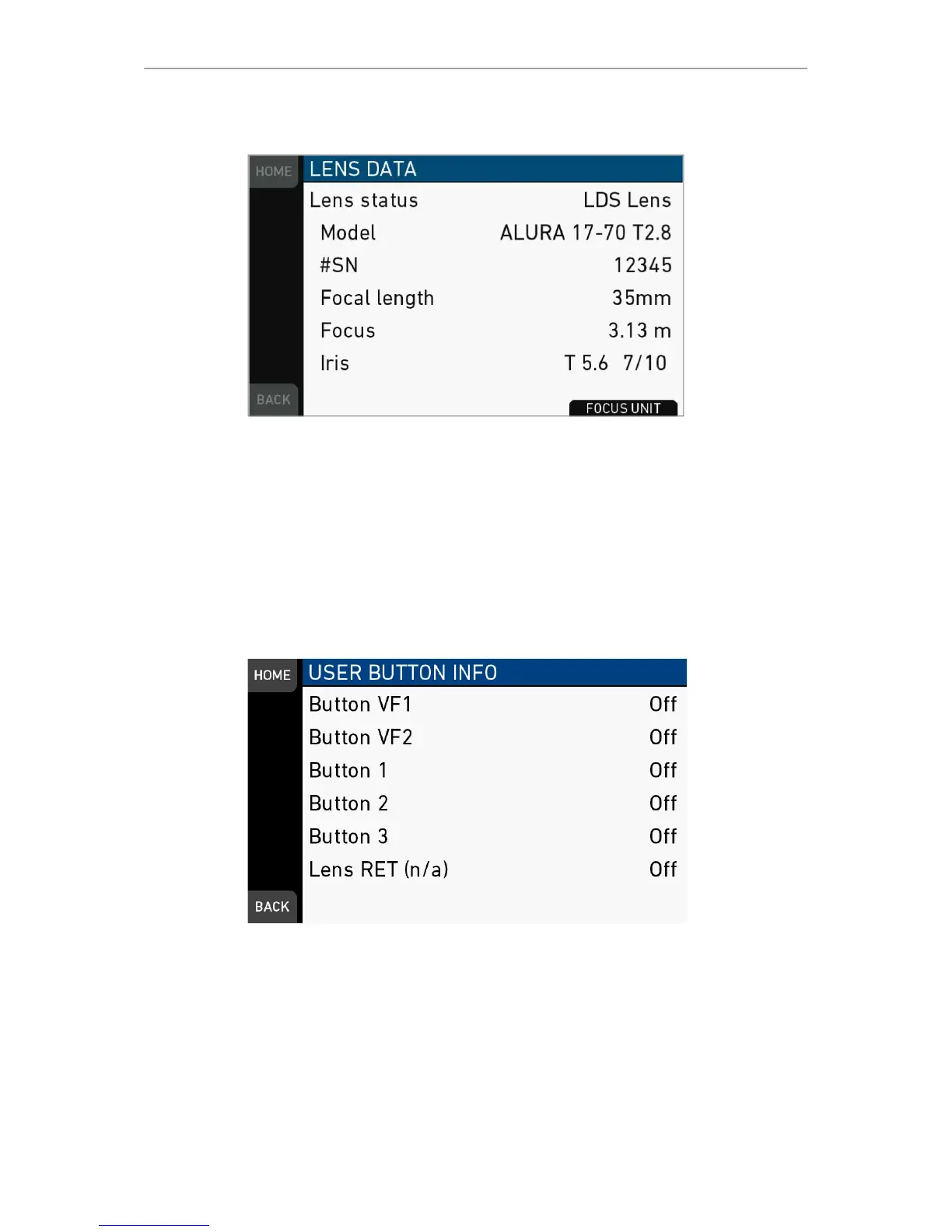
Lens data
Lens status: Status/type of lens connected to camera.
Model: Lens model name according to manufacturer.
#SN: Serial number of lens
Focal length: Focal length of lens in mm. May change with a zoom lens.
Focus: Current focus distance value of lens according to user preference setting of
distance unit (metric/imperial), which can be changed with the FOCUS UNIT button on
the bottom of the screen.
Iris: Current iris value of lens.
User button info
Shows functions assigned to user buttons of camera body and MVF-1.
Export HW info file
HW info files may be required by camera service to get detailed info on the hardware
details of the camera and its components. After generation, the resulting file will be
exported to the USB medium.



 To Next Page