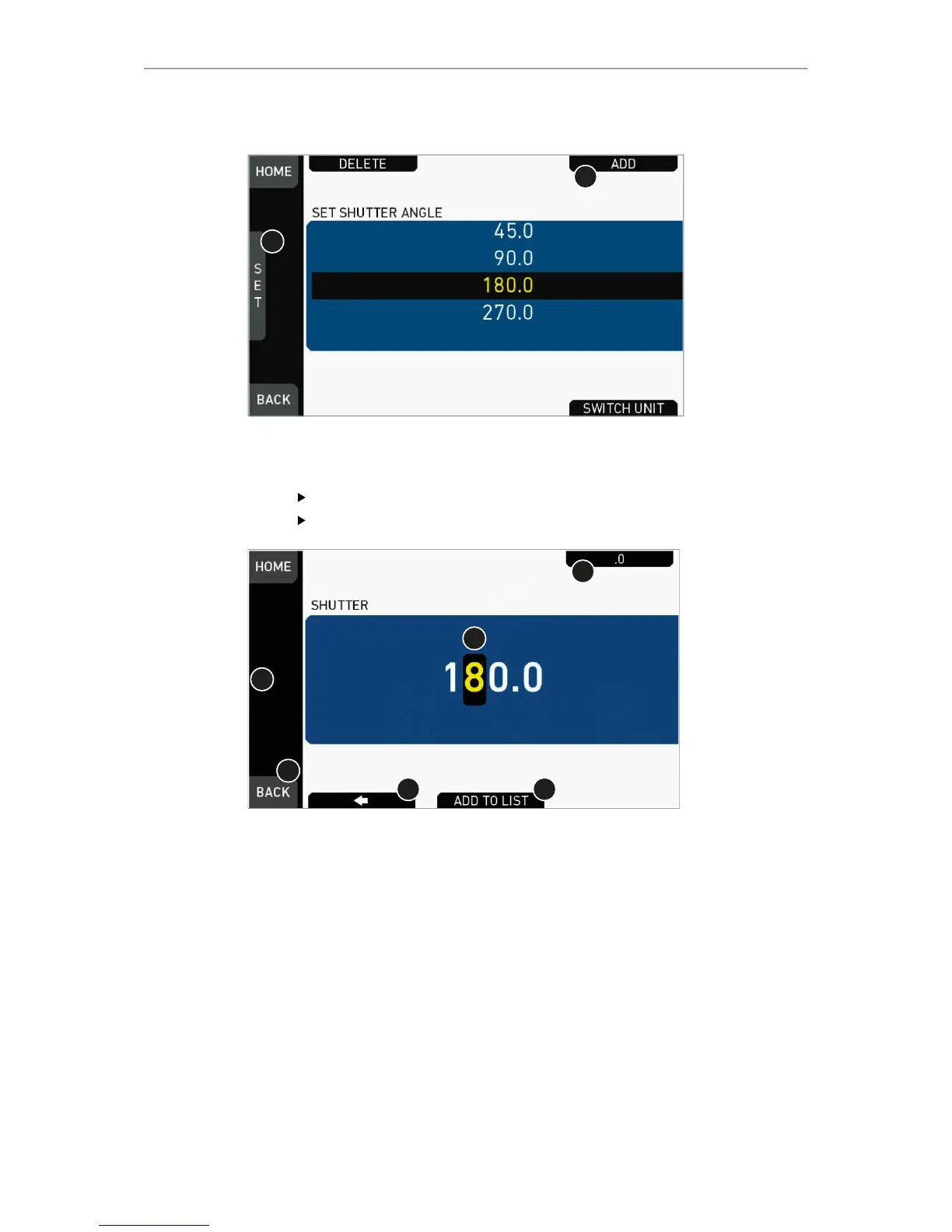
1. Via jogwheel (1), scroll to the required value.
2. Press the wheel (1) to activate the value.
If the value is not listed: Press ADD (2).
Note: ADD is disabled on reaching the maximum number of 16 list entries.
3. Upon pressing ADD, an editor opens.
4. Create a value with the jogwheel (1):
°
Scroll up or down to increase/decrease.
°
Press the jogwheel to select the next digit (2).
°
For the previous digit: Press ARROW (5).
°
To zero the decimals: Press .0 (3).
5. Press ADD TO LIST (4) to save the changes. Cancel with BACK (6).



 To Next Page