Operation
Avaya 374x DECT Telephones - User Guide 02/2016
117
l A MIB: The Management Information Base (MIB) is a virtual information storage area for
network management information.
The agent and MIB reside on a network device (for example, router, access server, or switch).
To enable the SNMP agent on the IPBS/IPBL, the relationship between the manager and the
agent must be defined.
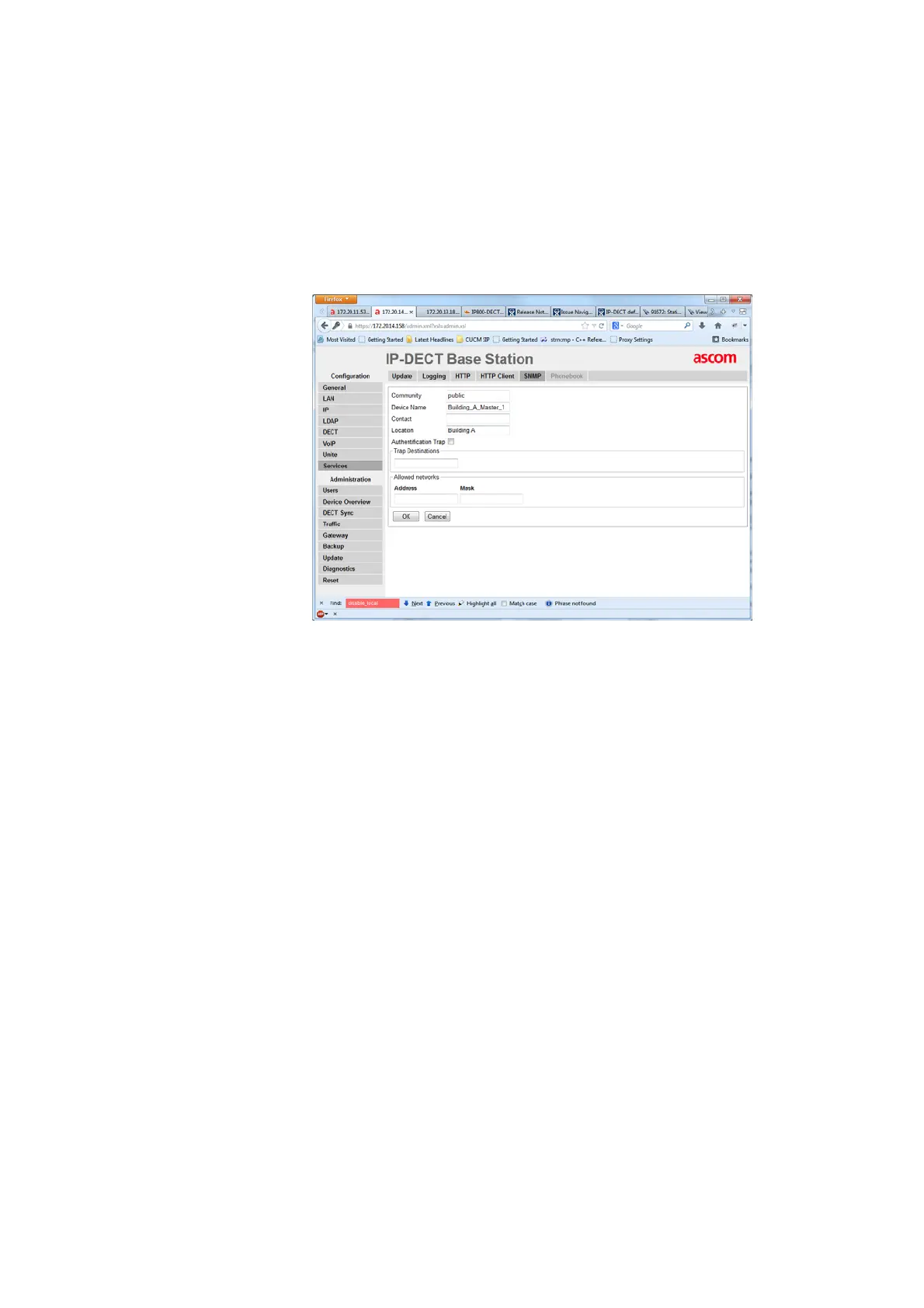
Figure 26. Configure SNMP Settings
1. Select Services > SNMP
2. Enter a name in the Community field if you are not using the standard community name
(public). The community text string acts like a password to regulate access to the agent on
the Base Station.
3. Enter a device name in the Device Name field. This field is optional and serves only
informational purposes.
4. Enter the name and phone number of the contact person in the Contact field. This field is
optional and serves only informational purposes.
5. Enter a location in the Location field. This field is optional and serves only informational
purposes.
6. Select the Authentification Trap check box to enable the sending of authentification traps.
Access via SNMP is only possible if the correct Community Name is entered. If enabled a
trap will be generated in the event of access with an incorrect Community Name.
7. Enter the IP address of the desired trap destinations in the Trap Destinations field. SNMP
traps will be sent to all destinations.
8. Enter the IP address and mask of the networks that are allowed to send SNMP requests.
All networks are allowed if the field is empty.



 To Next Page