Installation of the IPBL
Avaya 374x DECT Telephones - User Guide 02/2016
47
Installation of the IPBL
This section describes how to install the IPBL.
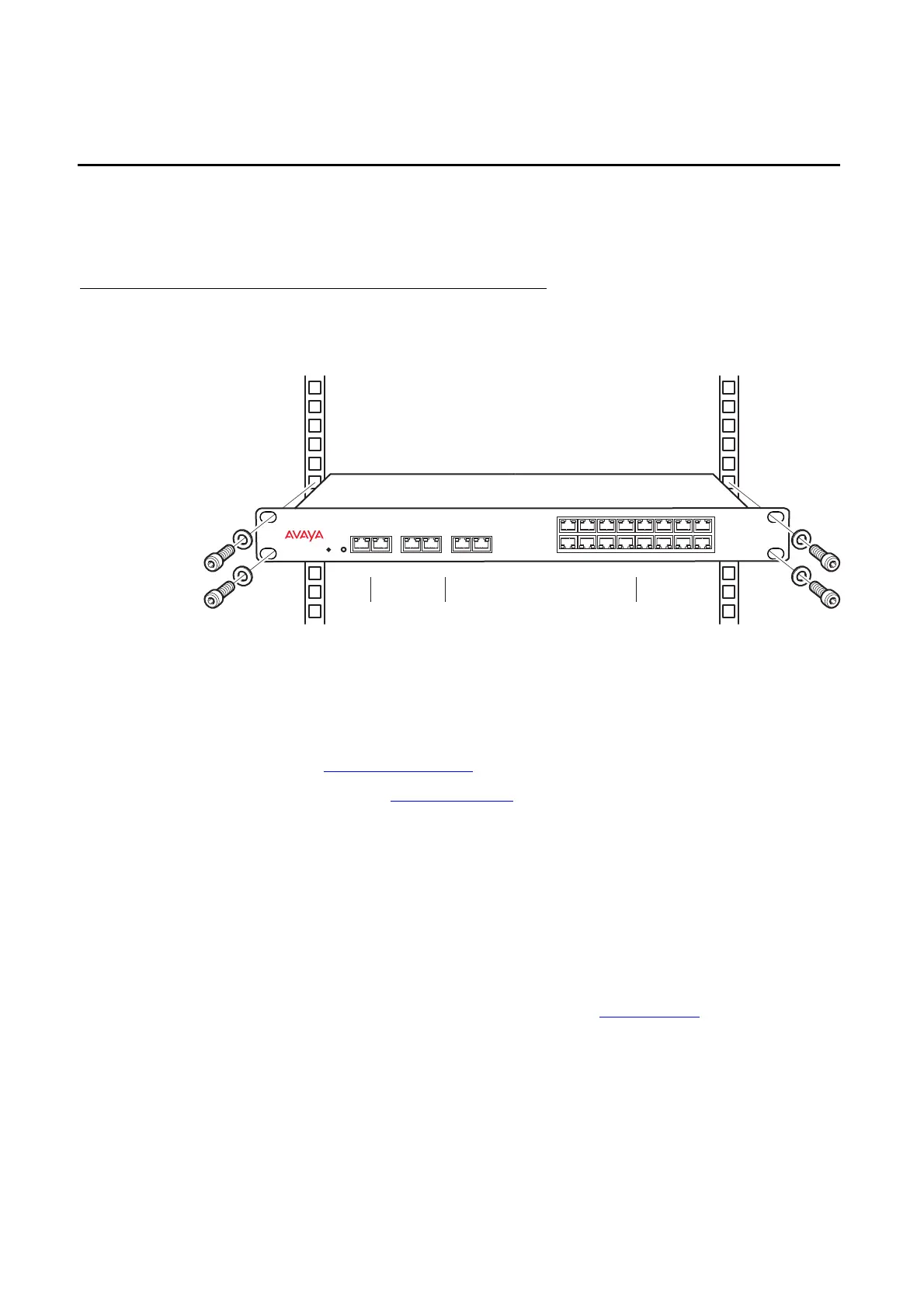
Install the IPBL
Figure 16. Install the IPBL
The main steps of the installation is described below:
1. Install the IPBL in a standard 19’’ rack.
2. Pin the cables, see Pin the IPBL Cable
on page 48.
3. Attach the power cable, see Power the IPBL
on page 50.
4. Connect the cables in the following order:
l Ethernet cable (A) LAN1 port must be used in the IP-DECT system (LAN2 port is for
administration only).
l Synchronization cable (ring sync, reference sync) (B)
l Base station cable (RFP cable) (C)
IMPORTANT:The connected RFPs must not be connected to protective earth.
l Monitor the total current consumption from the GUI. See Environment on page 140. Make
sure it not exceeds the following values:
LAN Synchronization Reference
1 2 ring in ring out in out
Base Station 01 02 03 04 05 06 07 08
09 10 11 12 13 14 15 16
IP DECT Gateway
035
{
{
{
A
BC



 To Next Page