126 Avaya 374x DECT Telephones - User Guide 02/2016
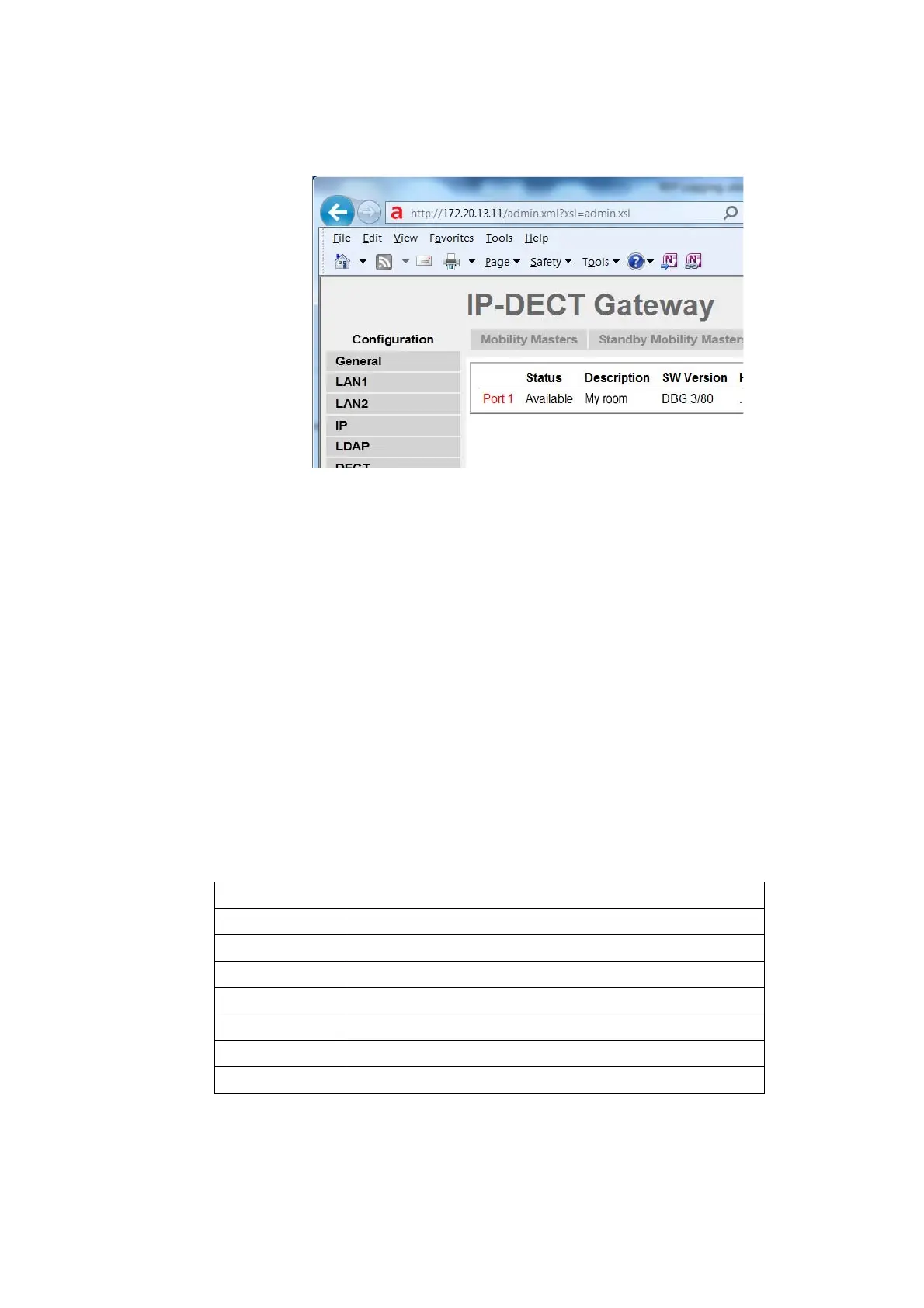
Figure 29.
Sync Ring
This section only applies to the IPBL.
A wire map of the synchronization ring is available in the GUI. The identities (IPBL-xx-xx-xx) of
the IPBLs and the position in the ring is displayed. If the ring is broken it is possible to locate
where. Click the IP address to access another IPBL.
1. Select DECT Sync > Sync Ring.
Sync Ports
This section only applies to the IPBL.
Displays the current status of the synchronization ports.
1. Select DECT Sync > Sync Ports.
Status The current status of the port.
Sync Offset The synchronization offset for the IPBL.
Cable Delay The delay caused by the cable.
Sync Lost Counter The number of times synchronization lost.
Communication The present status of communication.
Connected to The IP address of the IPBL connected.
Tx Error The number of transmitting errors.
Rx Error The number of receiving errors



 To Next Page