Installation of the IPBL
Avaya 374x DECT Telephones - User Guide 02/2016
49
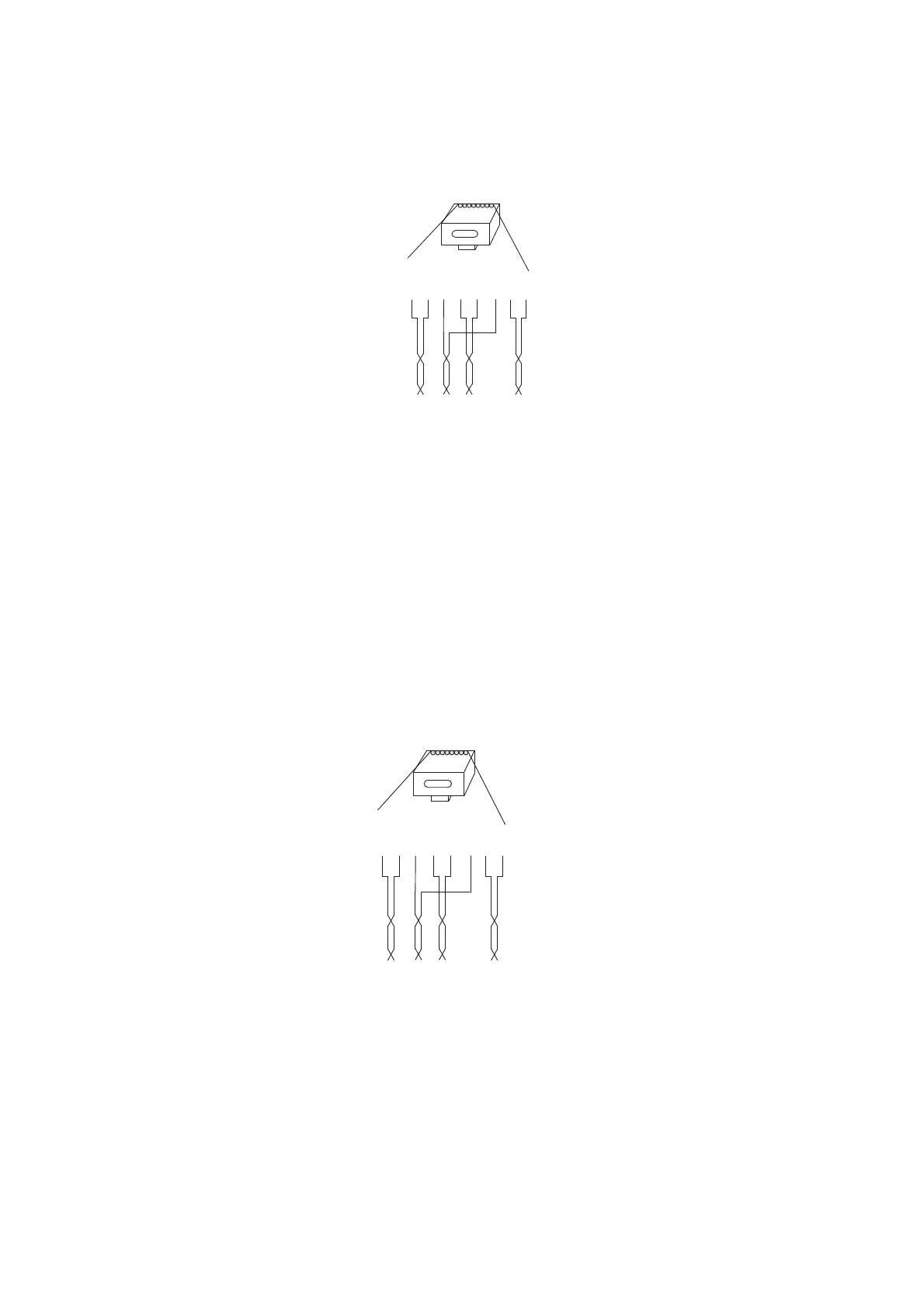
Sync OUT
Figure 18. Connector pinning of the Sync OUT cable
RFP Cable
The RFP cable connects the IPBL with the RFPs. The maximum cable length between IPBL
and a single RFP must not exceed 1500 meters.
Note: Ensure that during the installation, each RFP is given an extra length (5-10 metres) of cable
because it is possible that it will have to be moved for one reason or another.
1. Cut the cable to the correct length.
2. Connect the cable to a RJ45 modular jack. For information on the pinning, see below.
IMPORTANT:If local power supply is used for the RFP, the EPP cable pairs must NOT be connected.
3. Label the cable.
Figure 13.
RJ45
modular jack
EPP -b
EPP -a
SC1 -a
SC0 -a
SC0 -b
SC1 -b
NC
NC
NC= Not Connected
EPP= Express Power pairs
SC = Data pair lead
028
15432678
J45
odular jack
EPP -b
EPP -a
SC1 -a
SC0 -a
SC0 -b
SC1 -b
NC
NC
NC= Not Connected
EPP= Express Power pairs
SC = Data pair lead
15432678



 To Next Page