24 Avaya 374x DECT Telephones - User Guide 02/2016
DIP Switches
The DIP switches can be found on the back of the DB1, see figure 6 on page 22.
Note: DIP switch 2, 3 and 4 shall be set to ON.
Set DIP switch 1 to ON or OFF as follows:
DB1 with External Antennas
This section contains the differences between the DB1 with internal antenna and the DB1 with
external antennas. For all other information see DB1 with Internal Antenna
on page 22.
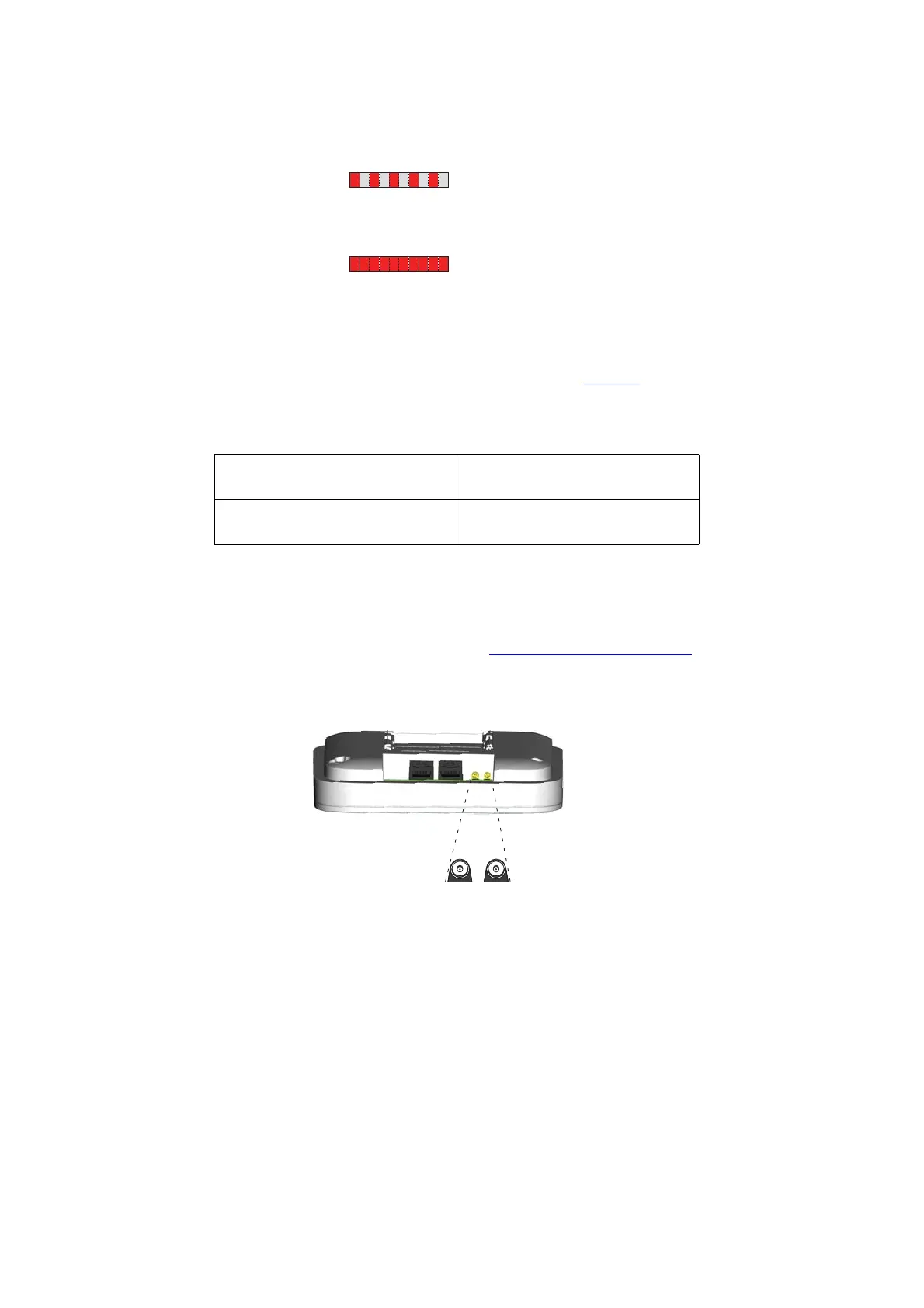
Figure 7. DB1 with MCX connectors for external antennas.
Contents of the Box
The box in which the DB1 is packed contains:
l A DB1 with external antennas.
l A mounting bracket
Error 100 ms red, 100 ms off. U
PN
layer 1 communication
error.
Fatal error Solid red. Fatal hardware error.
DIP switch 1: ON IPBL mode, when the DB1 is to be
connected to an IPBL.
DIP switch 1: OFF Integral mode, when the DB1 is to be
connected to an I5/I55 system.
Back view while lying down
MCX connectors



 To Next Page