Operation
Avaya 374x DECT Telephones - User Guide 02/2016
71
Operation
This section describes the settings in the Configuration and Administration menu, each
subsection represents a sub menu to the Configuration and Administration menu.
Some changes require a reset in order to take effect. It is possible to do several changes before
resetting the IPBS/IPBL.
The GUI for the IPBS and IPBL are similar. Screen shots from the IPBS are used as default.
General
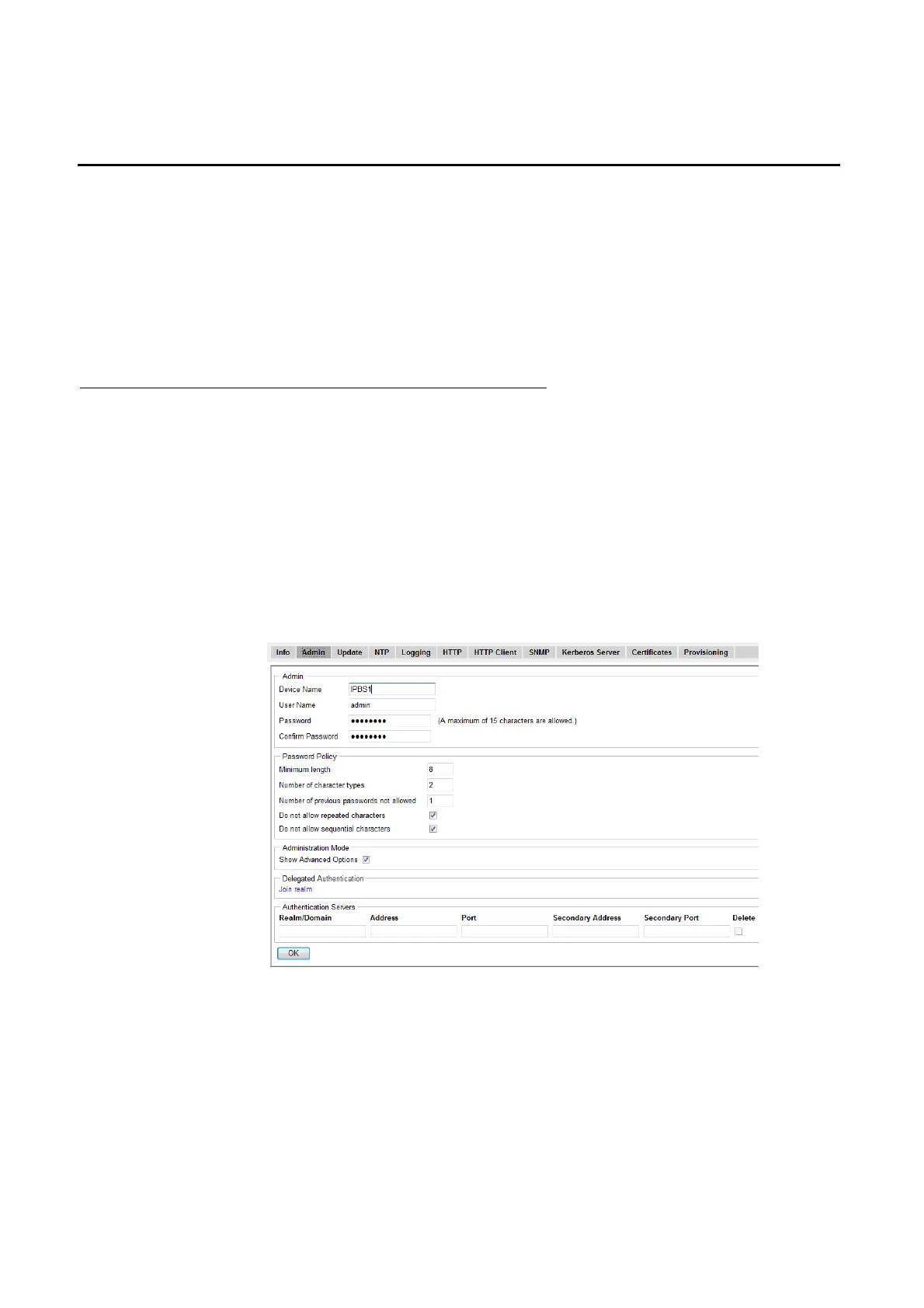
This section describes how to do the following configurations and settings.
l Name the equipment
l Change Administrator User Name and Password
l Kerberos
l Configure the NTP settings
Figure 21. Assigning a administrator name, username, and password.



 To Next Page