Operation
Avaya 374x DECT Telephones - User Guide 02/2016
85
The following table describes the different functions.
Rejected Certificates
This list contains the certificate chains that were rejected before, while trying to establish a
secure TLS connection. This happens for example if the certificate is expired or neither the
certificate nor any of the issuing CAs is trusted. If one of that certificates should be trusted for
future connections you can select and add it to the trust list, directly.
The following table describes the different functions
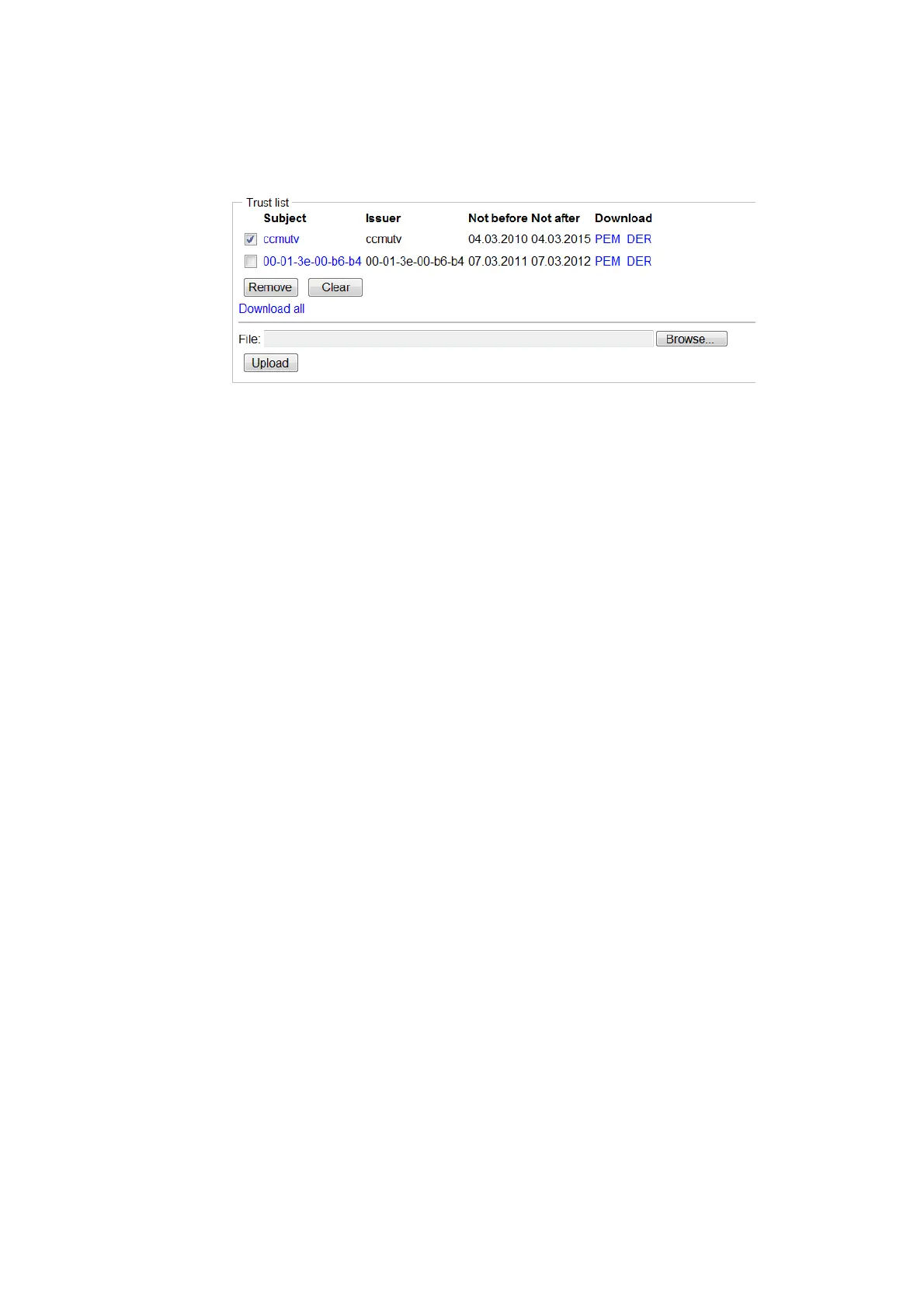
Field name Description
Subject Click the hyperlink (under the Subject header) to display
certificate details in a window.
PEM Click the PEM hyperlink (under the Download header) to
download the certificate in PEM format.
DER Click the DER hyperlink (under the Download header) to
download the certificate in DER format.
Remove To remove a certificate: Select the check box for the certificate
and click the Remove button.
Clear To remove all certificates from the trust list: Click the Clear
button.
Download all Click the Download all hyperlink (under the Remove button) to
download the complete trust list as a PEM encoded text file.
Upload
Use the Upload function to upload a certificate file to the device.
1 Click the Browse button
2 Select a certificate file
3 Click the Upload button to upload the file
to the device.
Field name Description
Subject Click the name of a certificate to display its details in a window.



 To Next Page