84 Avaya 374x DECT Telephones - User Guide 02/2016
8. In the Delegated Authentication section clear the Disable local authentication check box.
9. Click "OK".
To deactivate the Kerberos membership for a client, do the following:
10. Select General > Admin.
11. Go to the Kerberos section and click on the blue text link "Leave realm".
12. It is possible to deactivate Kerberos realm membership in two ways:
l Deregister: The client is removed from the server database.
l In the Leave Kerberos realm window, enter the user name and password for a user
with administrator or join the realm account in the Deregister with Kerberos server
section.
l Click "Deregister".
l Delete: Leave the realm without removing data from the server.
l Click "Delete".
Certificates
The Certificates tab is part of IP Security in IP-DECT. For more information on IP Security, see
chapter IP
on page 95.
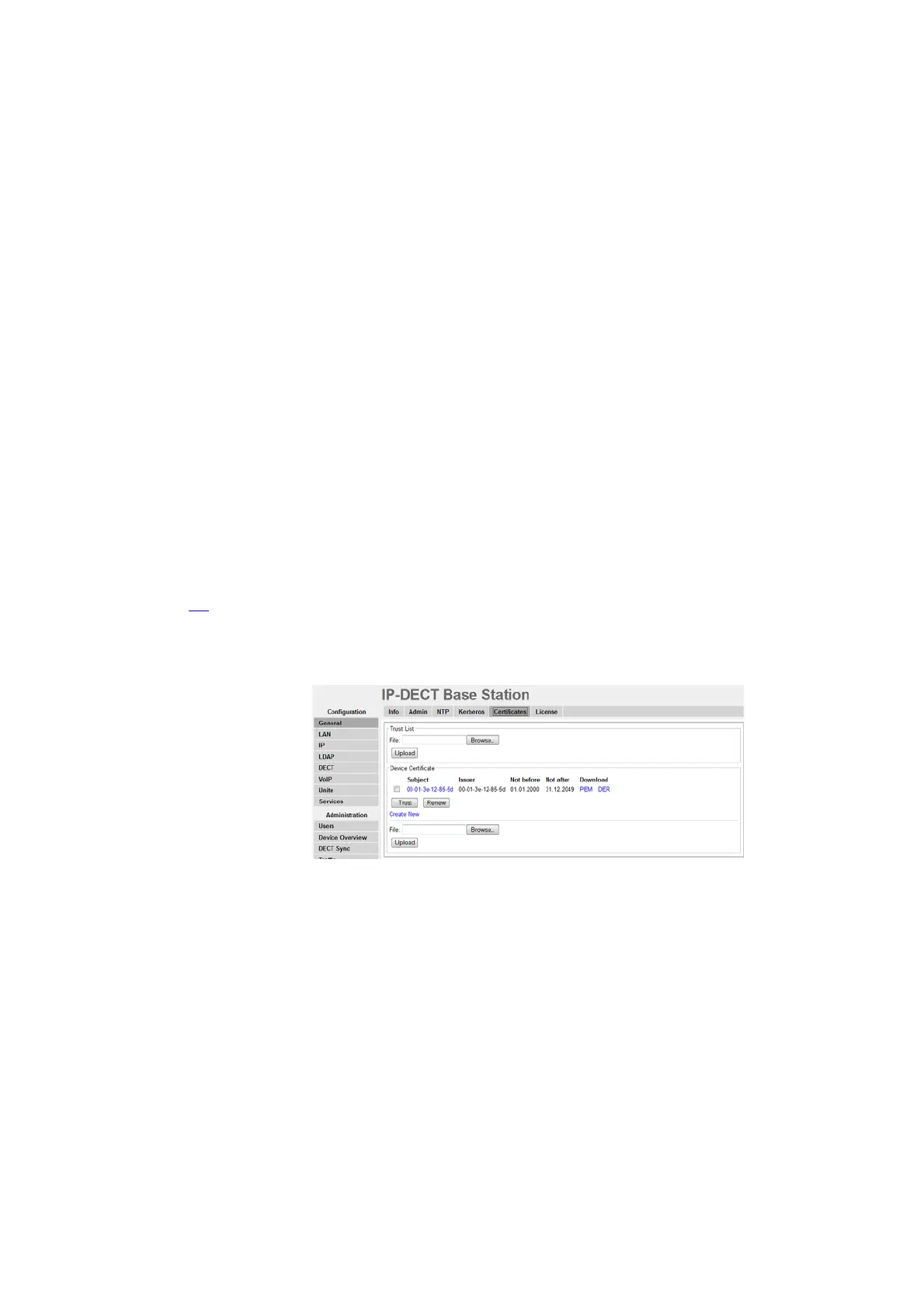
Select General > Certificates.
Trust List
A trust list is set up when the device must know which third parties (for example IP-PBX) it shall
trust in. The list contains the certificates to be accepted by the device for TLS secured
connections (for example HTTPS, SIPS).



 To Next Page