Operation
Avaya 374x DECT Telephones - User Guide 02/2016
75
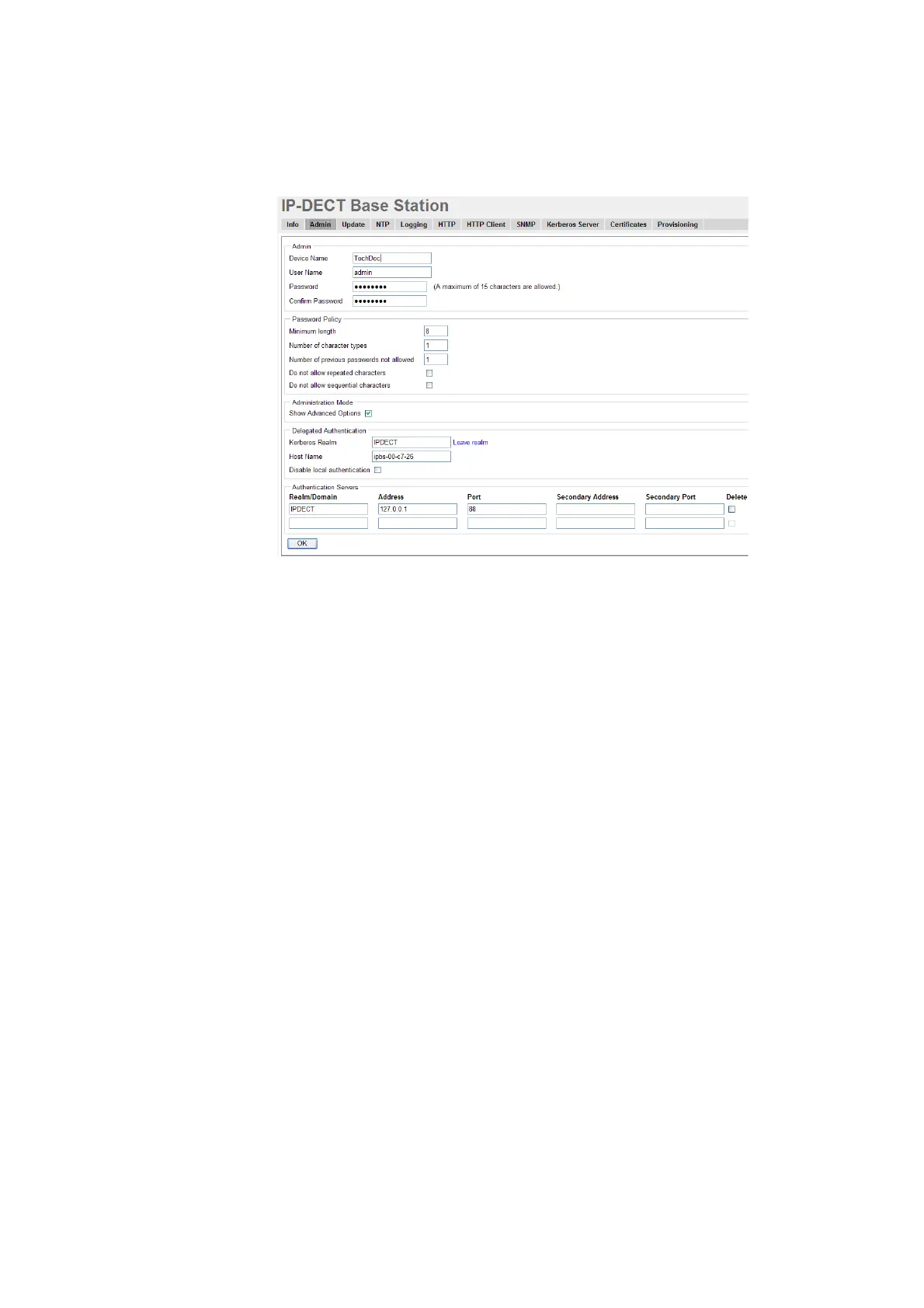
Figure 23. Configure the Kerberos client.
1. Select General > Admin.
2. Click on the blue text link "Join realm" in the Delegated Authentication section.
3. In the Join Kerberos realm window, enter the following in the text fields:
Realm: Enter the realm name of the Kerberos server.
Host name: The MAC address of the device. Default value is used.
Admin user name and Admin password: Enter the user name and password for a user with
administrator account or join the realm account on the Kerberos server.
4. Click "Join".
Configure IPBS/IPBL as a client in a large existing system (many clients)
Requirements for IPBS/IPBL: Software version 6.1.X is required if Windows 2008 R2 server is
used.
1. Setup the update server using the update script described in Appendix B: Update Script for
Configuration of Kerberos Clients.
2. Select DECT > Radio config.
3. Go to the Update section.
4. In the Command File URL text field, enter the path to the update server and the name of
the update script.



 To Next Page