Configuration
Avaya 374x DECT Telephones - User Guide 02/2016
63
The simplified Graphical User Interface (GUI) makes it very easy to configure small IP-DECT
systems. Only those GUI pages are visible which are needed for a basic configuration so in the
basic administration interface the required configuration settings are kept to a minimum.
The basic administration interface is the default setting for Compact IPBS.
Change the Interface to Advanced View
To change the basic administration interface to the advanced view do the following:
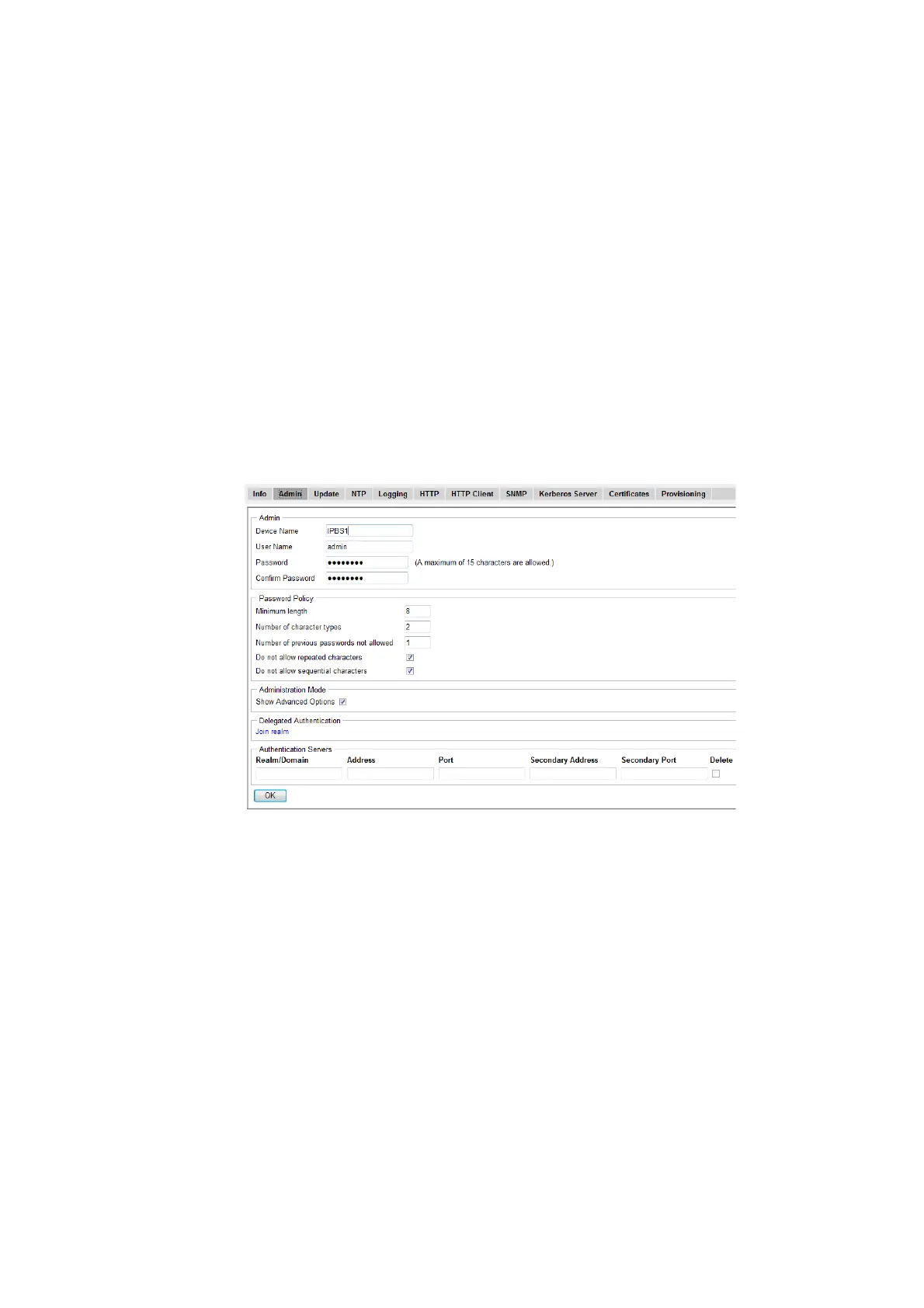
1. Select General > Admin.
2. In the Administration Mode section select the "Show Advanced Options" check box.
3. Click "OK".
4. Refresh the web browser to make the hidden sub menus and tabs visible.
Change the Interface to Basic View
To change the advanced administration interface to the basic view do the following:
1. Select General > Admin.
2. In the Administration Mode section, clear the "Show Advanced Options" check box.
3. Click "OK".
4. Refresh the web browser to decrease the number of visible sub menus and tabs.



 To Next Page