122 Avaya 374x DECT Telephones - User Guide 02/2016
l
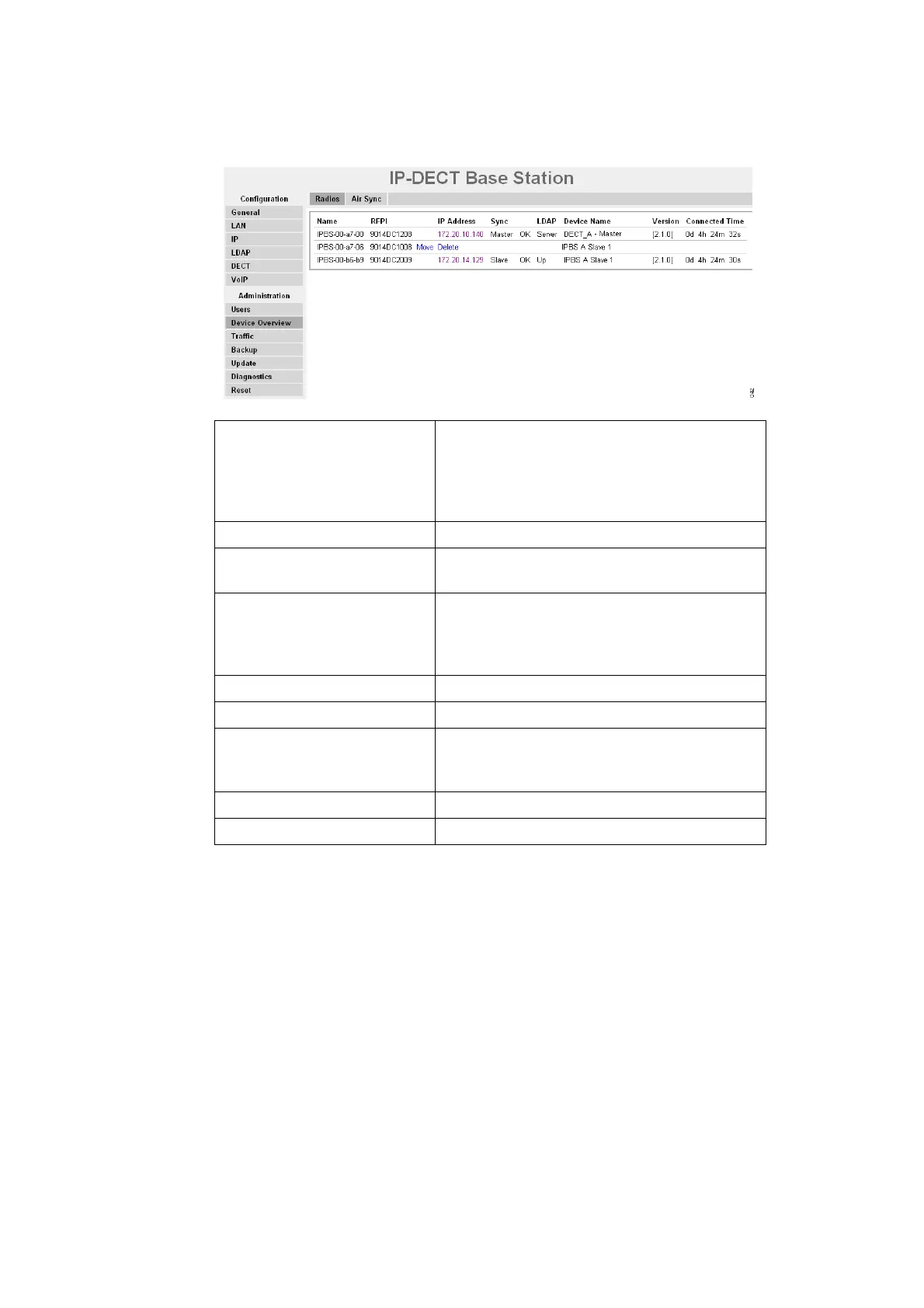
Figure 17.
Figure 18.
Add Radios
In the Uninitalized Registrations section, uninitialized Radios not registered to a Master are
shown.
1. Select Device Overview > Radios
2. Click "Add" to add the Radio to the Master.
3. In the Add Radio window enter a name for the device. You can also add a Standby Master
IP Address and a Sync Region.
4. Click "OK".
Name The unique identification name. The name syntax is
ipbs-xx-xx-xx (IPBS1), ipbs2-xx-xx-xx (IPBS2) or
ipbl-xx-xx-xx (IPBL), where xx-xx-xx should be
replaced with the last 6 hexadecimal digits of the
MAC address.
RFPI Radio Fixed Part Identity.
IP Address The IP address, click on the IP address to access the
configuration GUI of that IPBS/IPBL.
Sync The current synchronization status.
Should be "Master OK", "Slave OK" or "Standby
OK" if synchronized. "Standby" is a Radio
configured as a Sync Master but it is active.
Region The sync region which the Radio belongs to.
Device Name The name entered in the general menu.
LDAP The LDAP status, can be "" (blank), "-", "up",
"server" or "down".
Should be "-", "up" or "server".
Version The current software version.
Connected Time The elapsed time since connected to the Master.



 To Next Page