Installation of the Base Station
Avaya 374x DECT Telephones - User Guide 02/2016
39
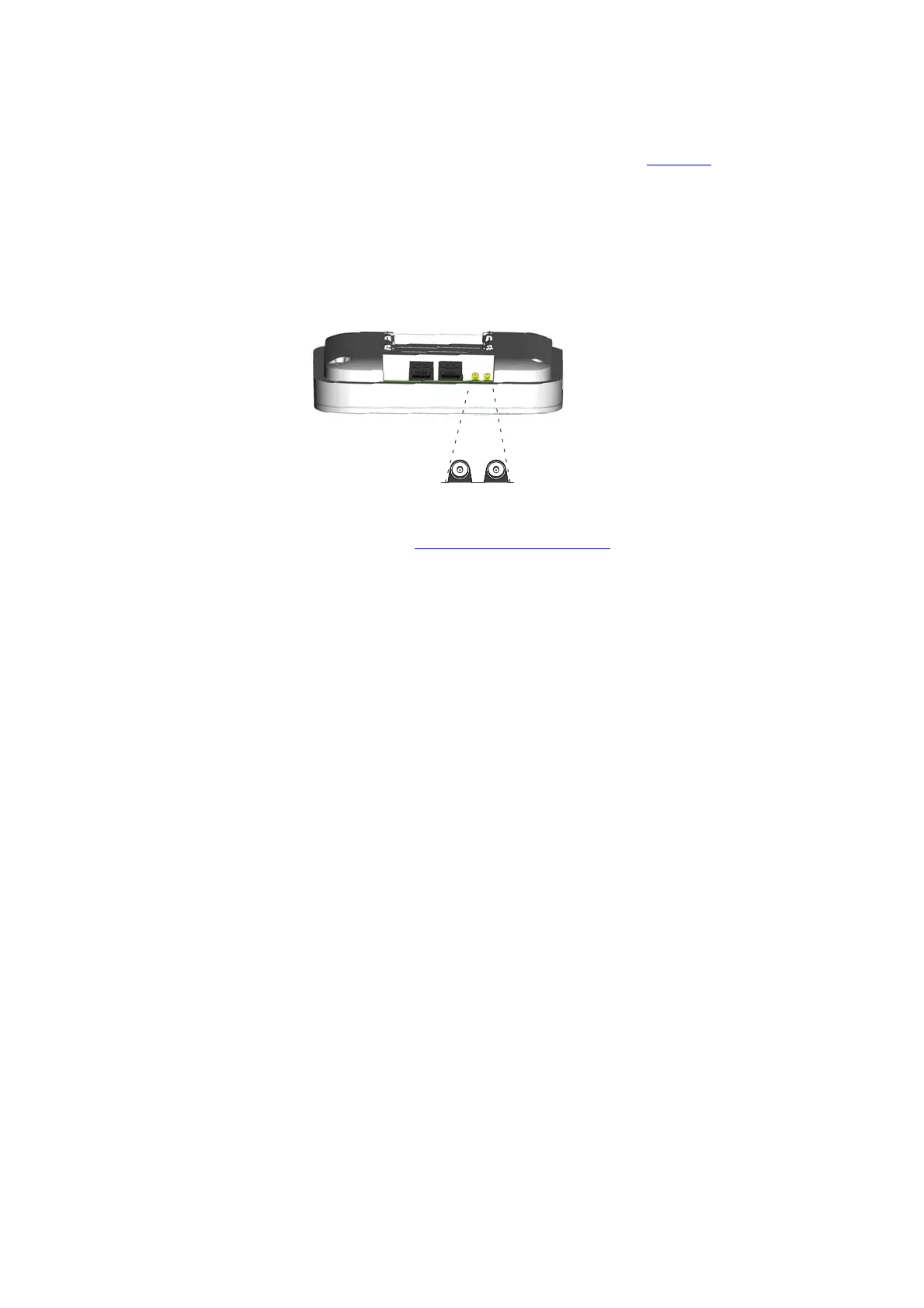
4. Mount the two included coaxial cables on the antenna bracket figure 11 on page 40 (2).
Fasten the coaxial cables with the lock nuts which are found on the coaxial cable antenna
connectors.
5. Mount the antennas on the antenna connectors (2).
6. Connect the coaxial cables to the MCX connectors on the base station.
7. Mount the base station (3), see 4. Mount the Base Station
on page 44.
Back view while lying down
MCX connectors



 To Next Page