78 Avaya 374x DECT Telephones - User Guide 02/2016
3. Right-click the realm name you wish to establish a cross realm trust with and select
"Properties".
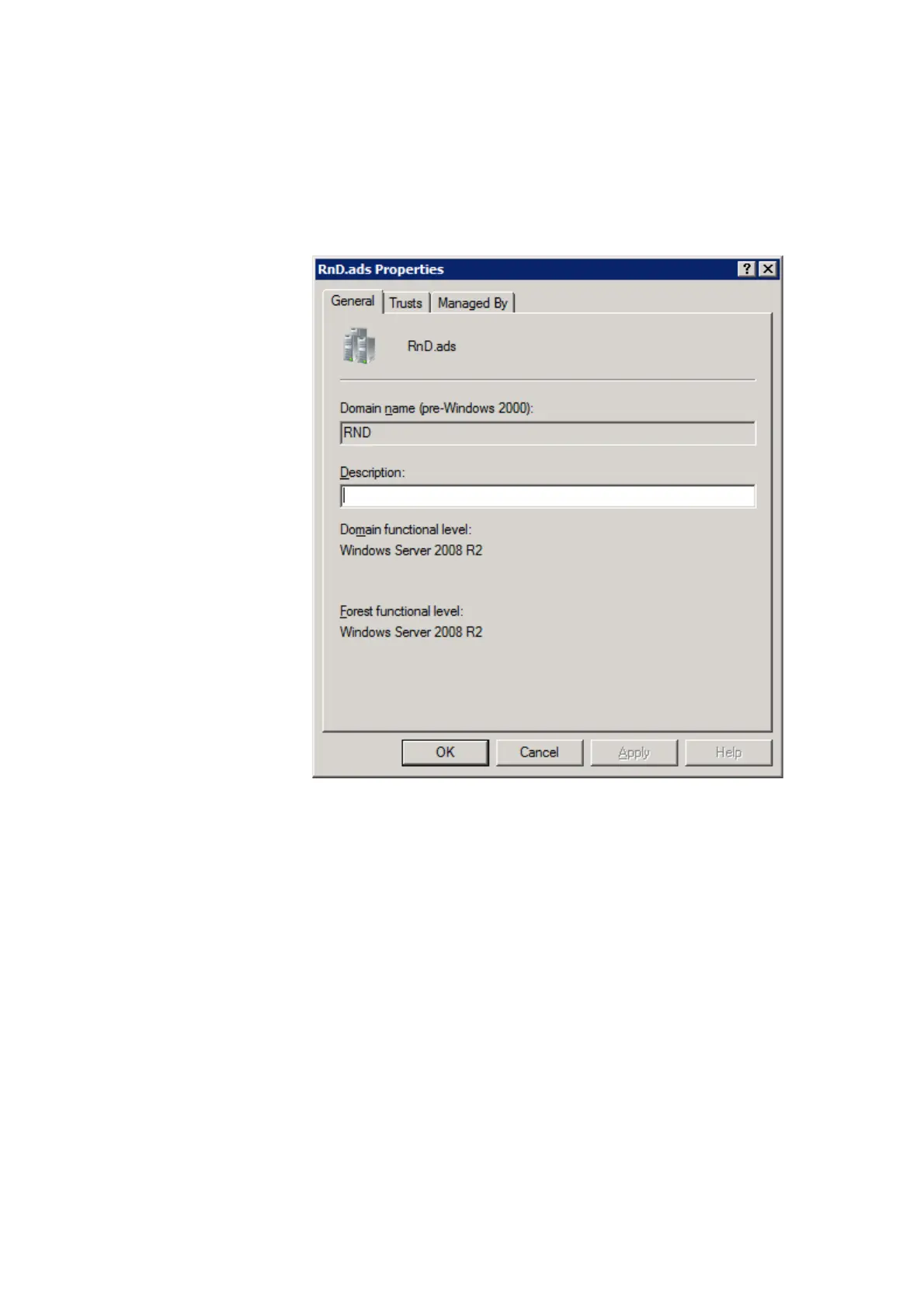
4. Select the General tab and make a note of the windows realm name.
5. Click the Trusts tab and click "New Trust...".
6. The New Trust Wizard appears. Click "Next".
7. Enter the name of the Kerberos realm. Must be capital letters. Click "Next".
8. Select "Realm trust". Click "Next".
9. Select "Nontransitive". Click "Next".
10. Select "One-way incoming". Click "Next".
11. Enter a password that will be a shared secret between the AD server and the Kerberos
server. Make a note of the password and click "Next".
12. Click "Next".
13. Click "Finish"



 To Next Page