PAGE 107
Operation via Display and Keypad
5 OPERATION VIA DISPLAY AND KEYPAD
In this chapter all basic configurations for the operation of the MAGIC
DC7/AC1 XIP system are explained. An overview of the menu structure you
will find in the annex under CHAPTER A1.
A few configuration possibilities are not adjustable on the unit. Also all confi-
gurations can be comfortably made via the MAGIC DC7/AC1 XIP Software
included in delivery.
5.1 Basic configuration
In the following some basic configuration of MAGIC DC7/AC1 XIP are des-
cribed in detail. The configurations for MAGIC DC7 XIP and MAGIC AC1
XIP only differ in a few aspects. Major differences are marked in the text.
5.1.1 Keypad lock
To avoid that keypads are pressed accidentally, you can enable a keypad lock.
For activation please press the
Menu
key followed by the
*
(star) button. If the
keypad lock is enabled, the display illumination is turned off immediately.
The keypad lock is deactivated by entering the key sequence
Menu
*
once
more.
With activated keypad lock a key symbol will be shown besides the clock.
5.1.2 Setting the menu language
In delivery status
English
is selected as standard menu language. In order to
select
German
as menu language, please follow the instructions below:
First press the softkey
Menu
and select
System Settings
using the softkey
Select
. Press the cursor key once until the option
Language
is displayed
in the menu. Via the
Select
softkey you directly reach the options for the
NOTE
For the details of most functions please see the PC Software description from
CHAPTER 4.
NOTE
All menus can be reached directly via a QuickMenu key sequence. For this
purpose each menu item is marked with a cypher in the upper left corner (in
the example on the left it is e. g.
3
). To reach a certain menu directly please
enter from the main menu the key sequence
Menu
<Digit>
<Digit>
whereby
<digit> marks the respective menu reference number. Please notice that the
menu reference number can change depending on the configuration.
NOTE
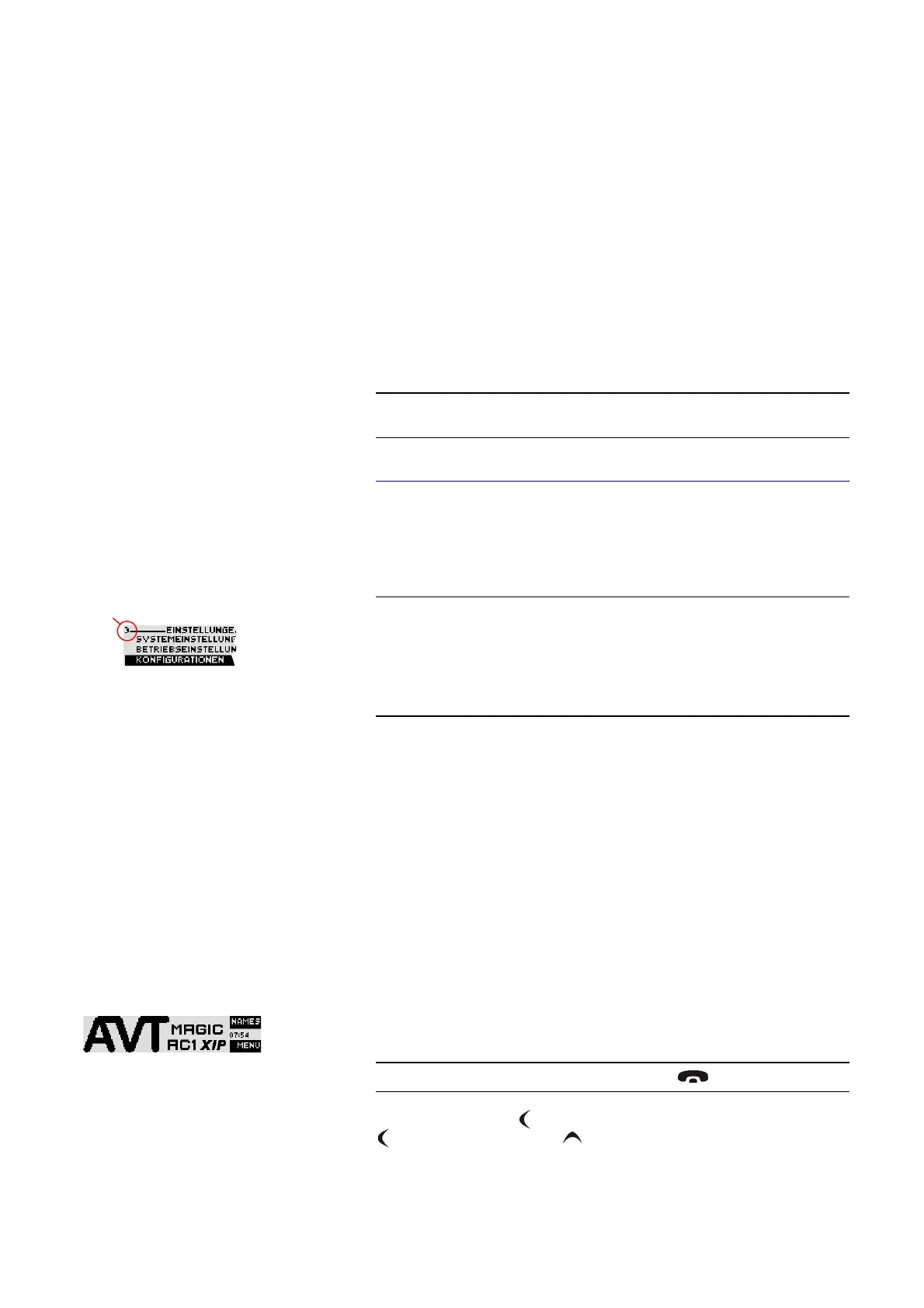
If you are not in the main menu please press the key first.
Menu reference number


 To Next Page