PAGE 93
Windows PC Software
4.8.4 Submenu File System
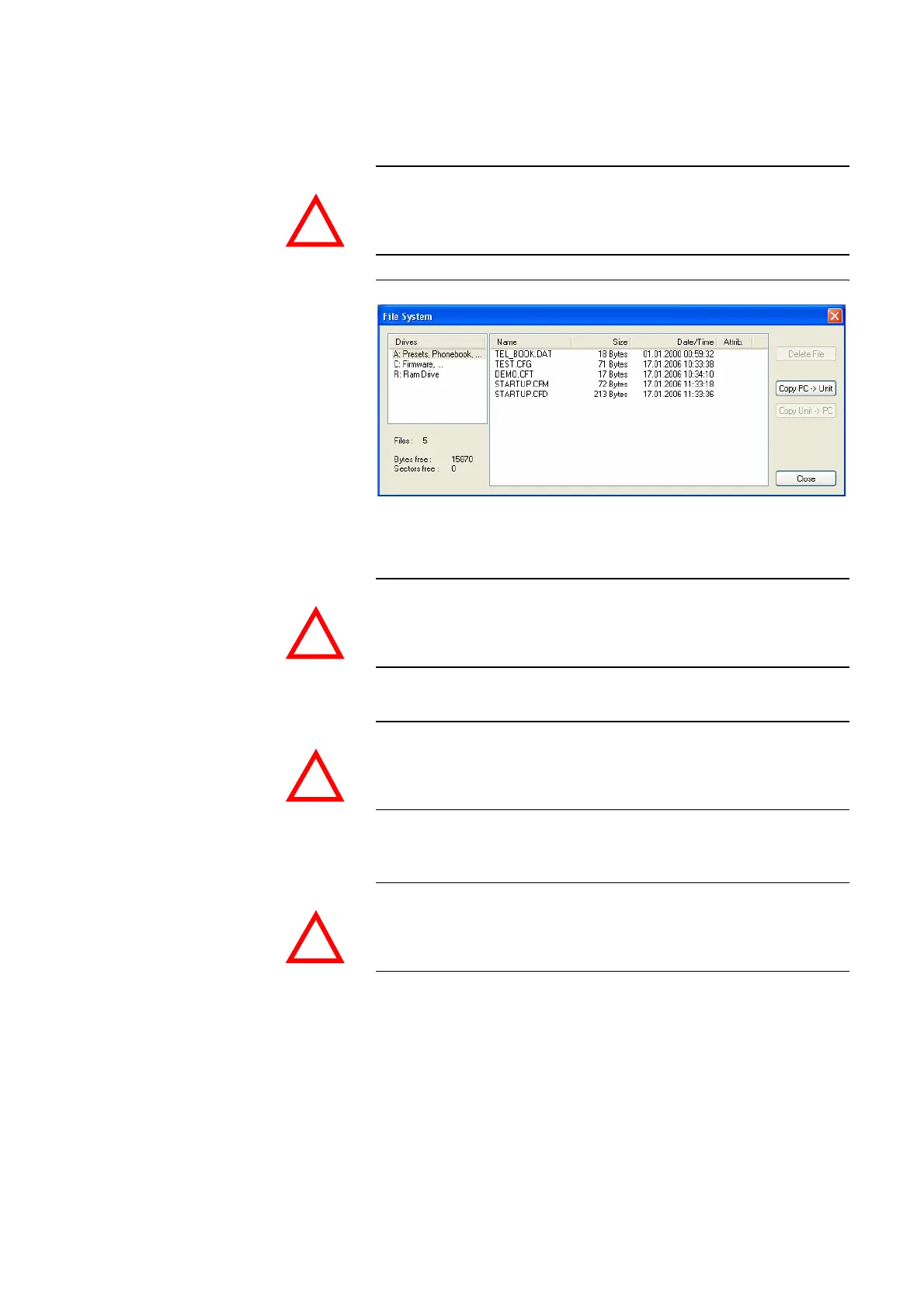
By selecting the submenu File System the file directory of the system (similar
to the harddisk of a PC) is displayed.
FIG. 70 SUBMENU FILE SYSTEM
Via the button Delete File the currently selected file is deleted from the sy-
stem.
The button Copy PC -> Unit allows you to copy a file from a PC to the system.
The button Copy Unit -> PC allows you to copy a file from the system to the
connected PC.
ATTENTION Please do not carry out any actions under File System unless our support as-
ked you to. All user import/export functions can be found under the menu
File (see CHAPTER 4.6).
ATTENTION Do not delete a file unless our service told you to delete the file. Otherwise a
malfunction of the system can occur.
ATTENTION Please use only the function Firmware Download (see CHAPTER 4.8.6) re-
spectively the import functions in the menu File (see CHAPTER 4.6) to copy
files to the system.
ATTENTION Pleae use only the export functions under the menu File (see CHAPTER 4.6)
to copy files to a PC.
!
!
!
!



 To Next Page