PAGE 87
Windows PC Software
4.7.3 Submenu Presets
Via Presets you can save, load and edit configuration presets.
4.7.3.1 Save as ...
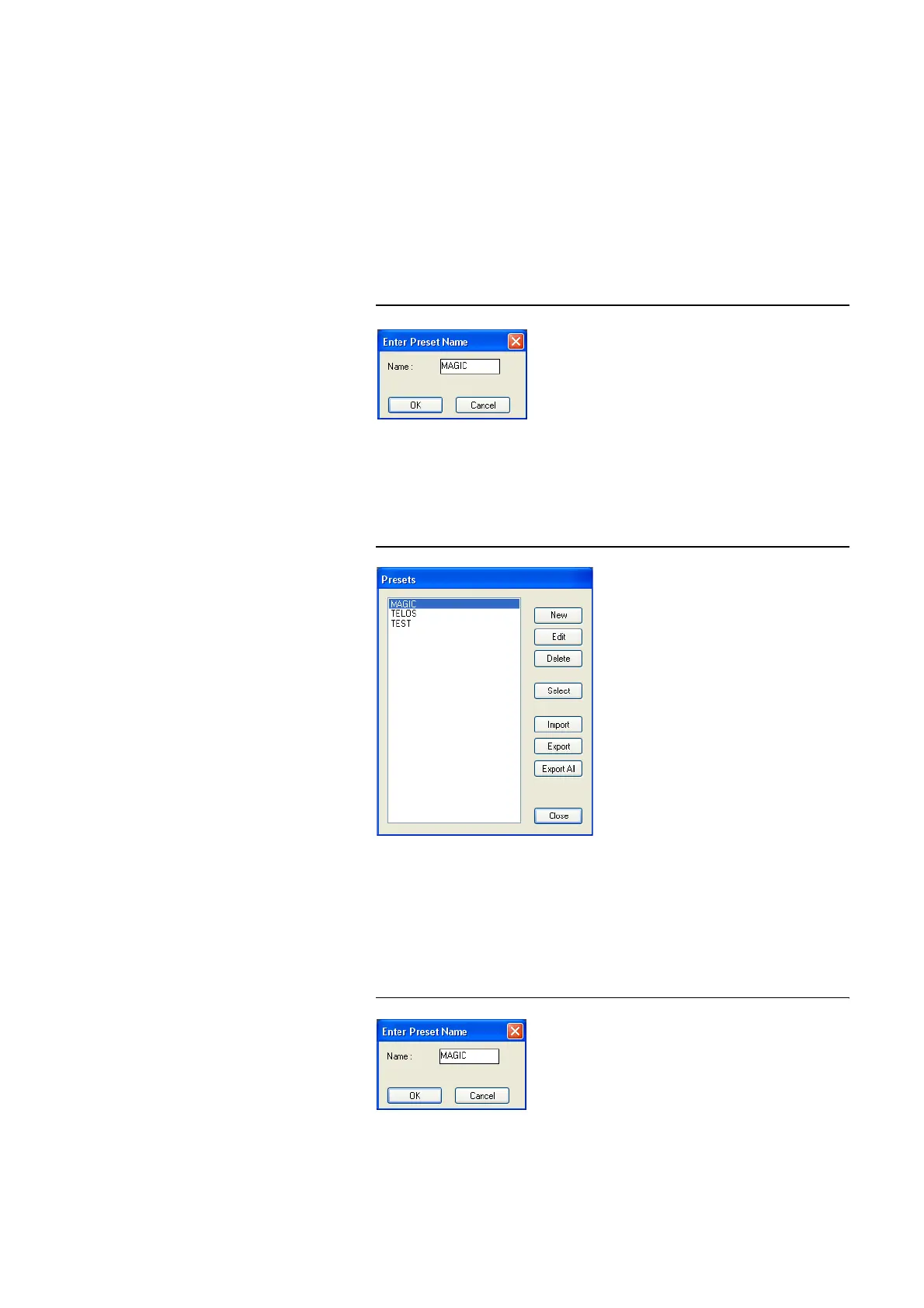
Via the option Save as ..., the current configuration can be saved as Preset
under any name (max. 8 characters). Special characters and space characters
are not allowed. Please make sure that you use clear-cut names, otherwise an
error message is displayed asking you if you want to overwrite the already
existing preset.
FIG. 58 SAVE PRESET
4.7.3.2 Manage Presets
You can manage your created Presets via the menu Configuration
→ Pre-
sets
→ Manage Presets.
FIG. 59 MANAGE PRESETS
In the list, all already created configuration presets (operation mode) are dis-
played.
With the New button, a new configuration can be created. The current confi-
guration of the system is not changed or loaded. First enter a reasonable
name.
FIG. 60 CREATE A NEW PRESET



 To Next Page