PAGE 37
Windows PC Software
4.6 Menu File
Under the Menu File you can find all functions for the import/export of sy-
stem files.
4.6.1 Submenu Phone Book
To import a telephone book from the PC please select File
→ Phone Book
→ Import.
With Browse you can search for the telephone book which you want to im-
port. The file extension for a telephone book is ‘.csv‘. Such a file can be edited
with e.g. MS
®
EXCEL.
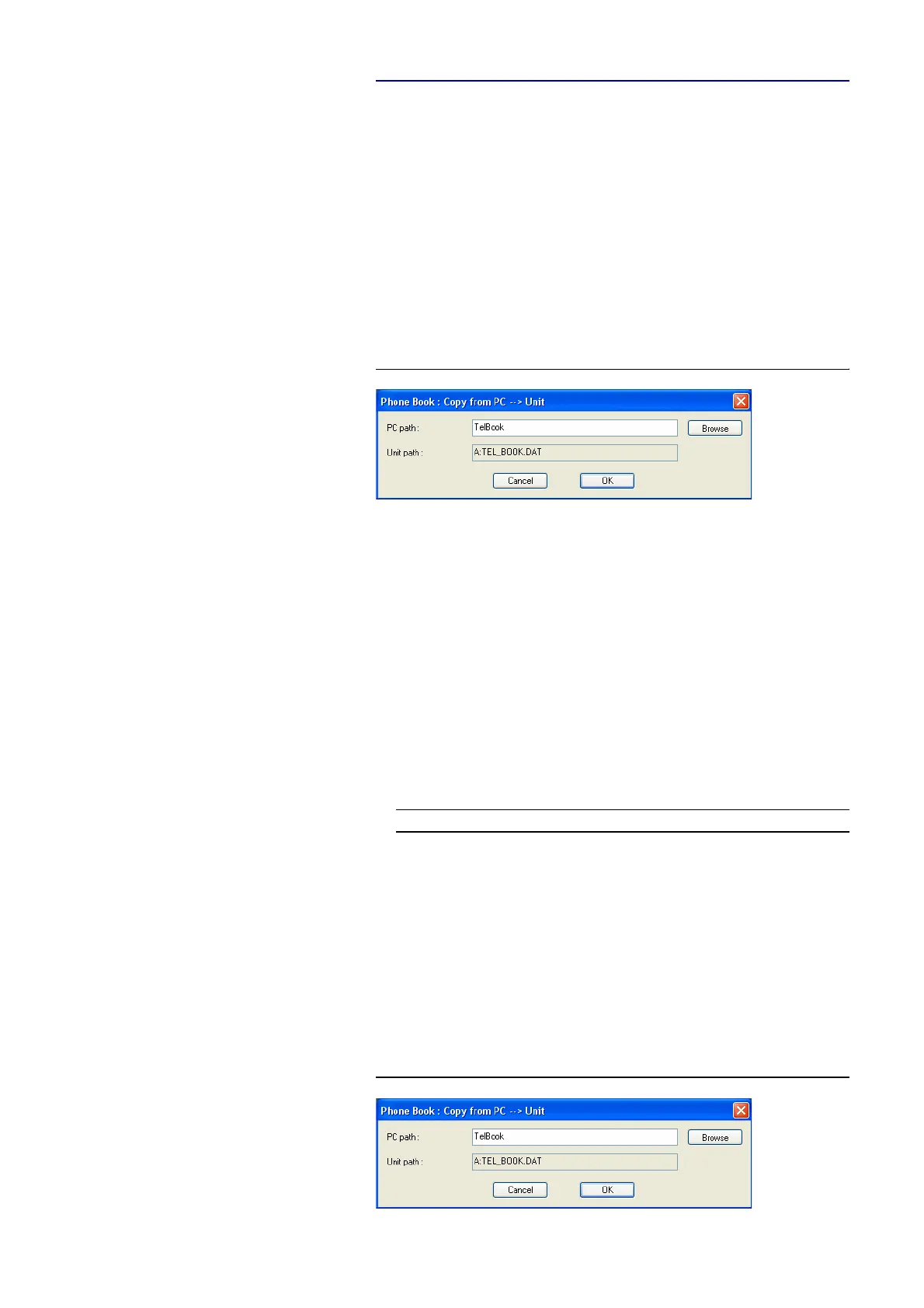
FIG. 21 IMPORT OF A TELEPHONE BOOK
File format (example):
DC7AC1;3;2
Name;Call Mode 1;Call Mode 2;Config File;Number 1;Number 2
JERRY LEE;8;0;;160;
ULRIKE LAUTERBACH;2;0;;141;
AVT SUPPORT;0;0;MUSICTAX;123456;
DIANA EL-TATTAN;1;0;;123;
WOLFGANG PETERS;0;0;DEMO;130;131
;Presets
1;MUSICTAX;17;0201031F016800670069006C007A82980C
1;DEMO;17;0201031F016800670069006C007A829108
Attention: The first two lines form the header and must not be missing.
The lines „Presets“ are only available, if you work with Transmission Mo-
des.
To export a telephone book please go to File
→ Phone Book → Export. The
file is saved with the extension ‘.csv‘. The desired directory path can be selec-
ted via Browse.
FIG. 22 EXPORT OF A TELEPHONE BOOK
Possible values for Call Mode 1/2:
Wert
Call Mode 1 Call Mode 2
0
configuration file used no connection
1
Telephone Telephone
2
7 kHz 7 kHz
8
MPEG 1B -
9
MPEG 2B -



 To Next Page