PAGE 57
Windows PC Software
• The pause between two redialling attempts can be configured with the pa-
rameter Redialling Interval.
The timer can be adjusted within the range of 0 ... 15 sec in steps of 1 se-
conds.
Backup Telephone Numbers of Encoder
The calling number of the backup encoder (e.g. in the studio) you enter under
Number 1 and Number 2 (at the setting MPEG 2B).
Backup Test
To ensure that the ISDN connection and the Audio Codec work correctly, a
Backup Test can be done. Please activate the relevant option for this.
•Under Test Time you enter the time when the backup test shall be done.
The entry has to be made in the 24h notation (e.g. 19h 25m).
• The weekdays (Monday ... Sunday) on which the test shall be done can be
selected by clicking on the relevant weekday button.
4.7.2.1.5 Functions in the main window with activated backup
The main window is adjusted according to your configuration if the backup
is activated.
In the operating mode Encoder, only the operating elements for the calling
number entry and the selection of the transmission type is displayed. The info
field indicates the backup encoder configuration.
In the operating mode Decoder, the same operating elements do not apply.
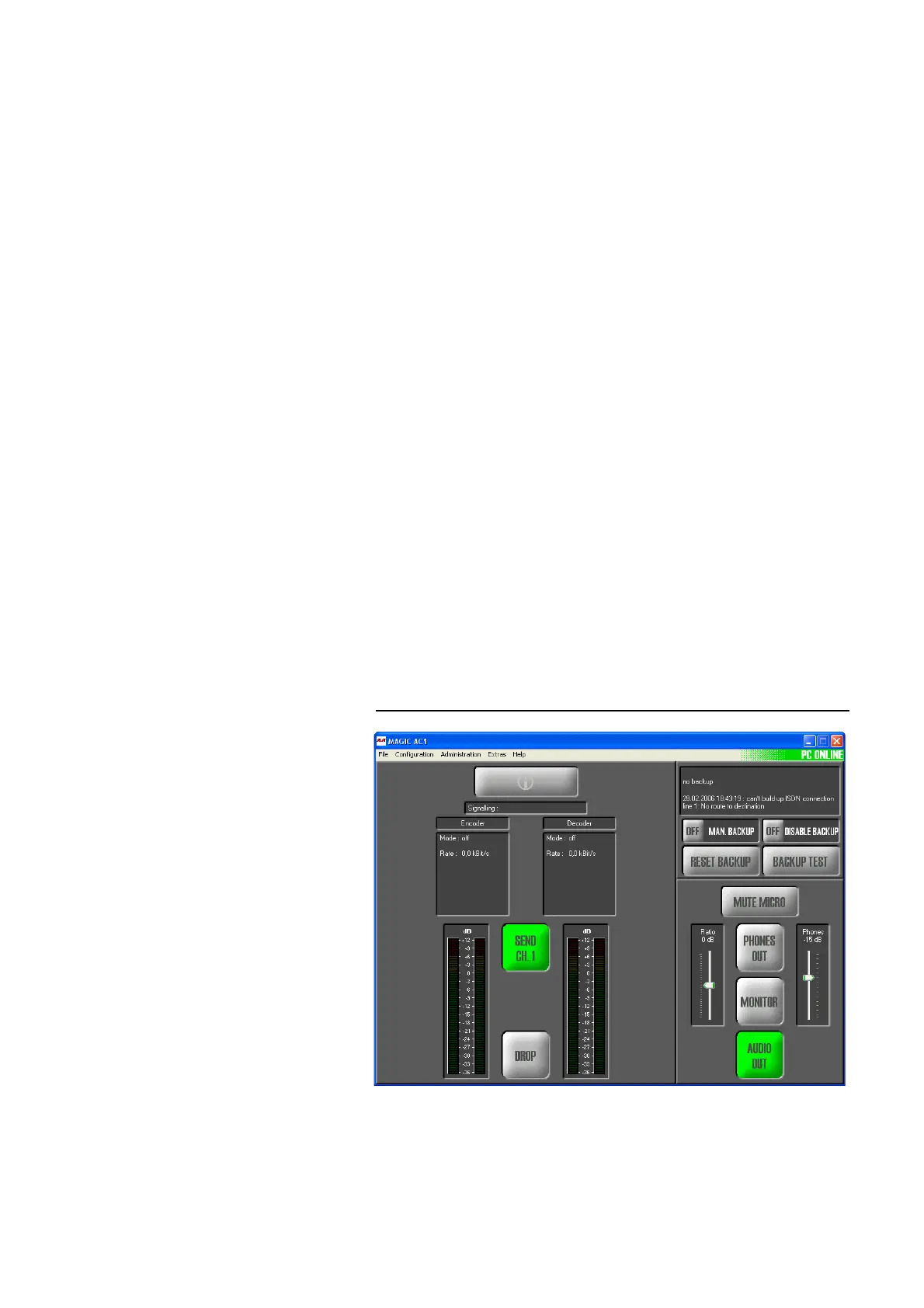
FIG. 36 MAIN WINDOW FOR ACTIVATED DECODER
Additionally, an information window is displayed which informs you about
the backup status. Further operating elements are available:
• Man. Backup ON/OFF: Via this button, a backup can be triggered manu-
ally e.g. for maintenance.



 To Next Page