PAGE 26
Windows PC Software
4.5.2 Connection status
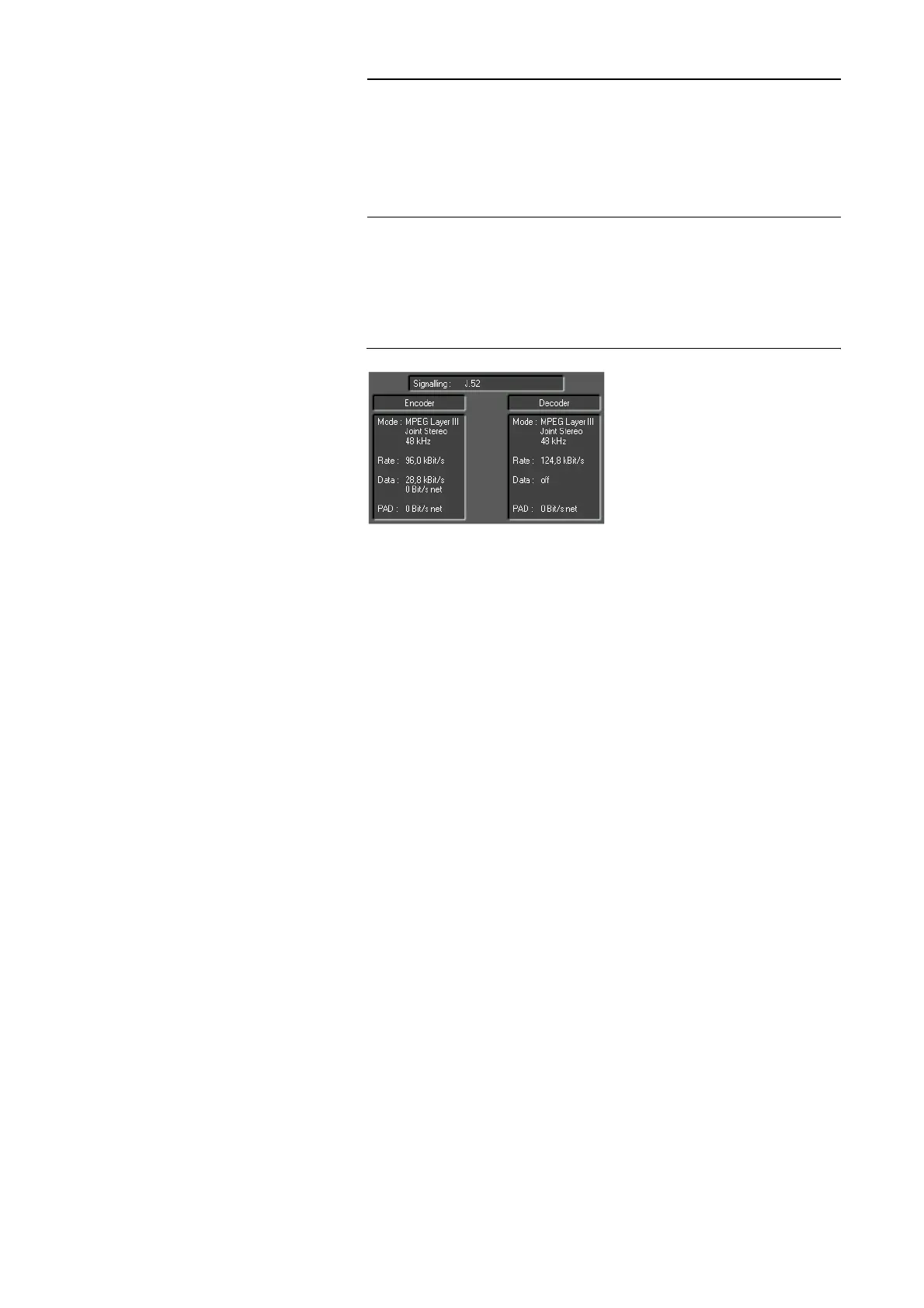
Via the connection status you get detailed information about the current
transmission seperately for transmit and receive direction.
FIG. 8 DISPLAY OF THE CONNECTION STATUS
Displayed are:
– the signalling mode (Signalling)
• Telephone
• SRT (Statistical Recovered Timing)
• MPEG 64 kBit/s unframed
•J.52
•Bonding
•CCS-L2
• Fixed Multiplex
–the operating mode (Mode)
• Coding algorithm (G.711, G.722, ISO/MPEG Layer 2/3, Stand-
ard/Enhanced apt-X, AAC-LD)
• Coding mode (Mono, Dual Channel, Stereo, Joint Stereo)
• Sampling frequency (16 kHz, 24 kHz, 32 kHz, 48 kHz)
–the bit rate (Rate) for the Audio transmission
–the data (Data) for J.52 transmissions
• Gross data rate
• Net data rate
–the PAD data rate (Program Associated Data) within the MPEG data st-
ream
• Net data rate
–in the LAN or LAN/SIP operating mode
• Jitter
HINWEIS
If the connection is faulty, please check the following points:
– external power supply of the system is plugged in (display is available)
– network cable or serial 1:1 connecting cable is connected to the PC and the
system
– right IP address and right Control Port or COM Port and right baud rate
are selected in the software (Configuration
→ Control Interface, see
Page 41)



 To Next Page