PAGE 127
Option: Remote Control Software
8 OPTION: REMOTE CONTROL SOFTWARE &
ISDN MONITOR PLUG-IN
The fee-based MAGIC DC7/AC1 Remote Control Software & ISDN Monitor
Plug-In (order number 430199) enables you to access the MAGIC DC7/AC1
System from any PC with an integrated ISDN card. A local MAGIC DC7/AC1
System is not required. The software option is protected by an USB dongle .
A special highlight is the integrated ISDN S
0
Monitor which allows a detail-
led analysis of the D channel - locally as well as remotely.
8.1 Remote configuration of a MAGIC DC7/AC1 XIP System
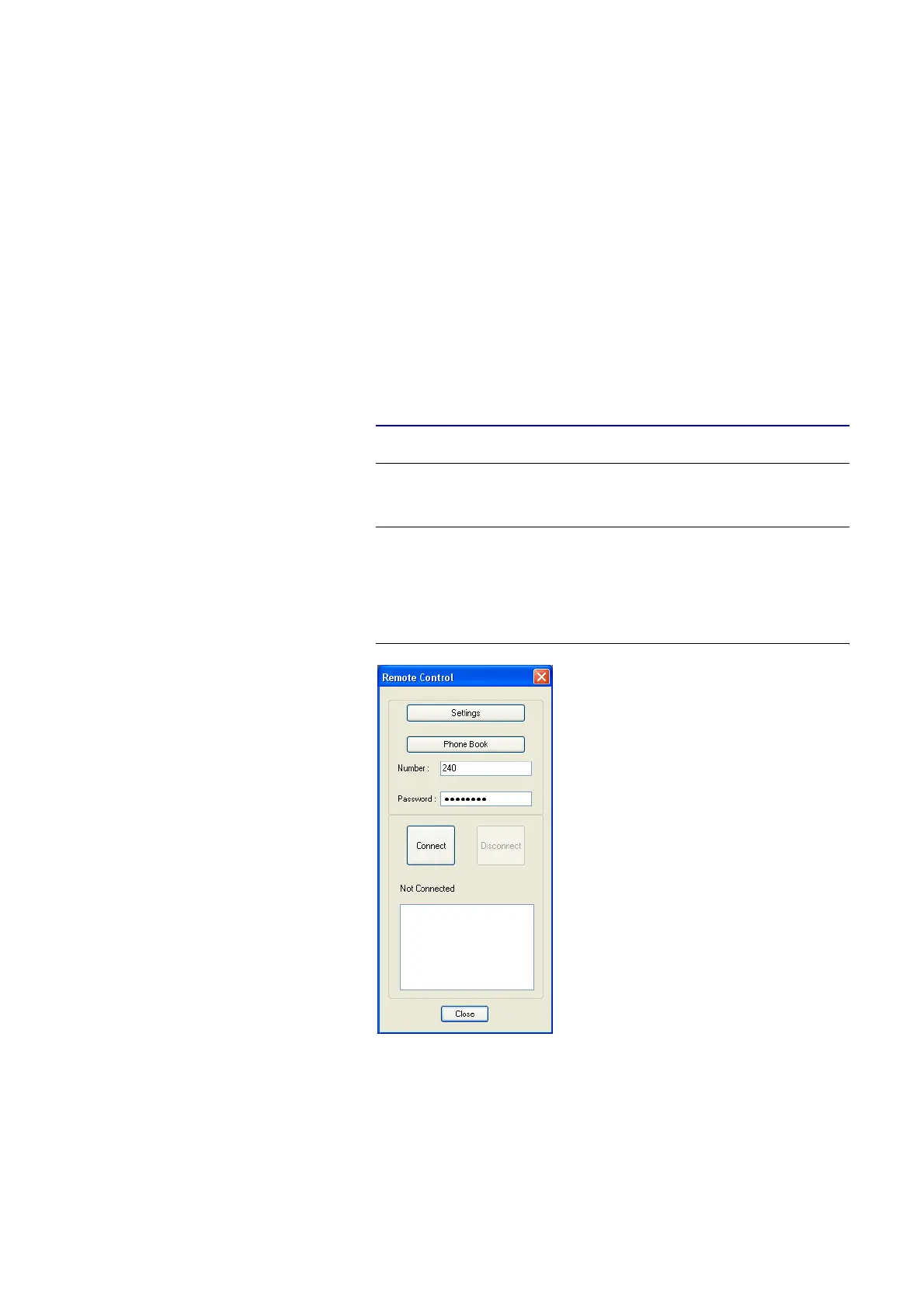
The remote control function can be activated via the menu Administration
→ Remote Control.
FIG. 82 REMOTE CONTROL
Under Settings , please enter your own MSN if required. The MSN is only ne-
cessary, if you operate several systems at your ISDN bus. However, some
PABXs always require the entry of an MSN.
NOTE
The remote control function is only available in the ISDN operating mode.
The USB Dongle included in delivery must be connected to your PC and an
ISDN card
a
needs to be installed.
a
We recommend to use an ISDN card from the company AVM (e.g. Fritz!Card)



 To Next Page