PAGE 95
Windows PC Software
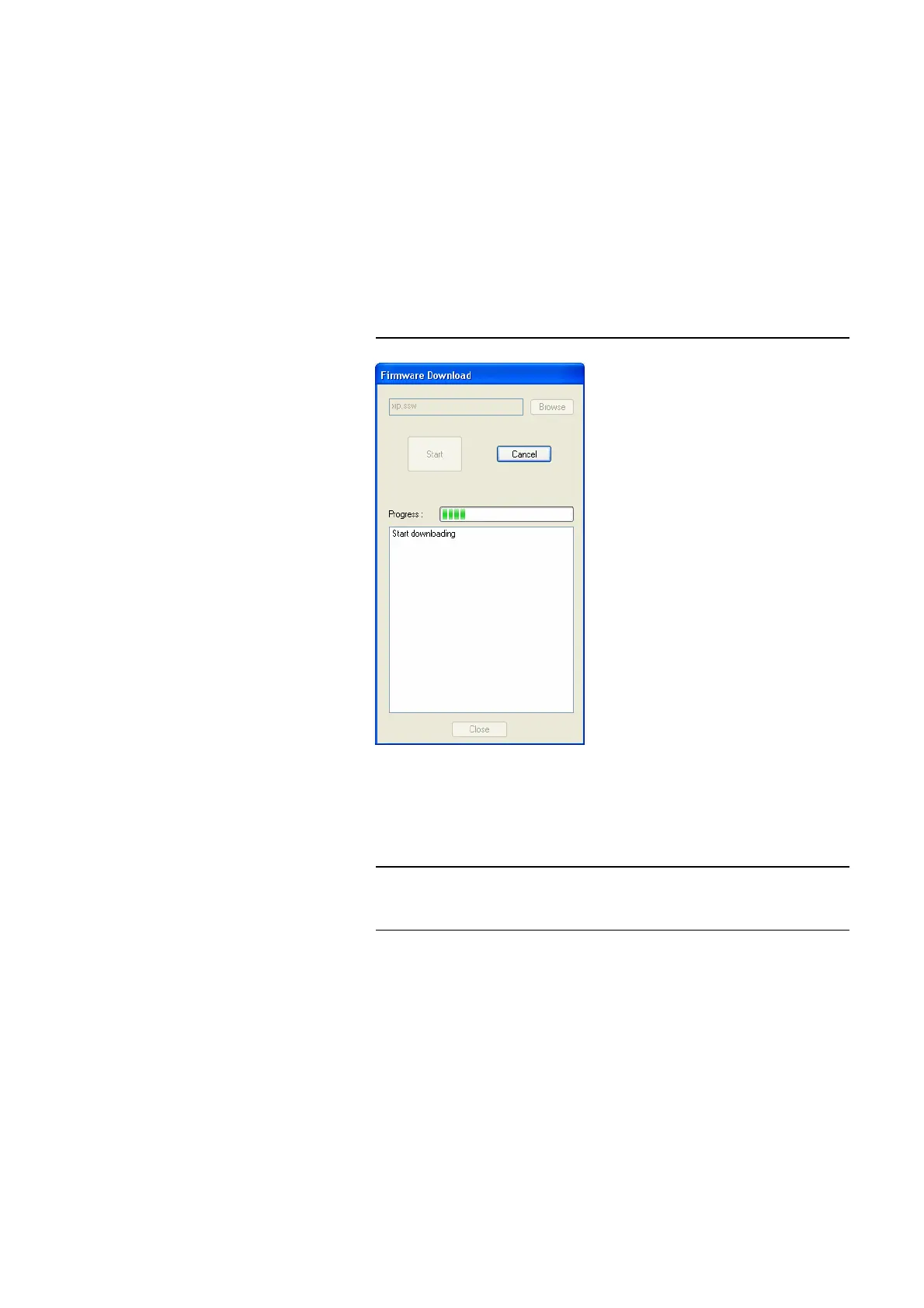
4.8.6 Submenu Firmware Download
The firmware required for the MAGIC DC7/AC1 XIP system is always inclu-
ded in the PC software. Via the Firmware Download the firmware can be
comfortably loaded on the system.
With the Browse button you select the firmware file. The file is always stored
in the directory in which you installed the MAGIC DC7/AC1 XIP application.
The standard installation directory is:
C:\Programme\MAGIC DC7, AC1 & AC1 XIP
The name of the firmware file is „xip.ssw“.
FIG. 72 FIRMWARE DOWNLOAD
Please press the Start button to load the firmware on your system. The Pro-
gress bar shows the status of the download. After about three minutes the
download will be finished. If the download had been successful, a message is
displayed. After a confirmation the system executes a reset.
NOTE
If a download had been faulty, you can simply switch off the unit and then
switch it on again. The new software is only written in the flash memory, if a
download had been successful. Otherwise the old firmware is maintained.



 To Next Page