PAGE 85
Windows PC Software
4.7.2.5 Login
To protect the system from reconfiguration, two password levels with diffe-
rent user rights are available.
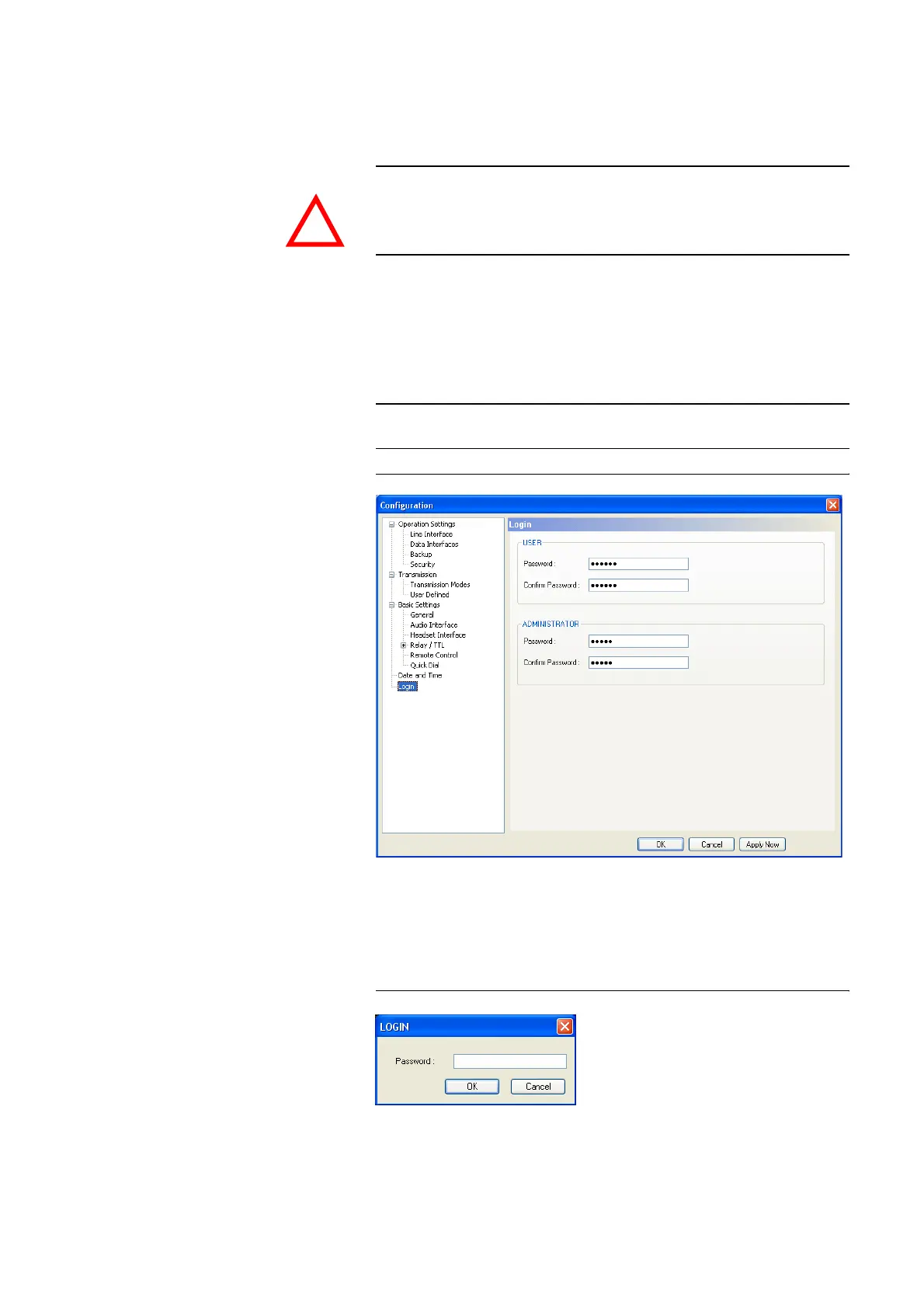
•Under USER you can assign the User Password. For saftey reasons the
password needs to be confirmed under Confirm Password.
•Under ADMINISTRATOR you can assign the Administrator Password.
For saftey reasons the password needs to be confirmed under Confirm-
Password.
FIG. 56 LOGIN
As soon as you assigned a password, a login window is automatically dis-
played when you click on a menu which is protected by a password. Please
enter the user or the administrator password.
FIG. 57 PAßWORT-LOGIN
The user and administrator rights are allocated in the following way:
ATTENTION The entered passwords are stored in the system. Take care in entering a pass-
word. If you forget your password, the system can only be unlocked by the
AVT Service.
NOTE
It is not differentiated between upper and lower case when a password is en-
tered.
!



 To Next Page