PAGE 109
Operation via Display and Keypad
5.2 Working with the MAGIC DC7/AC1 XIP ISDN
In the next chapters basic functions like establishing a connection, dropping a
connection, accepting calls etc. by using the ISDN interface are described in
detail.
5.2.1 Calling a partner
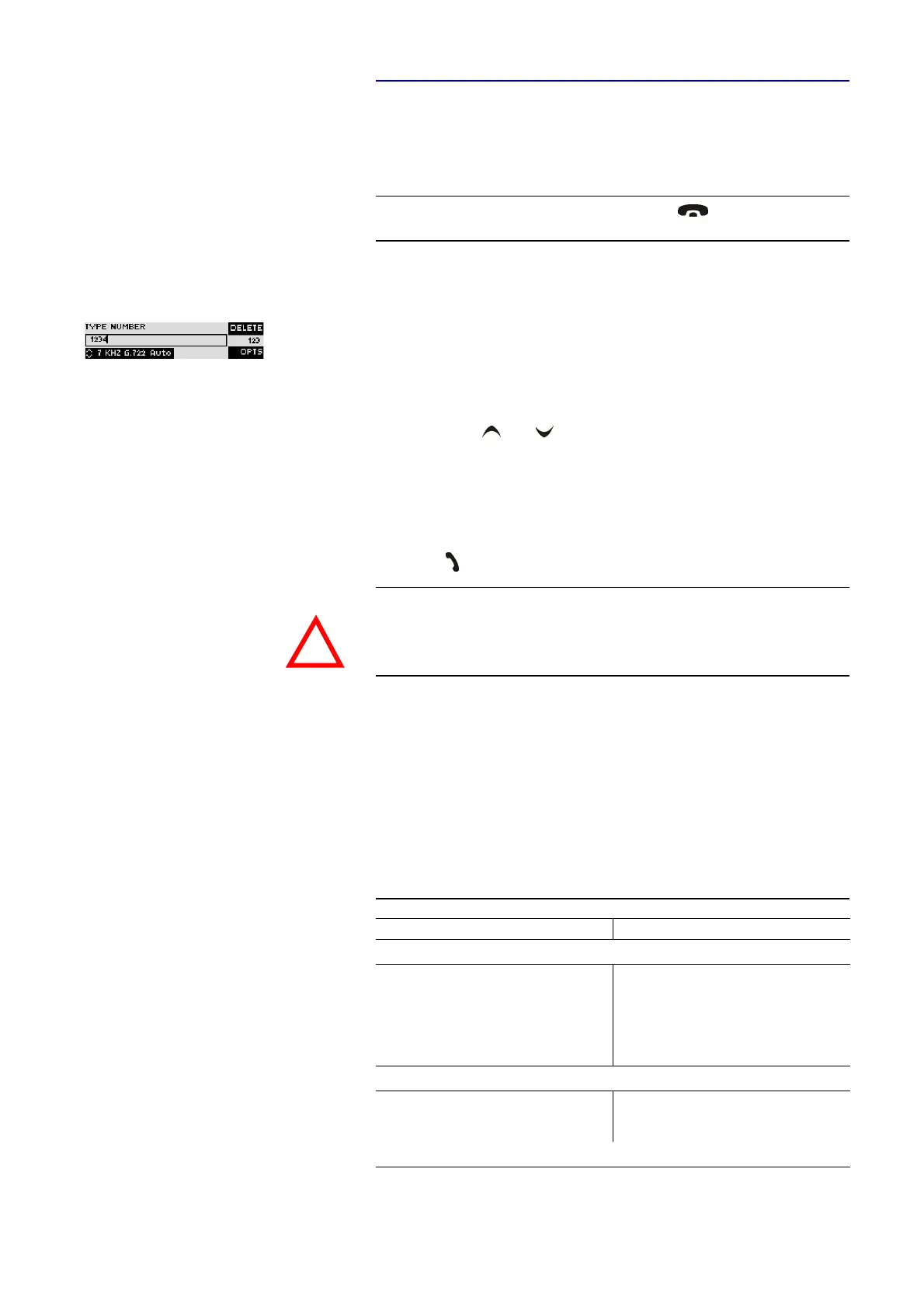
From the main menu just enter the phone number with the buttons
0...9
. The
input field for the phone number is displayed automatically after entering the
first cypher. A phone number has to have 20 cyphers maximum.
With the softkey
Delete
wrong entries can be corrected.
The cursor keys and allow you to select a transmission mode
Tele-
phone
,
7-kHz G.722 Auto
(MAGIC AC1 XIP additionally:
15-kHz 1B Auto
,
15-kHz
2B Auto
), as well as all defined transmission modes (see CHAPTER 4.7.2.2.2).
As soon as the partner accepts the call, the system tries to synchronise the Au-
dio signal in the selected Audio mode.
The connection is established by entering the calling number and pressing the
phone key
Under the softkey
Opt.
(options) the entered phone number can be saved in a
phone book (see CHAPTER5.3.1, Page 112) or stored as Quick Dial number
(see CHAPTER5.3.2, Page 112).
5.2.2 Using both B channels
In the ISDN operating mode two independent Audio codecs respectively a
Stereo ISO/MPEG transmission with 128-kBit/s are available because of the
two B channels. The following modes are possible:
NOTE
If you are not in the main menu please press the button first.
From the main menu you reach the status window via the
Ok
button.
ATTENTION Information about the synchronization procedure ADS can be found in
CHAPTER A1.
TAB. 2 COMBINED OPERATING MODES
B channel 1 B channel 2
Modes of the MAGIC DC7 XIP
Telephone Telephone
7-kHz G.722 Telephone
7-kHz G.722 7-kHz G.722
Telephone 7-kHz G.722
Additional modes with the MAGIC AC1 XIP
15-kHz 1B Telephone
15-kHz 1B 7-kHz
15-kHz 2B
!



 To Next Page