PAGE 81
Windows PC Software
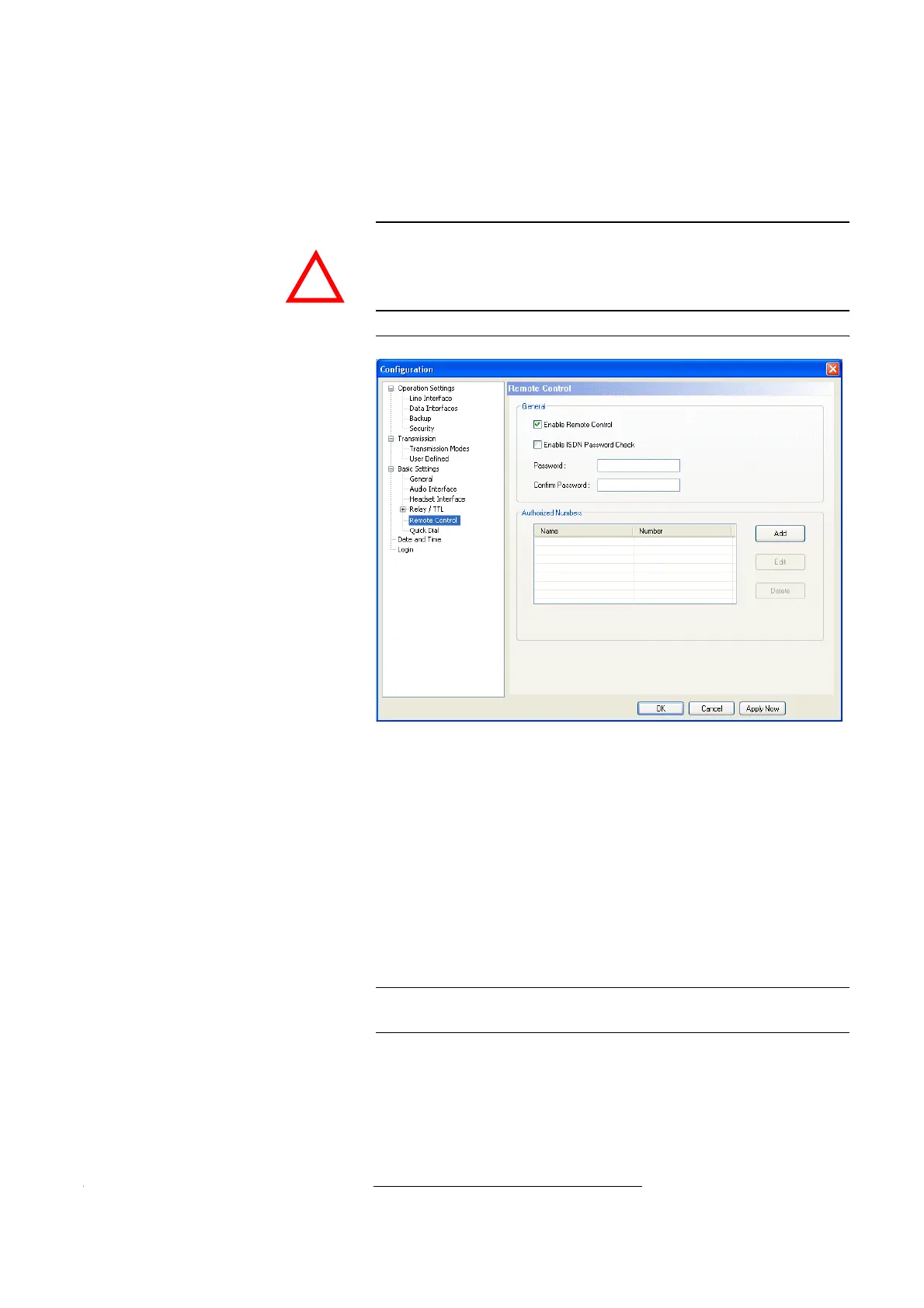
4.7.2.3.5 Remote Control
General
To allow remote control for the system (see CHAPTER8, Page 127), you must
activate the function Enable Remote Control.
FIG. 52 REMOTE CONTROL
By assigning a password, the caller needs to authorise himself first before can
control the system remotely. The password check can be done in two different
ways:
• If the option Enable ISDN Password Check is activated, the password
check is done in the D channel (signalling channel) of the ISDN connection.
If the password does not matches, the caller is rejected immediately wit-
hout establishing a connection
1
.
If the password check is successful, the call is accepted automatically ,
even if the automatic answer of calls is not enabled (see Page 47, Enable
Auto Answer).
• If this function is not supported by the ISDN connection, the password
check is not done before the connection has been established.
A call to a system which is to be controlled remotely must be accepted ma-
nuelly, if the automatic answer of calls is not activated (see Page 47, Ena-
ble Auto Answer).
ATTENTION Without any further security measures, anybody who knows the calling
number of the system and has the fee-based Option: Remote Control Soft-
ware & ISDN Monitor Plug-In can control the system remotely.
Therefore, please activate the security system described below at any rate.
1
In this case, the caller does not have to pay any connection charges.
NOTE
The password check in the D channel is only available if the feature sub
addressing is enabled for the ISDN connection.
!



 To Next Page