PAGE 54
Windows PC Software
4.7.2.1.3 Data Interfaces
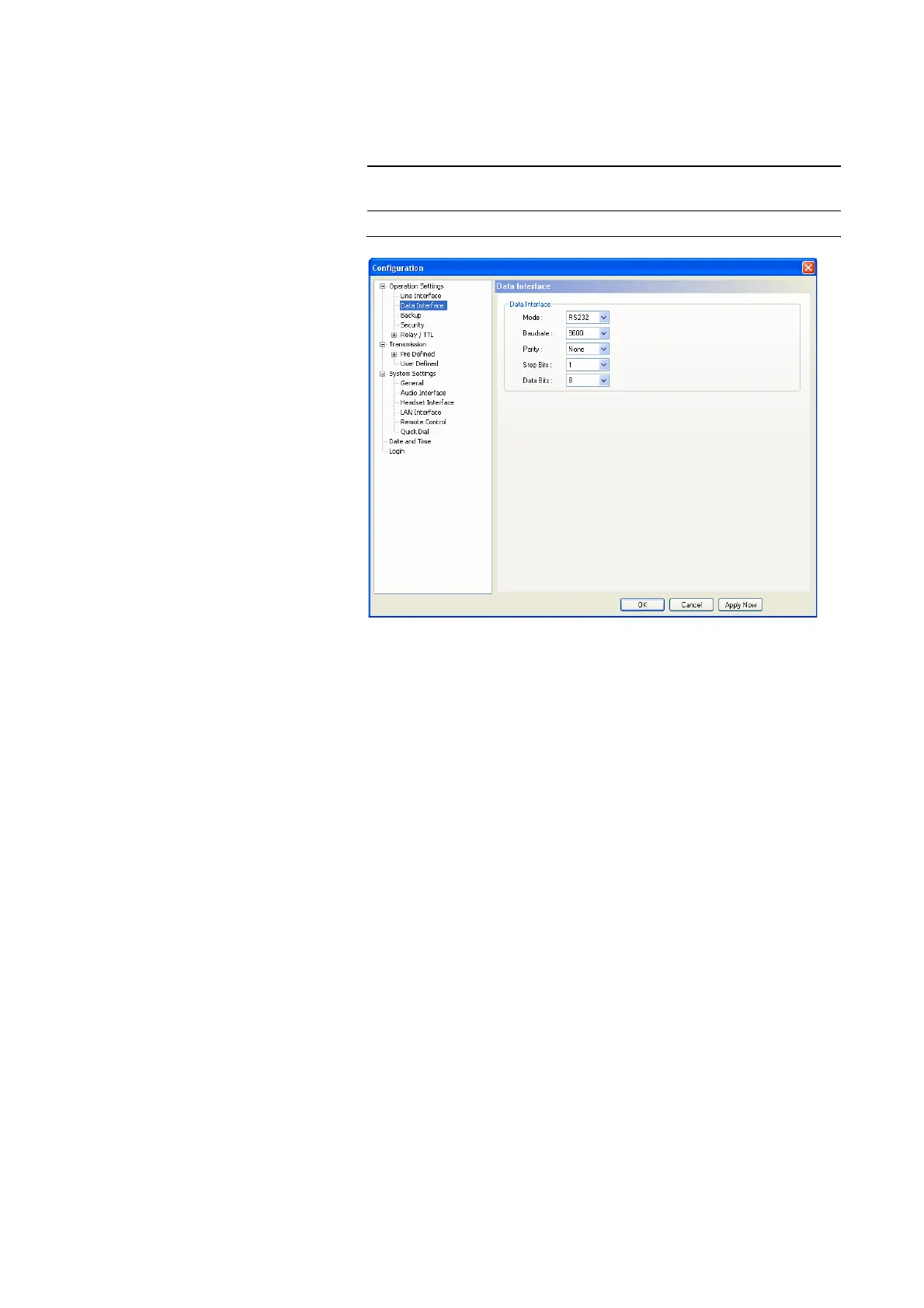
Under Data Interfaces you can configure the available data interface which
allows a transmission of transparent data in parallel to the Audio signal.
FIG. 34 CONFIGURATION OF THE DATA INTERFACE
The configuration options for the Data Interface must match with the settings
of the corresponding data source.
• Via the drop down list Mode you can select the interface type RS232 or
RS485.
The RS232 interface can be used with a maximum cable length of 15 m
and is available at many data end devices. The transmission is unsymme-
trical, i.e. only one wire is used for the transmit and one for the receive
channel. The procedure is more interference-prone and limits the maxi-
mum cable lenght.
In contrast to this, the RS485 works with symmetrical transmission (one
pair of wires each for transmit and receive direction), whereby the trans-
mission is less interference-prone and cable lenght of maximum 100m are
possible.
• As baud rates the values 300, 1200, 2400, 4800, 9600, 19200 and 38400
can be adjusted.
•Under Parity you select the desired parity None , Even and Odd.
• The number of the Stop Bits can be set to 1 or 2.
• The number of the Data Bits can be set to 8 or 9.
NOTE
It depends on the selected Audio Transmission Mode (see
CHAPTER Fig. 38) if a data transmission is possible.



 To Next Page