PAGE 36
Windows PC Software
With OK the entry is saved, with Cancel you can cancel the entry at any time.
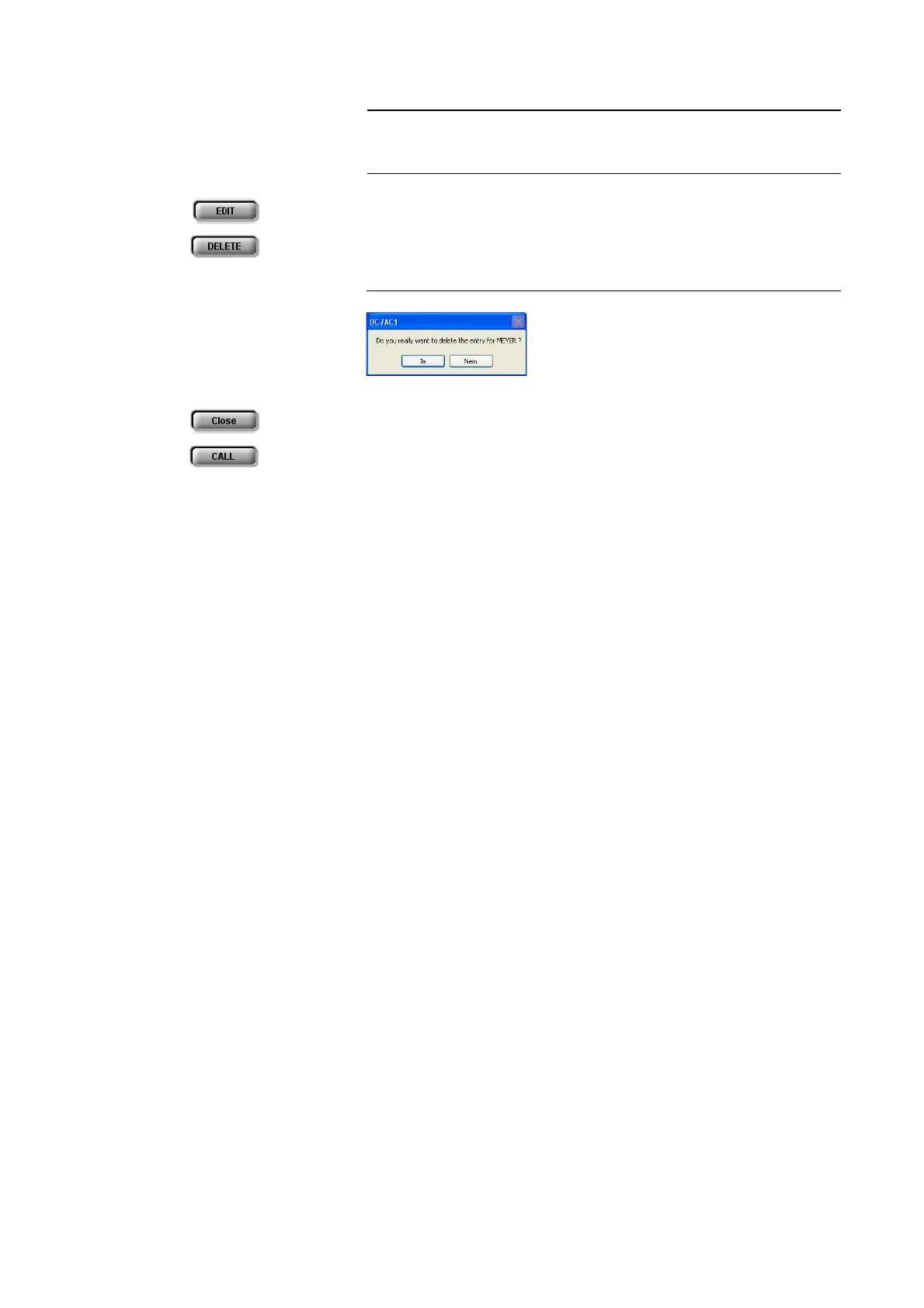
An already existing entry can be edited with the EDIT button.
To delete a telephone book entry, please press the DELETE button. To avoid
that entries are deleted by accident, you have to confirm your selection.
FIG. 20 CONFIRMATION TO DELETE AN ENTRY
With Close you can close the dialogue without any further action.
To establish a connection with a telephone book entry directly, please press
CALL.
NOTE
Please notice that the telephone book entries are stored in the system and not
on the PC. Via the menu File
→ Phone Book → Import/Export you can also
load a telephone book from your PC or save a phone book on your PC.



 To Next Page