PAGE 131
Option: Remote Control Software
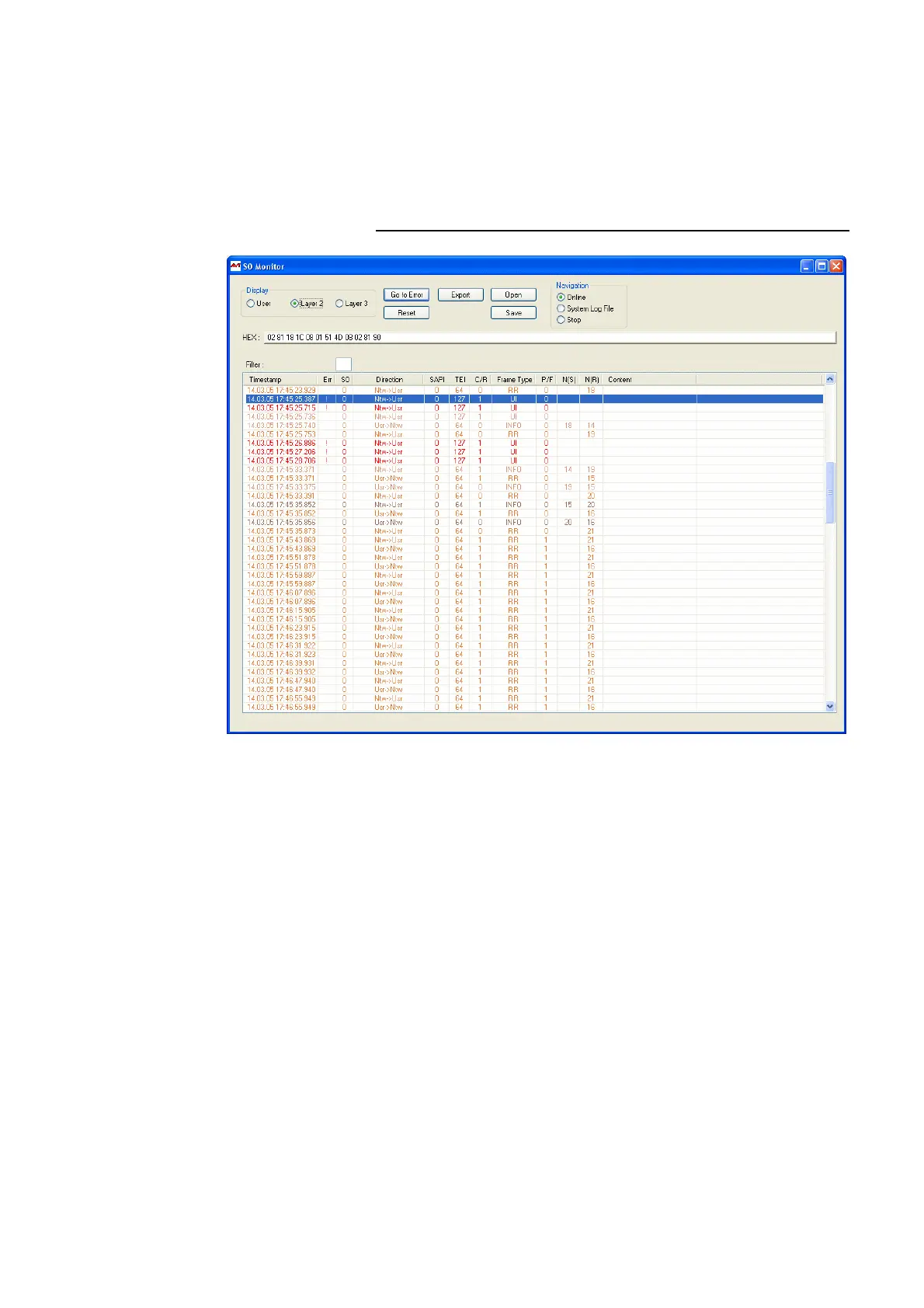
•Using Filter you can filter the log file for certain criteria. S0 selects the
ISDN interface of the system. For the MAGIC DC7/AC1 this value must al-
ways be „0“ respectively be empty since the system incorporates only one
ISDN interface..
Using the filter CR (Call Reference) you can display all available entries for
a transaction. Additionally, the colour in which the entries are displayed
is changes for each new Call Reference.
FIG. 87 S
0
MONITOR LAYER 2 DARSTELLUNG



 To Next Page