PAGE 34
Windows PC Software
Mixer Presets
In the system, up to three Mixer Presets can be saved and reloaded by a key-
press.
Please follow the instructions below:
– Adjust the Audio mixer for all Audio sources and output devices accor-
ding to your requirements.
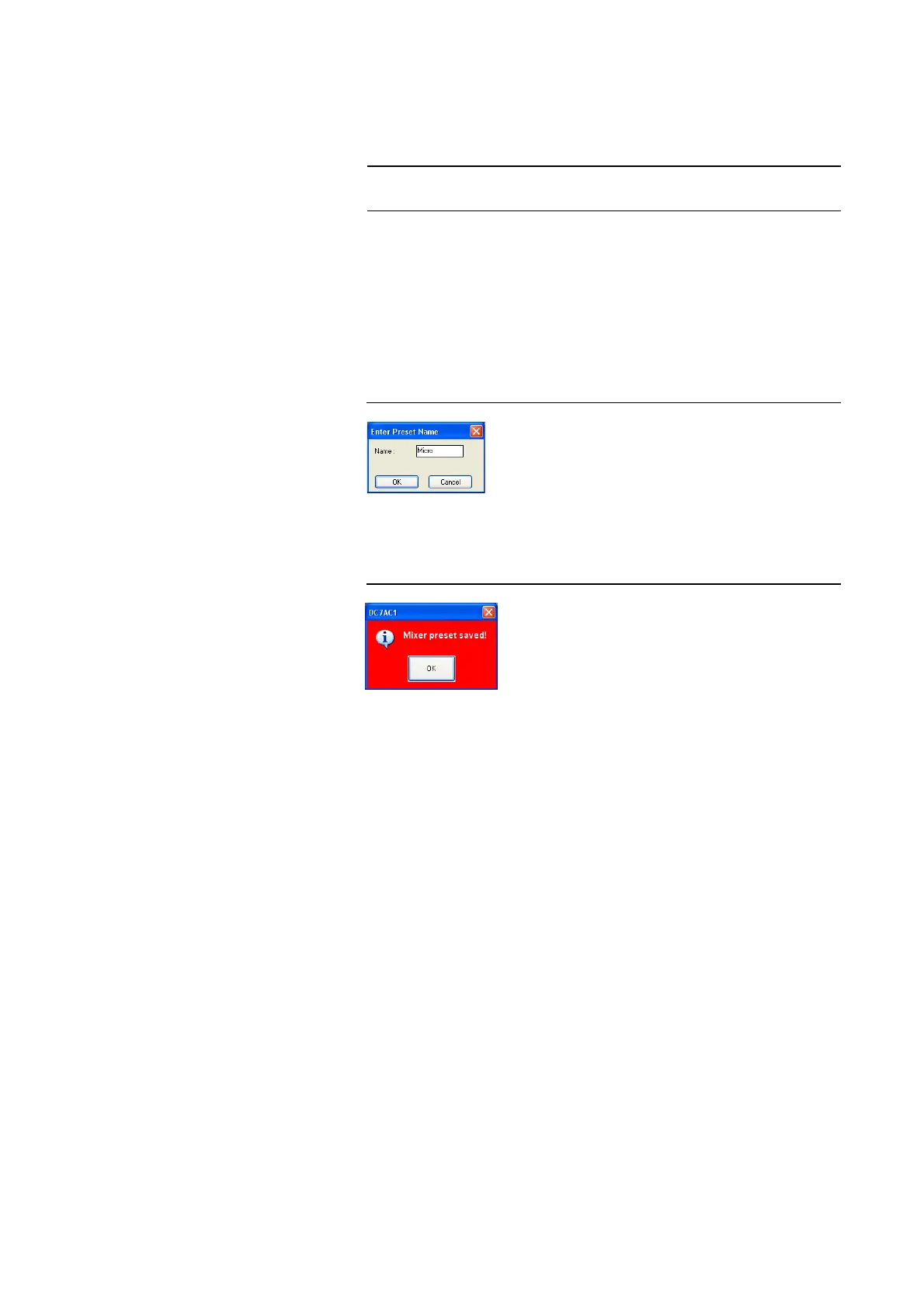
– Press one of the Mixer Preset buttons for about two seconds. The dialog
for the entry of a Preset Name is displayed. The length of the names must
not exceed 8 characters.
FIG. 16 ENTRY OF A PRESET NAME
–After the OK button is pressed a confirmation is displayed that the Mixer
Preset has been saved successfully.
FIG. 17 MXIER PRESET SAVED
– To reload a mixer configuration, please click on the Mixer Preset button
for a second.
– To reset the system to the default setting, please click on the SET DE-
FAULT button. The mixer is configured in the following way:
• All levels to 0 dB
• Receive Channel 1
→ Audio Out 1
• Recieve Channel 2
→ Audio Out 2
•Audio In 1
→ Send Channel 1
•Audio In 2
→ Send Channel 2
That means, the received signal is available at the Audio output and the si-
gnal from the Audio input is transmitted to the remote side.
NOTE
The loading of a Mixer Preset applies to all Audio sources and devices, even
if they are currently not displayed.



 To Next Page