PAGE 74
Windows PC Software
• To avoid an overdrive of the system, the microphone input has a switcha-
ble Limiter.
•Via Microphone Gain you can adapt the sensitivity of your microphone
to the limiter. The gain can be set wihtin the range of 0 ... +45 dB in 1-dB
steps. For a simple adaption you should use the Microphone Level. When
the setting is optimal, the Limiter LED should never be illuminated or only
for a short time. The setting Limiter is not relevant for the level setting.
Auto Ducking Parameter
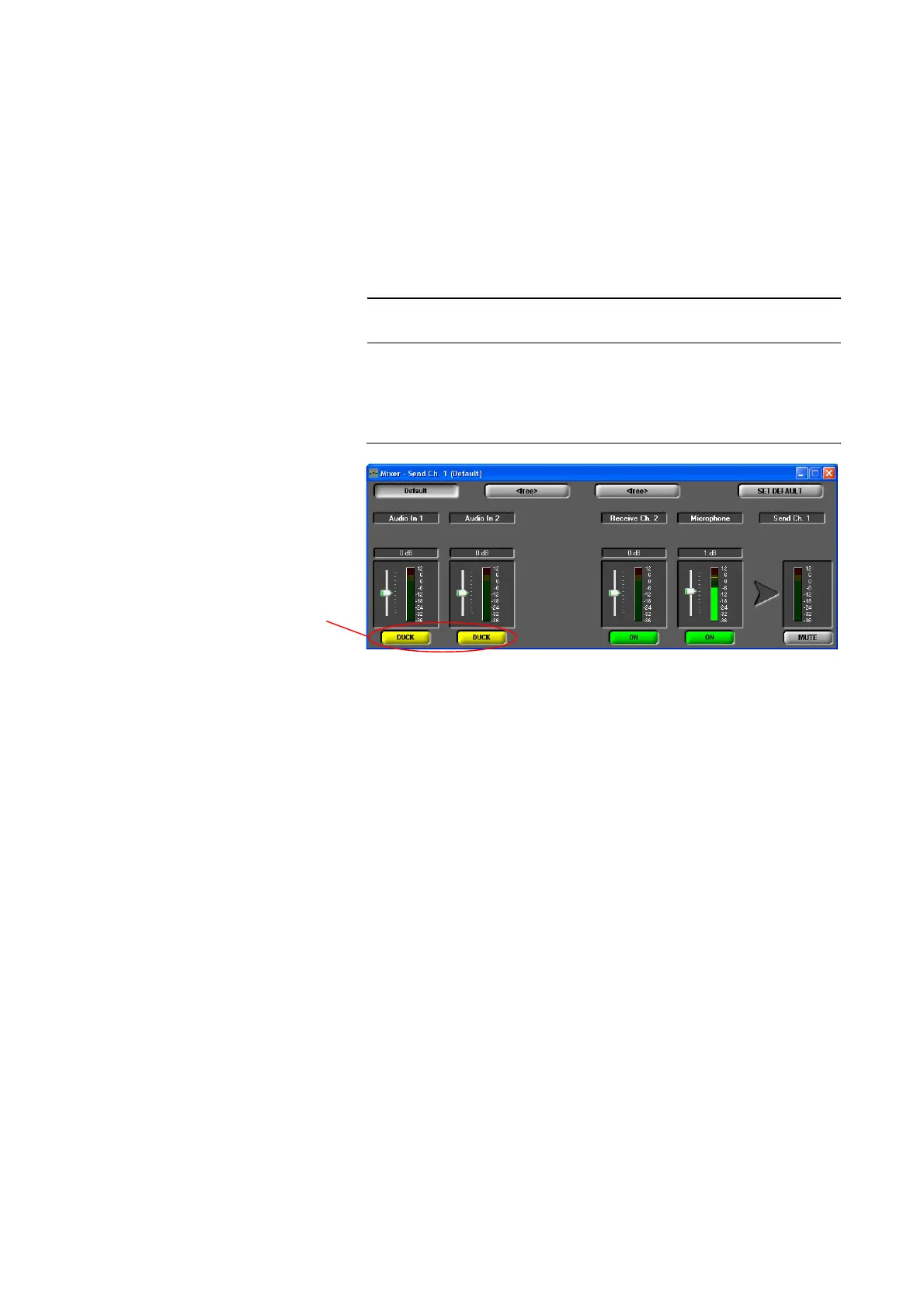
For the two Audio inputs, the Auto ducking function can be activated if the
microphone is used. As soon as you talk into the microphone, the level of the
Audio inputs is turned down automatically.
FIG. 46 ACTIVATED AUTO DUCKING IN THE AUDIO MIXER
The following parameters can be changed to adjust the Auto ducking beha-
viour:
• Threshold: Via this setting you select the threshold value at which the re-
ducing of the Audio input level starts. Available range: -32... 0 dB in 1-dB
steps. Default setting: -20 dB.
• Level: This setting defines the level to which the Audio input level is to be
reduced. Available range: -32... 0 dB in 1-dB steps. Default setting: -32 dB.
• Fade Out Speed: Here you select the speed with which the Audio input
signal is turned down. Available range: 0 (slow) ... 7 (fast). Default set-
ting: 4.
• Fade Out Hold Time: This value defines the minimum time during which
the Audio input signal is faded out. If nobody talks into the microphone
any longer, the signal is faded in again after the time you set here. Availa-
ble range: 0 ... 1750 ms. Default setting: 750 ms.
• Fade In Speed: Here you select the speed with which the Audio input si-
gnal is faded in. Available range: 0 (slow) ... 7 (fast). Default setting: 2.
•The button Set Default resets all parameters to the default settings.
NOTE
This function is only available if the fee-based option Mixer Tool Plug-In (or-
der number 430201) is enabled.
Auto ducking
activated



 To Next Page