112 BD High Throughput Sampler User’s Guide
3 Open the roller clamp on the side of the cytometer for approximately
10 seconds.
4 Close the roller clamp.
5 Prime the cytometer two to three times to bring the cleaning fluid to the
flow cell.
6 Place the cytometer in Run mode.
7 Choose HTS > Prime; repeat the prime.
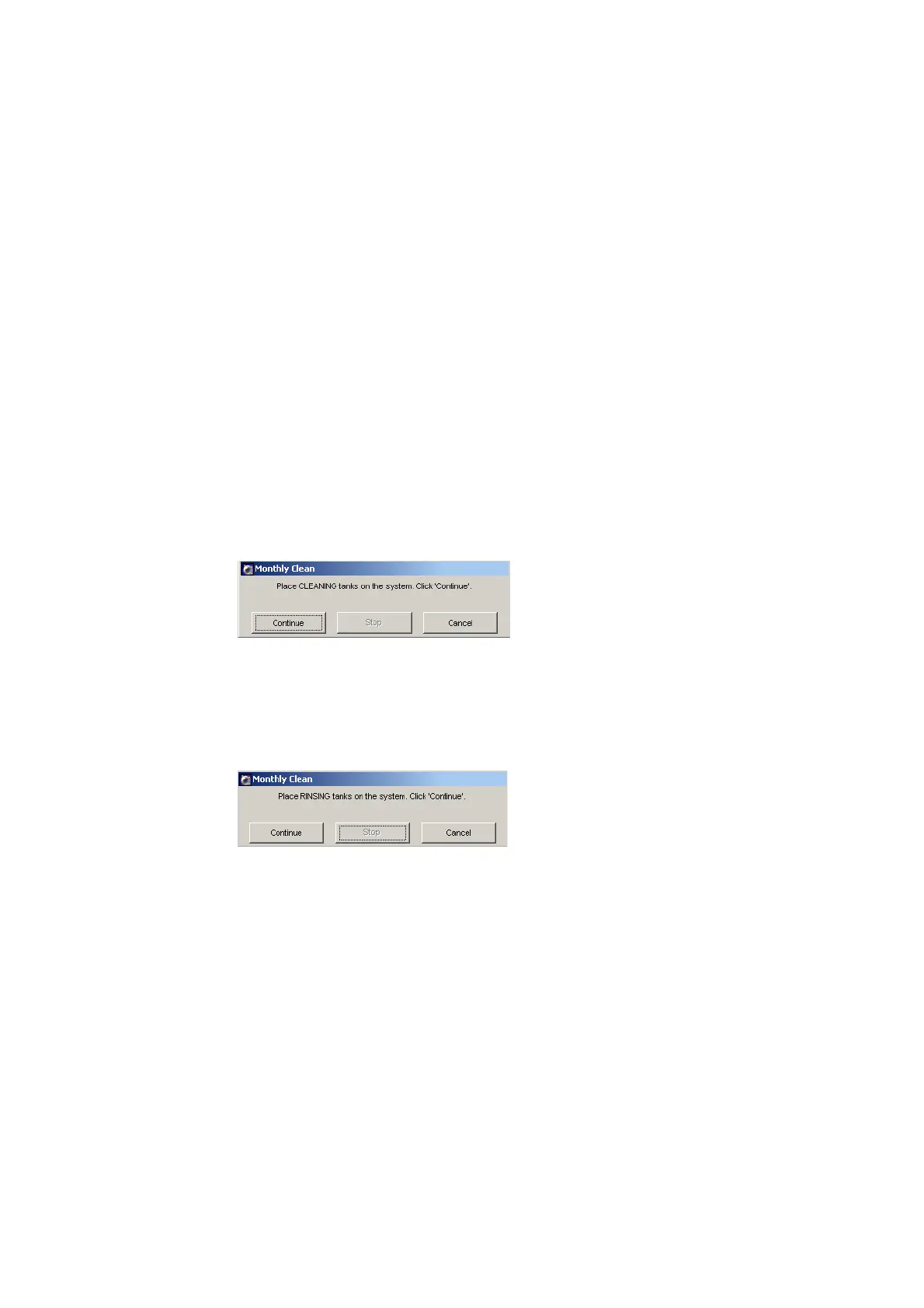
8 Choose HTS > Monthly Cleaning.
The following dialog appears.
9 Click Continue.
A dialog appears while cleaning is in progress; this can take up to 30 minutes.
10 Remove the tank and replace the cleaning solution with DI water.
11 Reinstall the tank.
A progress dialog appears while rinsing is in progress; this can take up to
30 minutes.











 To Next Page