Chapter 4: Maintenance 133
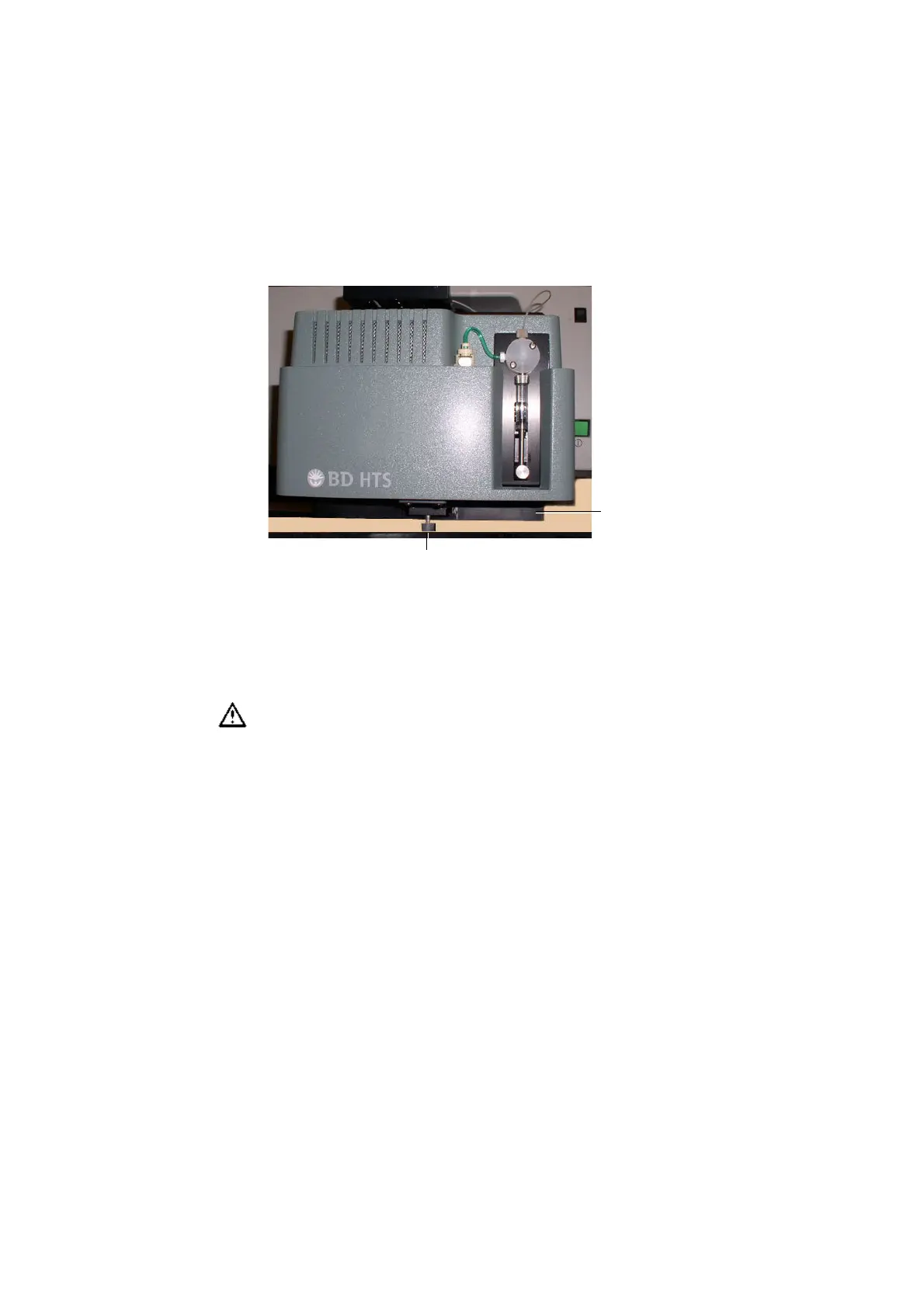
Figure 4-17 Loosening the positioning screw
3 Grasp the sides of the HTS unit and slide it forward until it meets the stop
in the cytometer support bracket.
4 Lift the HTS unit off of the cytometer support bracket by doing the
following:
• Slightly lift the HTS unit to clear the positioning screw.
• Being careful not to strain the sheath tubing, slide the unit towards you
until you can access the filter.
This allows you better access to the connections on the back of the unit.
5 Detach the sheath line from Sheath (B) port on the back of the HTS unit
(Figure 4-18 on page 134).
Press the metal button to release the connector. Leave the line attached to
the cytometer interface panel.
To prevent personal injury or damage to the HTS unit, do not slide the HTS
unit out so far that it becomes unbalanced or the strain of the tubing bends
the SIT.
support bracket
positioning screw











 To Next Page