174 BD High Throughput Sampler User’s Guide
10 Slide the HTS unit all the way back toward the cytometer being careful not
to crimp the fluid tubing or communication cable.
11 If necessary, install the probe (refer to Replacing the Probe on page 129).
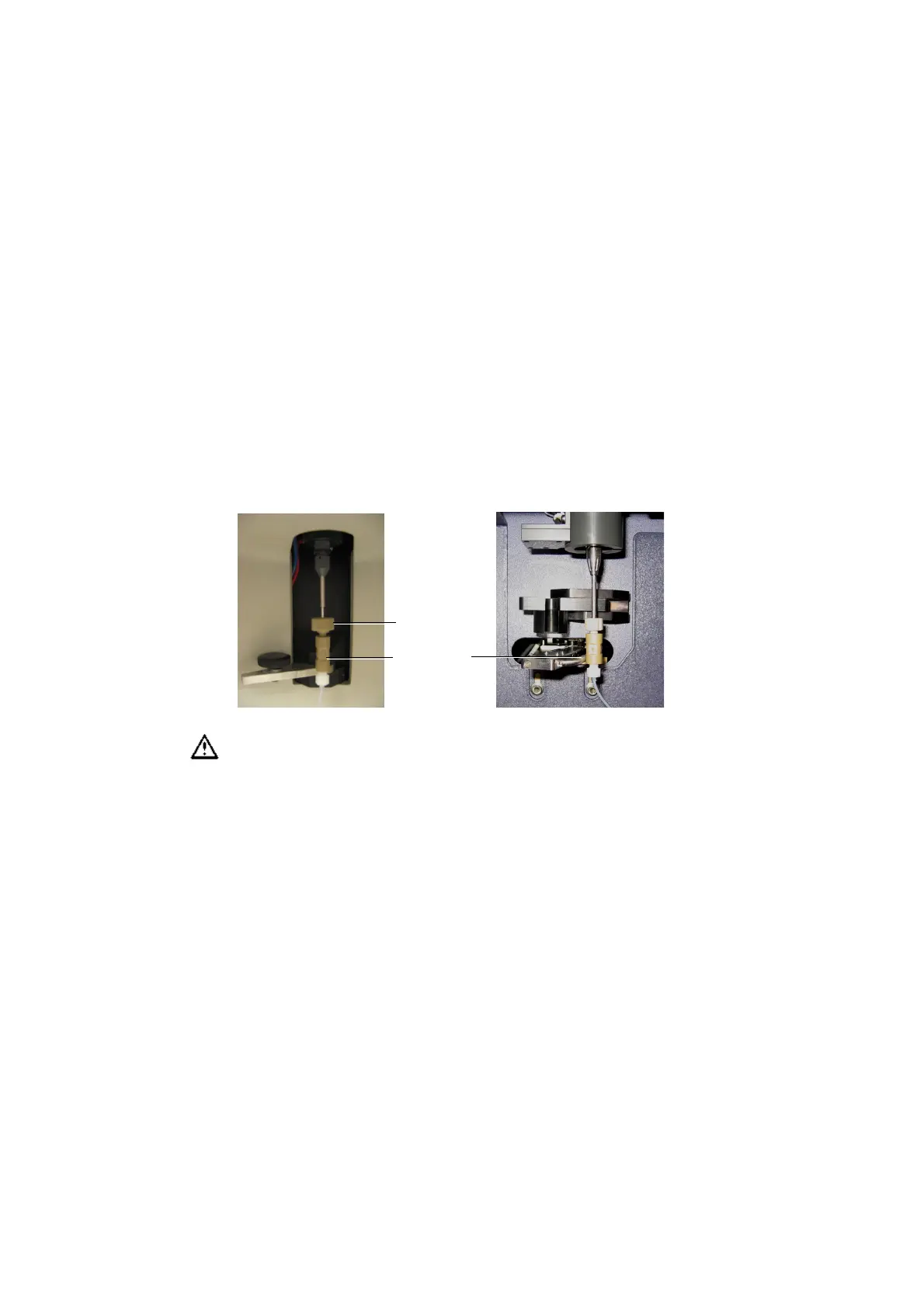
12 Connect the sample coupler to the SIT.
[BD LSR II] With the SIT protector in place, slide the sample coupler onto
the SIT until you reach a hard stop. Make sure the sample coupler tubing is
not kinked or twisted. Hold the coupler with one hand while you tighten
the top nut with the other hand.
13 Tighten the positioning screw under the front of the base plate/enclosure.
Make sure the coupler is securely connected to the SIT.
sample coupler
tightening nut
sample coupler [BD LSR II]
sample coupler [BD FACSCanto and BD FACSCanto II]











 To Next Page